

- Why You Desperately Need a Video Compressor Right Now
- What is Clideo?
- Enter VideoCompress: The Free, No-Limits Powerhouse
- How to Use VideoCompress Like a Pro
- Real-World Scenarios: Which One Should You Choose?
- The Verdict: Why VideoCompress is the Smarter Choice
Clideo Review: Features, Speed and Quality
In an era where TikTok, YouTube Shorts, and Instagram Reels dominate our digital attention, we have officially entered the "Golden Age of Video Content." Statistics show that by 2026, online videos will make up more than 82% of all consumer internet traffic. But here’s the reality check: while our cameras are getting better (hello, 4K and 8K!), our storage space and bandwidth aren't always keeping up. Using a reliable video compressor ensures that all this high-quality content can be shared without running into technical limitations.
We’ve all been there—trying to upload a masterpiece to a platform only to see the dreaded "File too large" error, or waiting three hours to send a clip over email. This is precisely why finding a dependable free online video compressor has shifted from being a "nice-to-have" tool to an absolute survival necessity for anyone living in the digital space.
In this comprehensive guide, we’re going to dive deep into two major players in the market: the well-known Clideo and the rising powerhouse VideoCompress. We’ll break down their features, pricing, and performance to help you decide which video compressor deserves a spot in your creative toolkit.

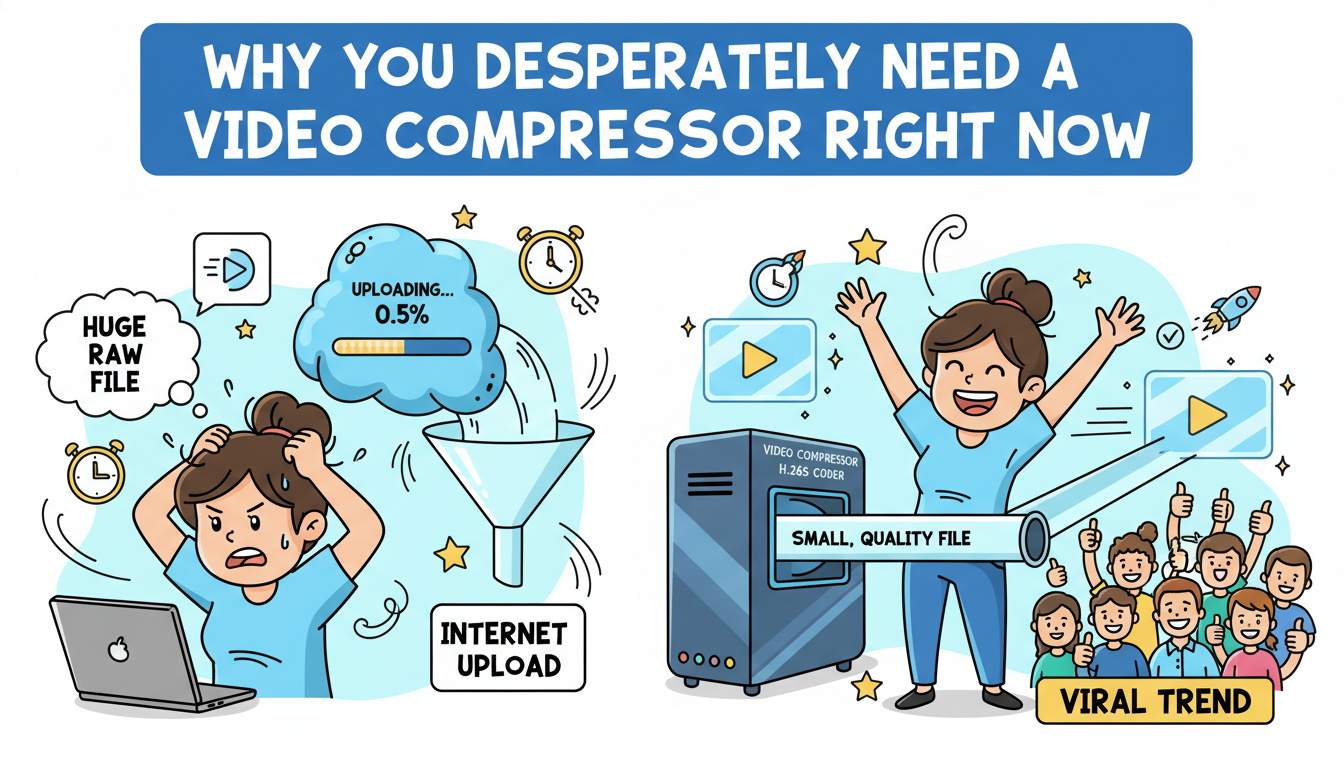
Why You Desperately Need a Video Compressor Right Now
Before we jump into the tools, let's talk about the "why." Why can't we just upload raw files? The digital landscape is becoming increasingly crowded. According to recent data, over 500 hours of video are uploaded to YouTube every single minute. This massive influx of data puts a strain on servers, leading platforms to impose strict file size limits.
Boosting Upload Efficiency and Saving Sanity
Whether you are a professional content creator or a student trying to submit an assignment, time is your most valuable asset. A high-quality video compressor doesn't just make a file smaller; it saves you hours of staring at a progress bar. For marketing professionals, fast turnaround times can be the difference between a viral trend and a missed opportunity. By using a video compressor, you ensure that your content reaches your audience without lag.
Balancing Quality with File Size
The biggest fear when people hear the word "compression" is the loss of quality. Nobody wants a pixelated mess. However, modern technology has evolved. A sophisticated video compressor uses advanced codecs (like H.264 or H.265) to strip away unnecessary data that the human eye can't even perceive, keeping the visual integrity intact while slashing the file size by up to 80% or more. This balance is the "holy grail" of digital media management.
Who is This For?

- Content Creators: YouTubers and TikTokers who need to manage massive amounts of footage.
- E-commerce Owners: To keep website loading speeds fast (essential for SEO!), you must compress video files used in product displays.
- Remote Workers: Sending video updates via Slack, Discord, or Email often requires a dedicated video compressor.
- Social Media Enthusiasts: Sharing high-quality memories without exhausting your mobile data plan.
What is Clideo?

Clideo is often one of the first names that pops up when you search for creative video tools. It’s an all-in-one online video platform that offers everything from merging and resizing to—you guessed it—compression. As a versatile online video compressor, it allows users to reduce file sizes efficiently while maintaining quality. Based in the cloud, it promises users a way to edit their files without downloading heavy software like Premiere Pro or Final Cut.
Clideo supports a wide range of formats, including MP4, WMV, MOV, VOB, and AVI. It’s built on a "simplicity first" philosophy, aiming to make complex video editing tasks accessible to the average person who might not know what a "bitrate" or "frame rate" even is.
Clideo’s Core Strengths and Features
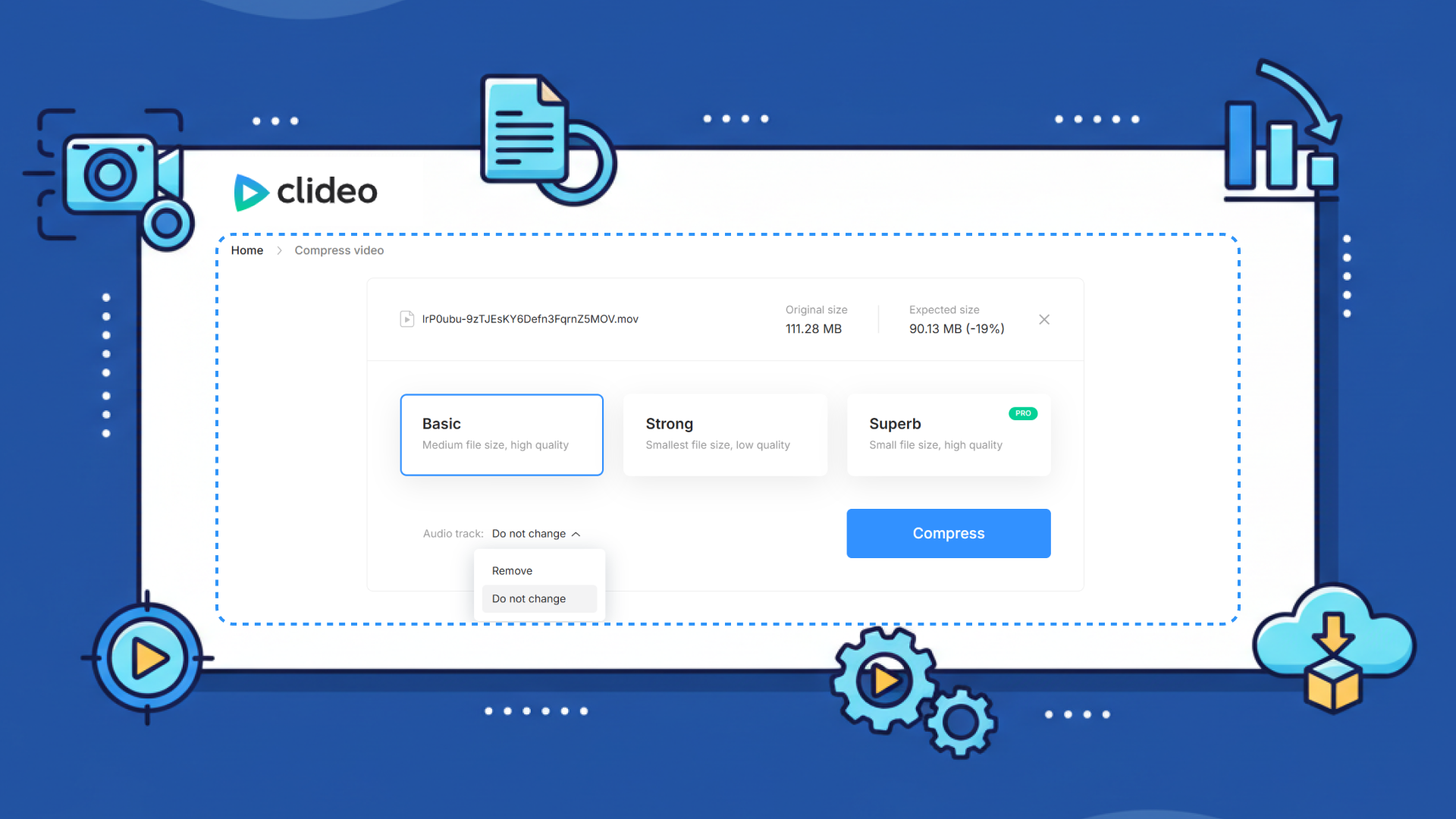
1. Interface and Ease of Use
Clideo’s interface is undeniably sleek. It uses a clean, white-themed layout that feels modern and professional. The process is straightforward: you upload a file, the tool processes it, and you download the result. For a beginner, this "black box" approach is great because you don't have to fiddle with complicated settings to get a video compressor to work.
2. Versatility Beyond Compression
One of Clideo's selling points is that it’s not just a video compressor. It’s part of a suite. If you need to compress a video and then immediately add subtitles or crop it for Instagram, Clideo allows you to move between these tools relatively seamlessly (though often as separate steps).
3. Output Quality and Compatibility
Clideo generally does a good job of maintaining a decent level of quality. It provides a few compression "levels," allowing users to choose between faster processing or better quality. As a browser-based Clideo video compressor, it works entirely online, meaning it’s compatible with Mac, Windows, iOS, and Android, as long as you have a stable internet connection.
The Practical Reality of Using Clideo

While Clideo is powerful, it comes with some "fine print" that often frustrates power users. The most significant hurdle is the 500MB file limit for free users. In today's world of high-def smartphone recording, a 500MB file is barely a few minutes of 4K footage.
Furthermore, if you are using the free version, Clideo adds a prominent watermark to your video. For professional creators or businesses, this is usually a deal-breaker. To remove the watermark and unlock larger file sizes, you have to subscribe to their premium plans, which can feel a bit pricey if you only need a simple video compressor.
Enter VideoCompress: The Free, No-Limits Powerhouse
If Clideo is the veteran with a lot of rules, VideoCompress is the disruptive new player that’s focused on giving users exactly what they want: power, speed, and total freedom. This specialized online video compressor is designed to compress video files with surgical precision—completely free of charge.
When we look at the current economic climate, "Free" is a powerful word, but "Free with No Watermark" is a game-changer. It has positioned itself as the go-to video file compressor for users who are tired of hidden fees and restrictive limits.
The Core Advantages of VideoCompress
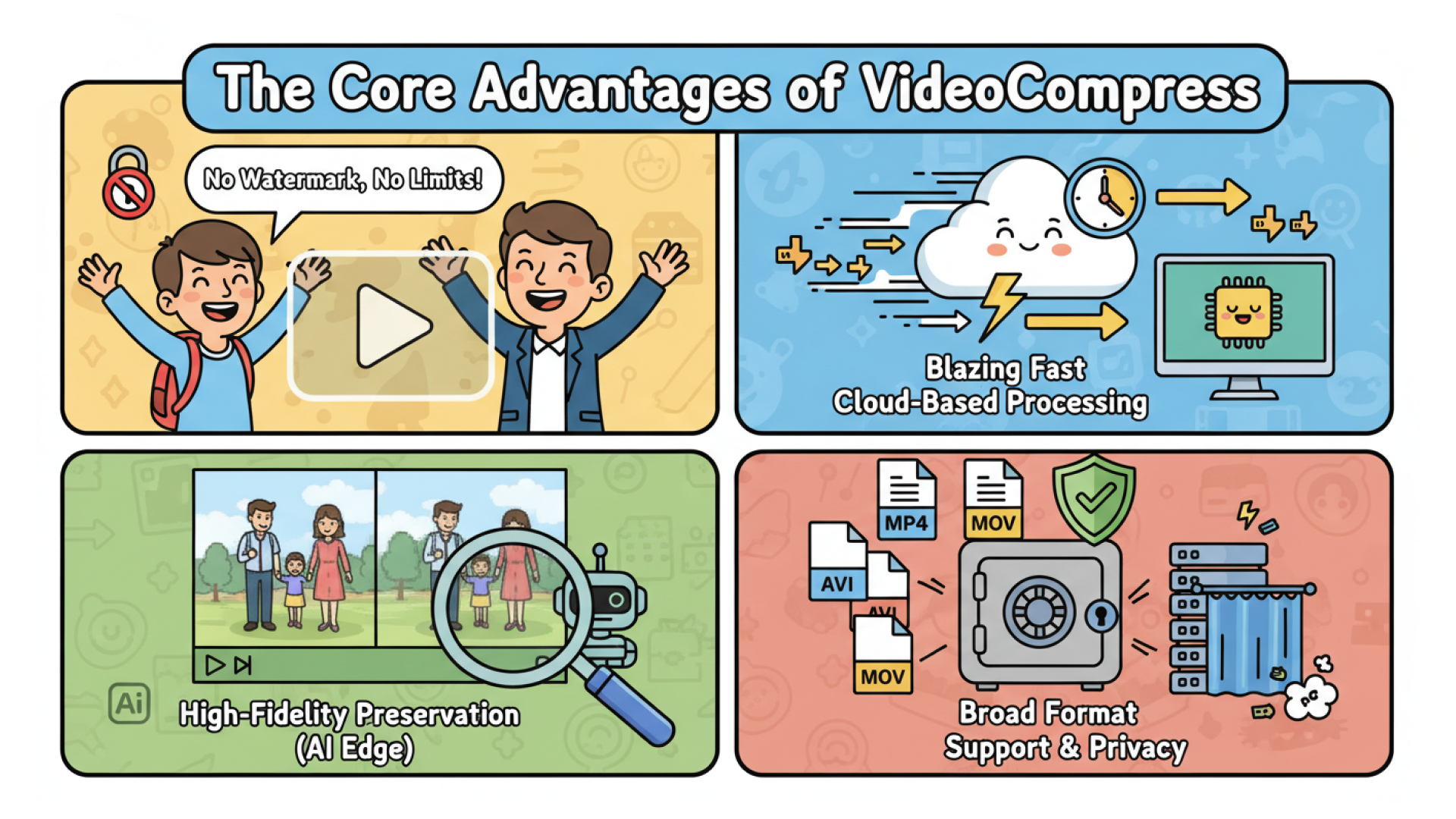
1. No Watermark, No Limits, No Catch
The standout feature of VideoCompress is its commitment to the user experience. Unlike most competitors that hold your video hostage behind a watermark, VideoCompress allows you to process your files and keep them pristine. There are no usage limits—you can compress one video or a hundred. This makes it an essential free online video compressor for students and small business owners operating on a tight budget.
2. Blazing Fast Cloud-Based Processing
Speed is a major factor in our fast-paced world. VideoCompress utilizes high-performance cloud servers to handle the heavy lifting. Instead of taxing your computer's CPU and slowing down your system, this video compressor handles the math in the cloud. Even for larger files in MOV or AVI formats, the processing time is remarkably short.
3. High-Fidelity Preservation (The AI Edge)
The "AI" in the domain isn't just for show. VideoCompress employs smart algorithms to analyze your footage. It identifies areas of the frame where data can be reduced without affecting the perceived sharpness. Whether you're using it as a professional video compressor for a marketing campaign or just for a family vlog, the output remains crisp and vibrant.
4. Broad Format Support and Privacy
Whether it’s an MP4 from your phone, an AVI from a security camera, or a MOV from a professional DSLR, this video compressor handles them all. Moreover, in an age where data privacy is a top concern (with recent news often highlighting data leaks), VideoCompress ensures your files are handled securely and deleted from their servers shortly after processing.
How to Use VideoCompress Like a Pro
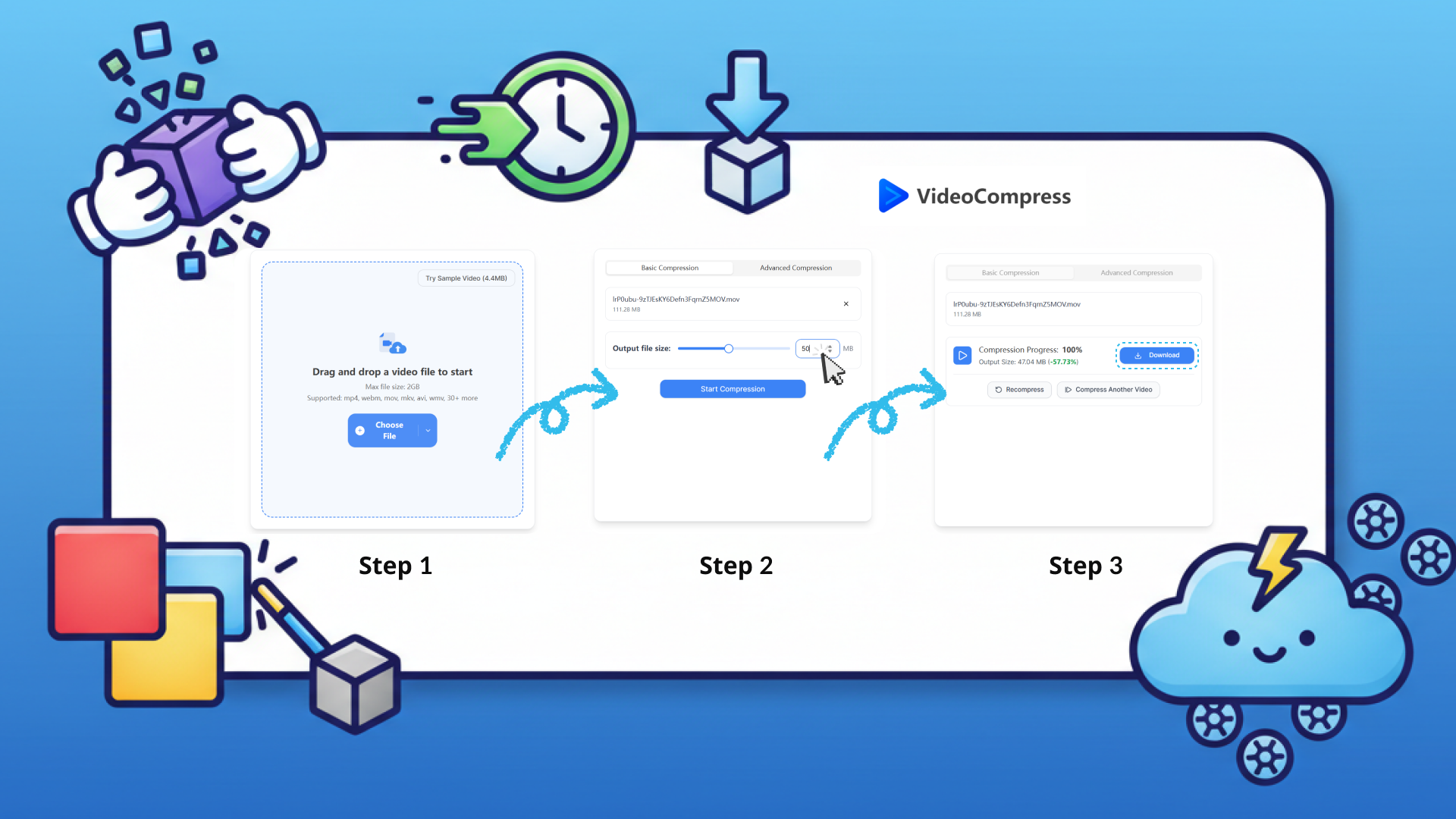
One of the reasons people love VideoCompress is the lack of a learning curve. You don't need to be a tech wizard to master this video compressor. Here is how you can do it in three simple steps:
- Upload Your File: You can click the upload button or simply drag and drop your video file into the browser window.
- Select Your Compression Level: The tool will offer you options to balance size and quality. For most social media platforms, the standard settings work perfectly. As a high-performance video compressor, it will automatically suggest the best parameters for your specific file type.
- Download and Share: Once the processing is complete (usually within seconds), you’ll see the "before and after" file sizes. Hit the download button, and you’re ready to upload your watermark-free video anywhere!
Pro Tips for Optimal Compression
- Check your Source: To get the most out of a video file compressor, ensure your original file isn't already corrupted.
- Bitrate Matters: If you are compressing for a website background, you can go more aggressive on the compression. If it's for a YouTube tutorial, keep the quality settings high.
- Format Choice: When you compress video files, converting them to MP4 (H.264) is generally the best move for universal compatibility across all devices and browsers.
Deep Dive Comparison: Clideo vs. VideoCompress
Let's get down to the brass tacks. How do these two actually compare when put head-to-head as your go-to video compressor?
| Feature | Clideo(Free) | Clideo(Premium) | VideoCompress(Free) |
|---|---|---|---|
| No Watermark | ❌ | ✔️ | ✔️ |
| No Usage Limits | 500MB | ✔️ | ✔️ |
| Speed | Moderate | High-Speed | High-Speed |
| Output Quality | Good | High | High |
| Pricing | Free (Limited) | $9/months | 100% Free |
The User Experience Factor
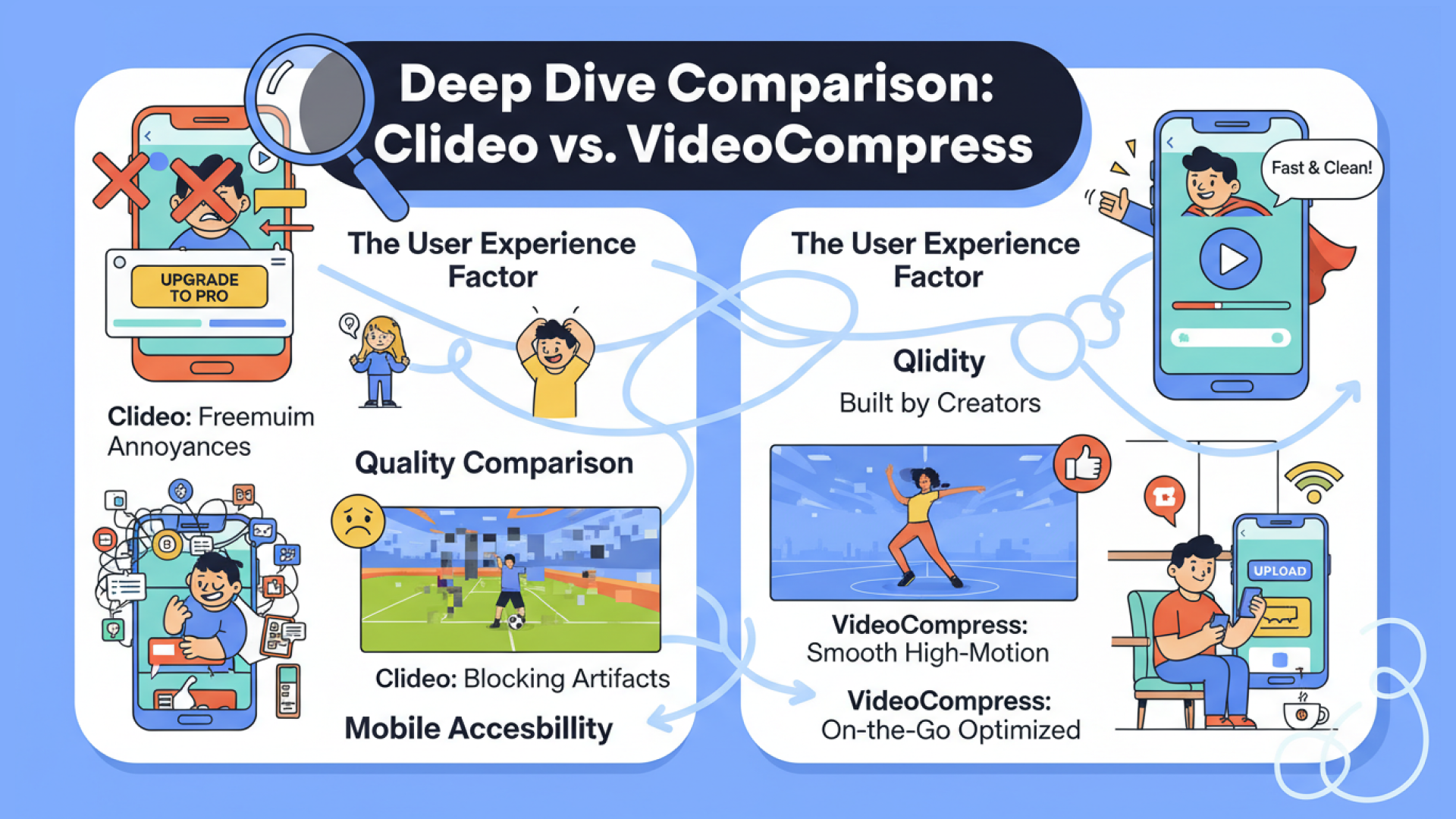
If you use Clideo, you’ll find yourself constantly being nudged toward a "Pro" plan. It’s a classic "freemium" model. While there’s nothing wrong with that, it can be an annoyance when you’re in a rush and just need a clean tool. On the other hand, VideoCompress feels like a tool built by creators, for creators. The focus is entirely on the task at hand: providing a reliable video compressor experience without the fluff, pop-ups, or hidden paywalls.
Quality Comparison
In our testing, both tools perform well in terms of visual output. However, when evaluating an online video compressor for high-quality professional work, VideoCompress seems to have a slight edge when dealing with high-motion clips (like sports or dancing). The algorithms in the VideoCompress engine do a better job of preventing "blocking" artifacts in those high-action scenes, ensuring your content looks professional every time.
Mobile Accessibility
Since both are web-based, they both work on mobile browsers. However, Clideo’s mobile site can sometimes feel cluttered due to the vast number of tools it offers. VideoCompress is highly optimized for mobile, making it the perfect video compressor to use while you’re on the go—say, sitting in a coffee shop trying to upload a high-quality video to your Instagram Story.
Real-World Scenarios: Which One Should You Choose?
The Freelance Social Media Manager
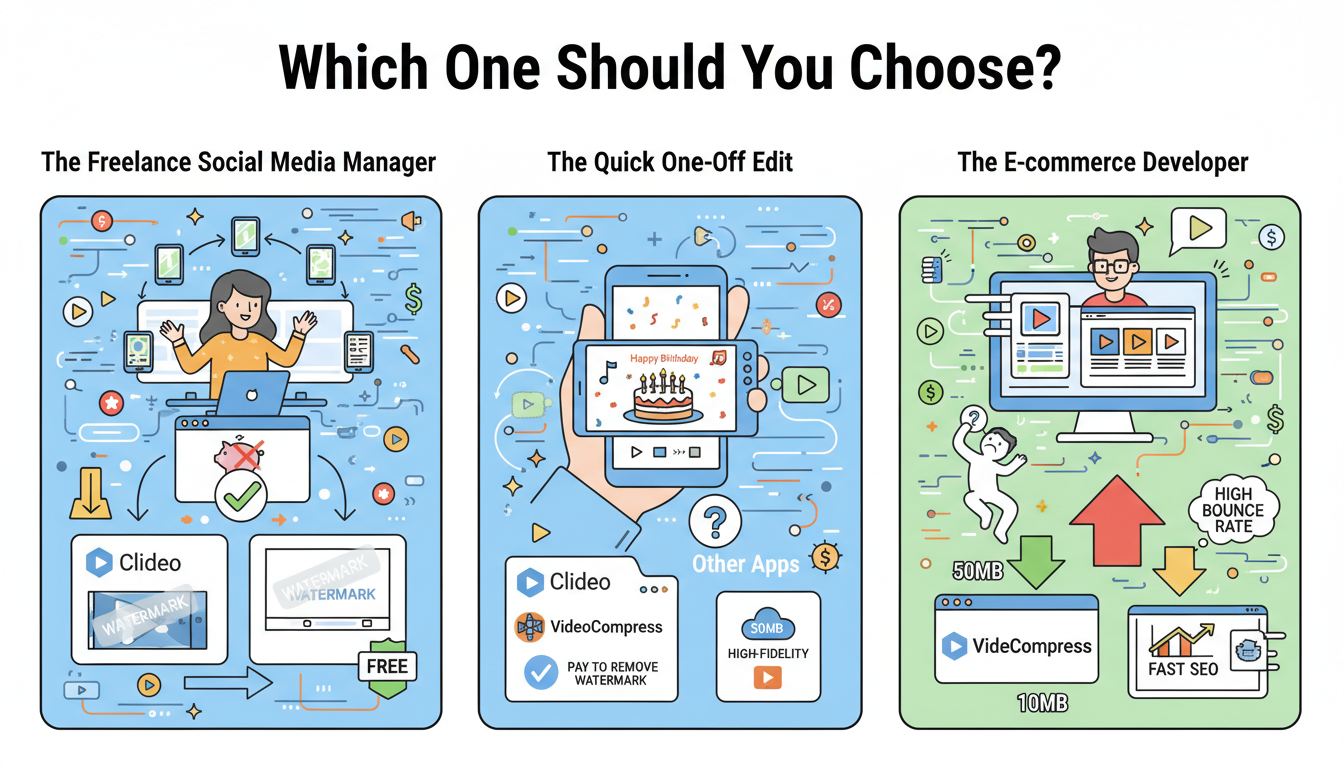
Imagine you’re managing five different client accounts. You have 20 videos to upload today across TikTok and LinkedIn. If you use Clideo, you’ll either be paying a monthly fee or dealing with watermarks that look unprofessional. In this case, VideoCompress is the clear winner. You can compress video after video using this streamlined video compressor without hitting a paywall, keeping your workflow fast and your expenses at zero.
The Quick One-Off Edit
If you need not only to compress but also add a "Happy Birthday" text overlay and some music, Clideo’s multi-tool suite might save you from jumping between different websites. But be prepared to pay if you want that watermark gone!
The E-commerce Developer
Website speed is a ranking factor for Google. If you have product videos on your landing page that are 50MB each, your bounce rate will skyrocket. You need a dedicated video compressor that can shrink those files to under 10MB while keeping the products looking sharp. VideoCompress is ideal here because of its high-fidelity cloud processing, ensuring your site stays fast and your SEO remains strong.
The Verdict: Why VideoCompress is the Smarter Choice
We’ve looked at the features, we’ve weighed the pros and cons, and we’ve analyzed the costs. While Clideo is a respectable name in the industry, it often feels like it’s designed to funnel you into a subscription.
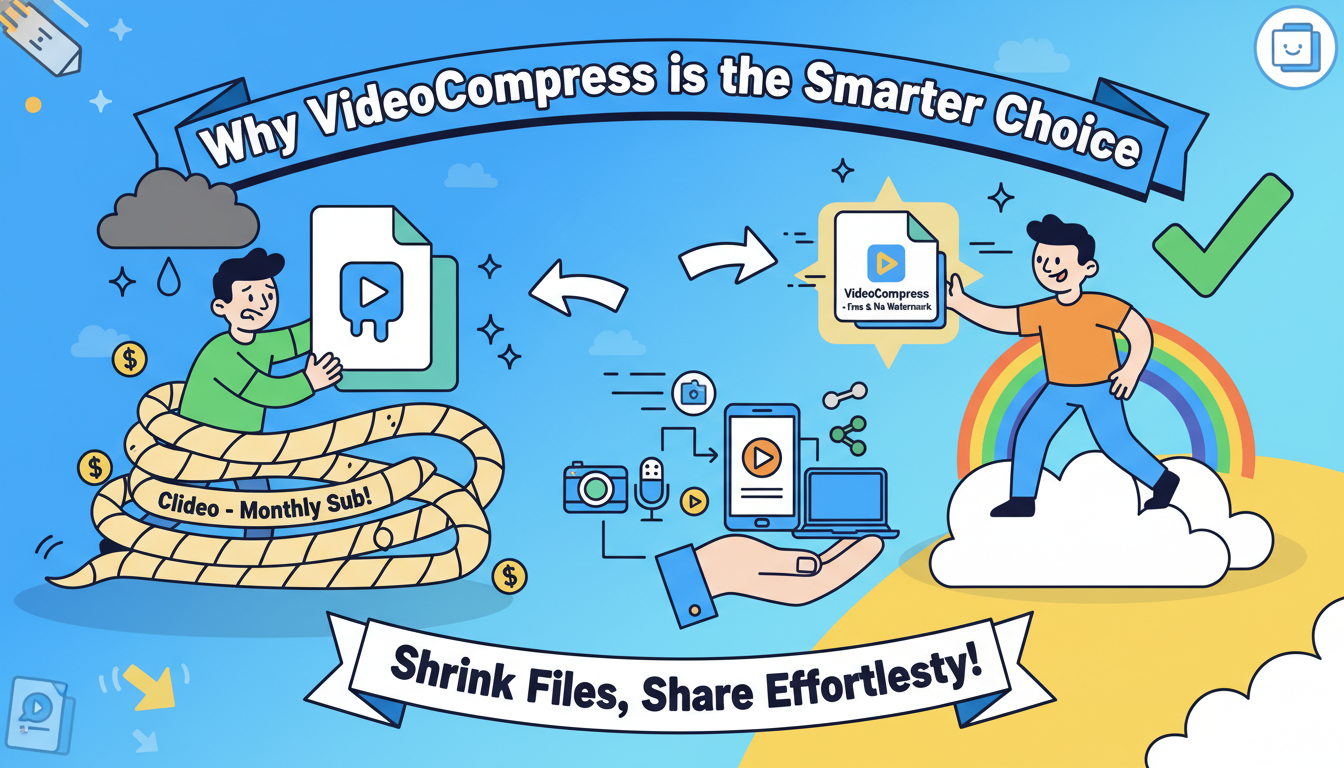
VideoCompress offers a breath of fresh air. It is a powerful, specialized video compressor that respects the user’s time and wallet. In an economy where everything is turning into a "monthly sub," having a high-quality video file compressor that remains free and watermark-free is a massive win for the community.
Final Summary of Recommendations:
- Choose Clideo if: You need an all-in-one editor and don't mind paying for a subscription to remove watermarks.
- Choose VideoCompress if: You want the best video compressor that is fast, free, and leaves your quality untouched without any annoying watermarks.
In the world of online content, don't let large file sizes hold you back. Whether you’re a pro or a hobbyist, utilizing a tool like VideoCompress allows you to share your story with the world—minus the wait and minus the weight. As a reliable video compressor, it makes shrinking files effortless while maintaining quality.
Ready to shrink your files without losing your mind? Head over to VideoCompress and see how easy it is to compress video today. Your storage space (and your audience) will thank you!