

- Introduction
- Why Video to Text AI Is Becoming Essential
- How Video to Text AI Works
- Quick Comparison Table
- Best Video to Text AI Tools in 2026
- Choosing the Right AI Transcription Tool for Your Workflow
- Tips to Get Better Results with Video to Text AI
- Frequently Asked Questions
- Conclusion
6 Best AI Transcription Tools for Video to Text in 2026
Introduction
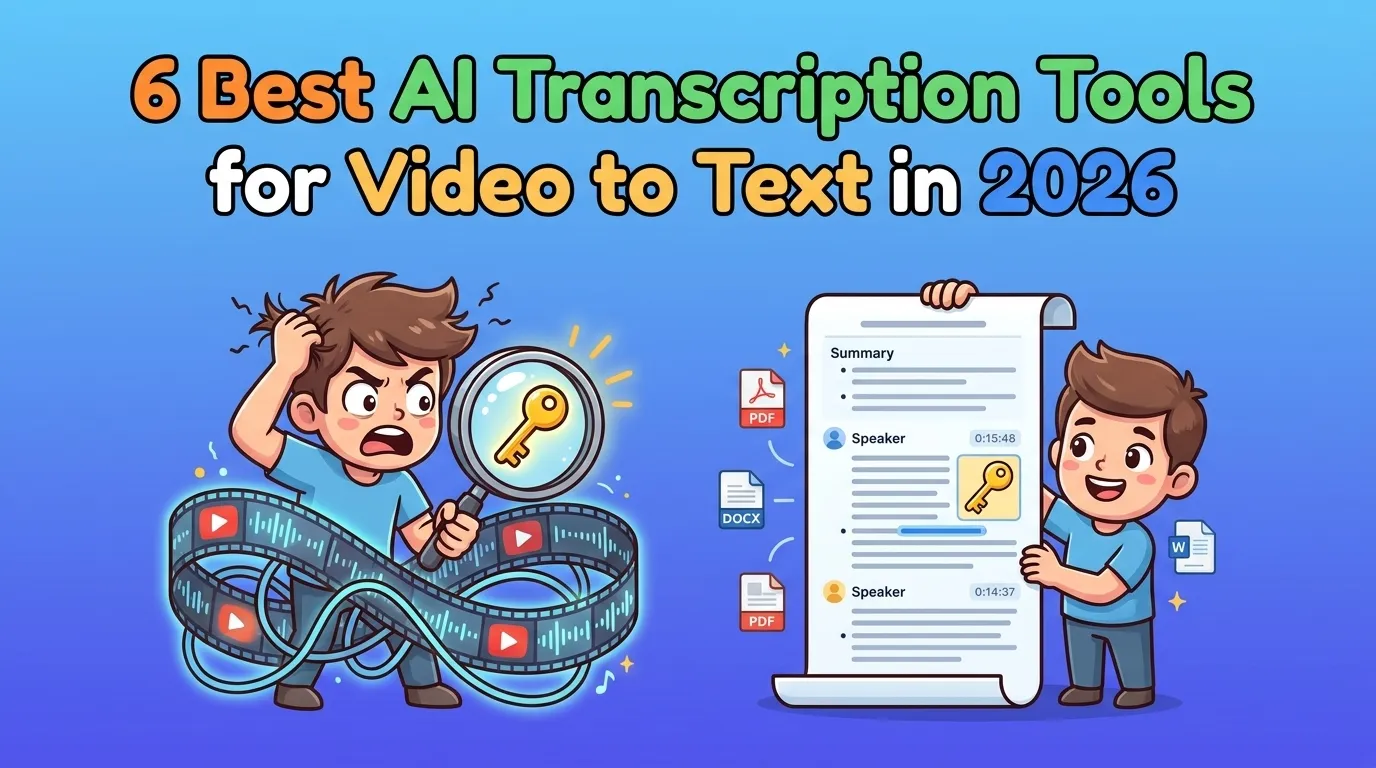
A long video can be valuable, but it can also be frustrating to work through. You may only need one quote, one answer, one decision, or one action item, but still end up dragging the timeline back and forth like you are searching for a lost key.
That is why video to text tools are becoming so useful in 2026. They turn spoken content into searchable text, then often add AI summaries, speaker labels, timestamps, subtitles, and export options. Instead of forcing you to replay a video from start to finish, they help you turn it into something you can scan, edit, share, and reuse.
This guide compares six of the best AI transcription tools. The goal is not to name one universal winner. It is to help you find the right option based on what you want your video to become after transcription.
Why Video to Text AI Is Becoming Essential
The value of video to text is simple: text is easier to search, quote, summarize, and repurpose than a video timeline.
That matters across real workflows. Students use transcripts to review lectures faster. Creators turn interviews and tutorials into captions, scripts, and social posts. Teams use meeting transcripts to capture decisions and follow-up tasks. Marketers turn webinars, demos, and podcasts into blog outlines, newsletters, and reusable campaign material.
AI has also changed what people expect from video transcription.
A raw transcript is no longer enough. Users increasingly want readable formatting, speaker identification, timestamped sections, AI summaries, and export formats that match their next step.
In other words, video to text is not just about converting speech into written words. It is becoming a way to turn long-form media into structured, searchable knowledge.
How Video to Text AI Works
At a basic level, video to text AI extracts speech from a video and converts it into written language. Most modern tools then add extra layers such as speaker labels, timestamps, summaries, subtitle files, or collaboration features.
The usual workflow is simple:
- Upload a video file or paste a video URL.
- Let the AI engine process the audio.
- Generate a transcript from the spoken content.
- Review speaker labels, timestamps, and summary sections.
- Export the result as text, subtitles, notes, or another format.
That process sounds straightforward, but the difference between tools appears after the transcript is ready. Some tools focus on fast online conversion. Others focus on editing, subtitles, meetings, learning summaries, translation, or content repurposing.
That is why a tool that works well for one workflow may feel wrong for another. The right choice depends on the output you actually need.
Quick Comparison Table
After transcription, each tool pushes users toward a different kind of output. Some tools help you edit, some help you study, some help you publish, and some help you manage professional transcripts.
| Tool | Languages Supported | Free Plan? | Best For | Workflow Type |
|---|---|---|---|---|
| VideoCompress | 90+ | Completely Free | Students, creators, teams | Online lightweight converter |
| Descript | 30+ | Yes (1 hr/mo) | Creators, podcasters | Transcript + edited media |
| Kapwing | 100+ | Yes, with limits | Creators, marketers | Content repurposing |
| NoteGPT | 90+ | Yes, with limits | Learners, educators | Learning summary |
| Otter.ai | 6 | Yes (300 min/mo) | Real-time meetings | Meeting notes + action items |
| Sonix | 50+ | Yes, 30 min free trial | Professional transcription | Transcript + subtitles |
Best Video to Text AI Tools in 2026
1. VideoCompress — Best for Fast Online Video to Text With AI Summaries
Overview
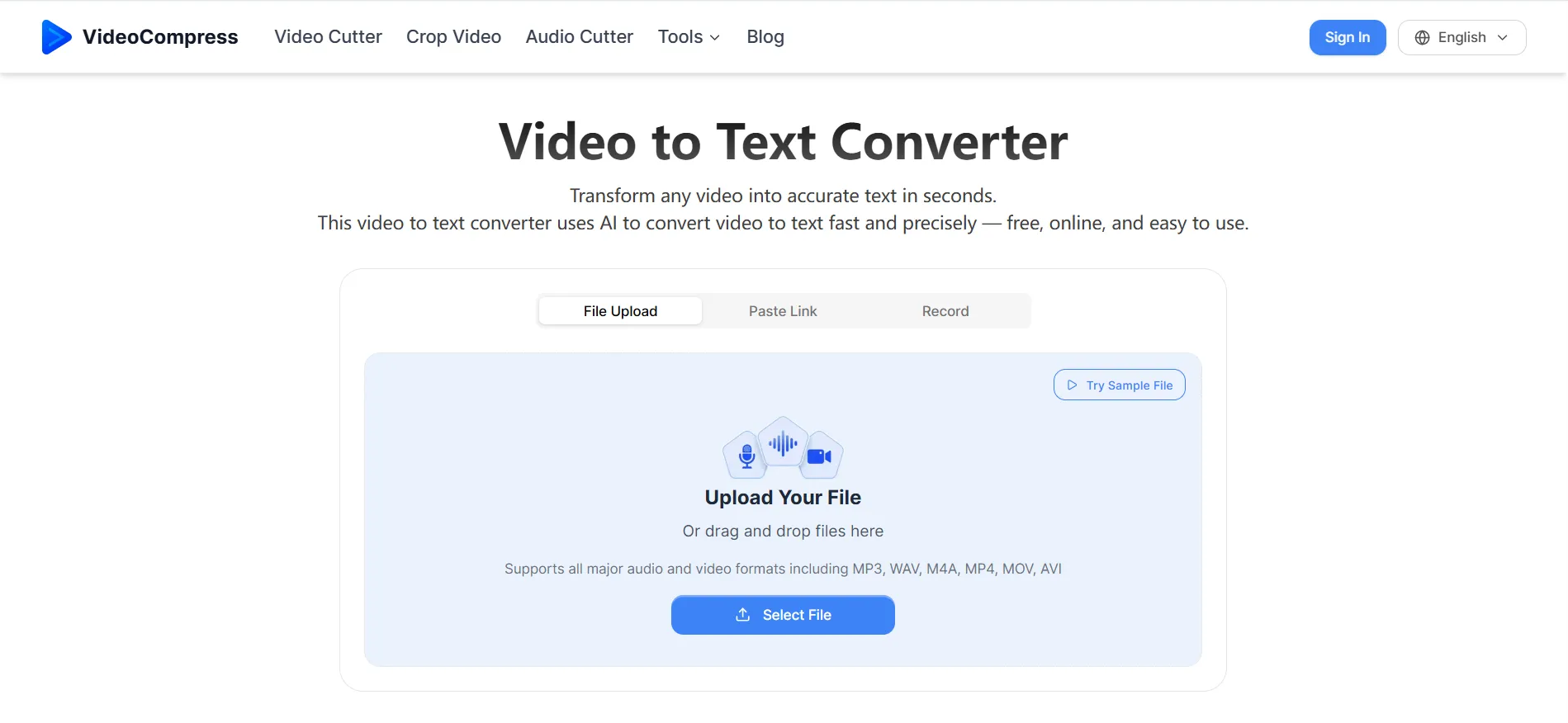
VideoCompress is a browser-based online video to text converter built for users who want a simple way to turn videos into readable, exportable text.
Upload a video file or paste a URL, and the tool generates an AI transcript with timestamps, speaker identification, and content summaries.
It feels more like a focused online converter than a full editing suite, which is useful if you want the transcript quickly. For creators, students, teams, and educators, it works well when the final goal is a document, subtitle file, meeting record, or knowledge note.
Key Features
- Convert video to text from uploaded files or YouTube video URLs
- Generate AI transcripts with speaker identification and timestamps
- Create AI content summaries from long videos
- Export transcripts as TXT, DOCX, PDF, SRT, and VTT
- Completely free to use
Pros
- Simple browser-based workflow for fast transcription
- AI summaries make long videos easier to scan
- Strong export options for documents and subtitles
Cons
- Not designed for full video editing
- Less suitable for advanced production workflows
- Accuracy still depends on source audio quality
Best For
Creators, students, educators, teams, and professionals who need transcripts, subtitles, summaries, meeting records, or reusable notes from video content.
2. Descript — Best for Editing Video by Editing Text
Overview
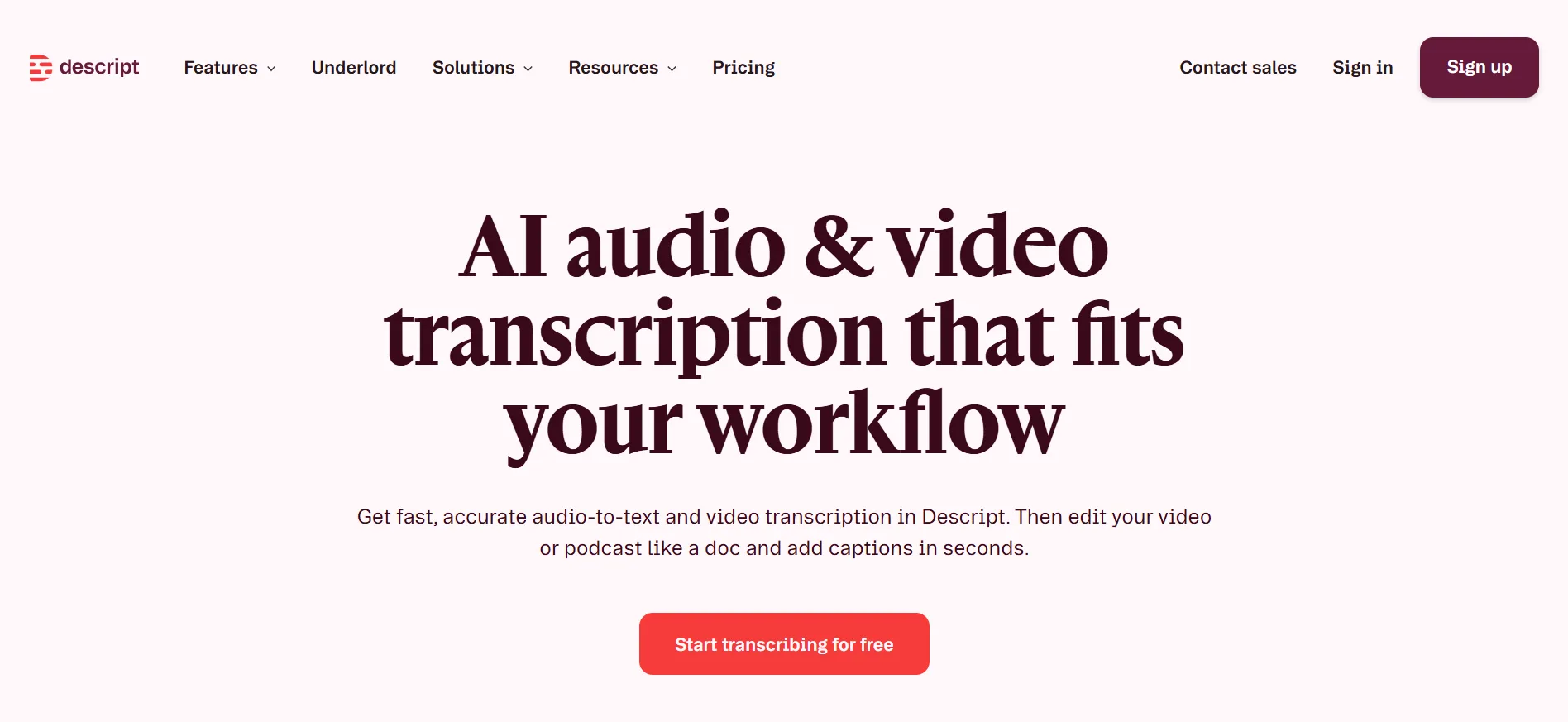
Descript is not just a transcription tool. Its biggest idea is that once your video or audio is transcribed, you can edit the media by editing the transcript.
That makes it especially useful for podcasts, interviews, talking-head videos, and YouTube content. If you delete a sentence from the transcript, you can remove that part from the media, which makes editing feel much closer to editing a document.
Key Features
- Automatic audio and video transcription
- Text-based video and audio editing
- Caption and subtitle support
- Creator tools for podcasts, clips, and polished videos
Pros
- Makes media editing easier for creators
- Strong for podcasts, interviews, and dialogue-heavy videos
- Useful when transcription and editing happen in the same workflow
Cons
- More complex than a simple video to text converter
- May feel unnecessary for users who only need a transcript
- Better suited for creators than casual transcription users
Best For
Podcasters, YouTubers, course creators, interview creators, and video editors who want to use the transcript as part of the editing process.
3. Kapwing — Best for Turning Video Transcripts Into Captions and Social Content
Overview
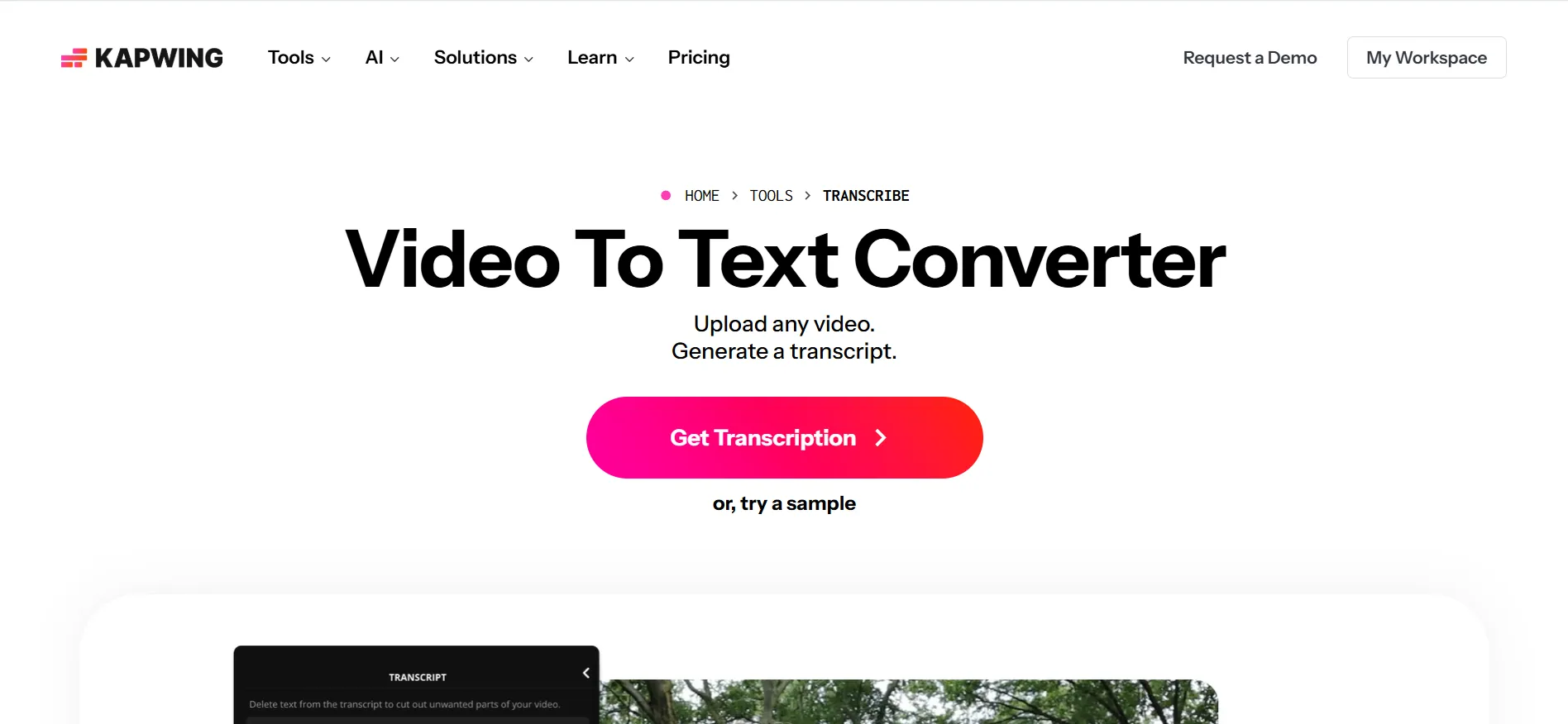
Kapwing is strongest when transcription is part of a larger content repurposing workflow. It helps users turn videos into captions, clips, social posts, and short-form content.
For marketers and creators, this is where Kapwing becomes useful. A long webinar can become several captioned clips, a product demo can become social content, and an interview can become multiple assets for different platforms.
Key Features
- Automatic subtitles and captions
- Editable transcript workflow
- Video resizing and short-form clip creation
- Social media content tools for repurposing videos
Pros
- Strong for content repurposing
- Good for captions, clips, and social video workflows
- Helpful when one video needs to become many content pieces
Cons
- Not the lightest tool for transcript-only use
- More focused on content production than simple transcription
- Some users may not need its broader editing features
Best For
Marketers, agencies, creators, and social media teams that want to turn transcripts into captions, clips, and reusable content assets.
4. NoteGPT — Best for Summarizing YouTube Videos, Lectures, and Learning Content
Overview
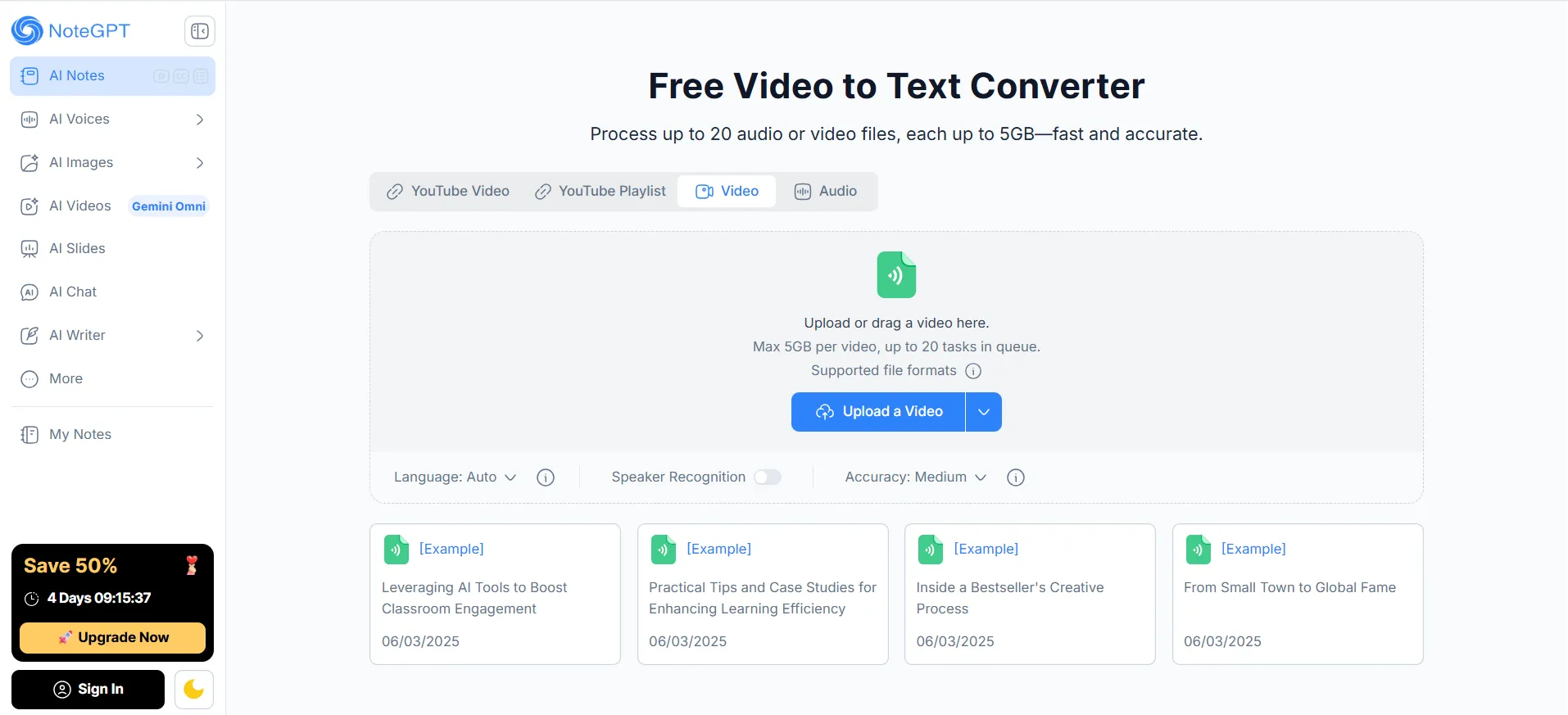
NoteGPT is more learning-focused than creator-focused. It is useful when you want to understand a video faster instead of turning it into polished media.
It works well for YouTube tutorials, online courses, lectures, training videos, and other educational content. The main value is not just the transcript, but the summary, notes, and review-friendly structure that come with it.
Key Features
- YouTube transcript workflow
- AI video summaries
- Study notes from long videos
- Learning-focused breakdown for lectures, tutorials, and courses
Pros
- Strong for students and online learners
- Makes long educational videos easier to scan
- Good for summaries, notes, and review
Cons
- Less suitable for full video editing
- Not the strongest choice for subtitle-heavy projects
- Less focused on business meeting workflows
Best For
Students, educators, researchers, and self-learners who use video to text tools to review lectures, tutorials, courses, and long educational videos.
5. Otter.ai — Best for Meeting Transcripts, Summaries, and Action Items
Overview
Otter.ai is designed for meetings and business conversations. Instead of focusing on general video file conversion, it focuses on capturing what happens in live or recorded meetings.
Upload or record a conversation, and Otter.ai can help create transcripts, speaker labels, summaries, and follow-up items. This makes it useful for teams that need records of decisions, client discussions, sales calls, and project updates.
Key Features
- Real-time meeting transcription
- Speaker identification
- AI meeting summaries
- Action items and searchable meeting records
Pros
- Strong for meetings and business conversations
- Helps capture decisions and next steps
- Reduces manual note-taking during calls
Cons
- Not ideal for subtitle production
- Less suitable for creator editing workflows
- Meeting recording requires attention to consent and privacy
Best For
Managers, sales teams, consultants, remote teams, and professionals who need meeting notes, summaries, and action items.
6. Sonix — Best for Professional Transcription, Subtitles, and Translation
Overview
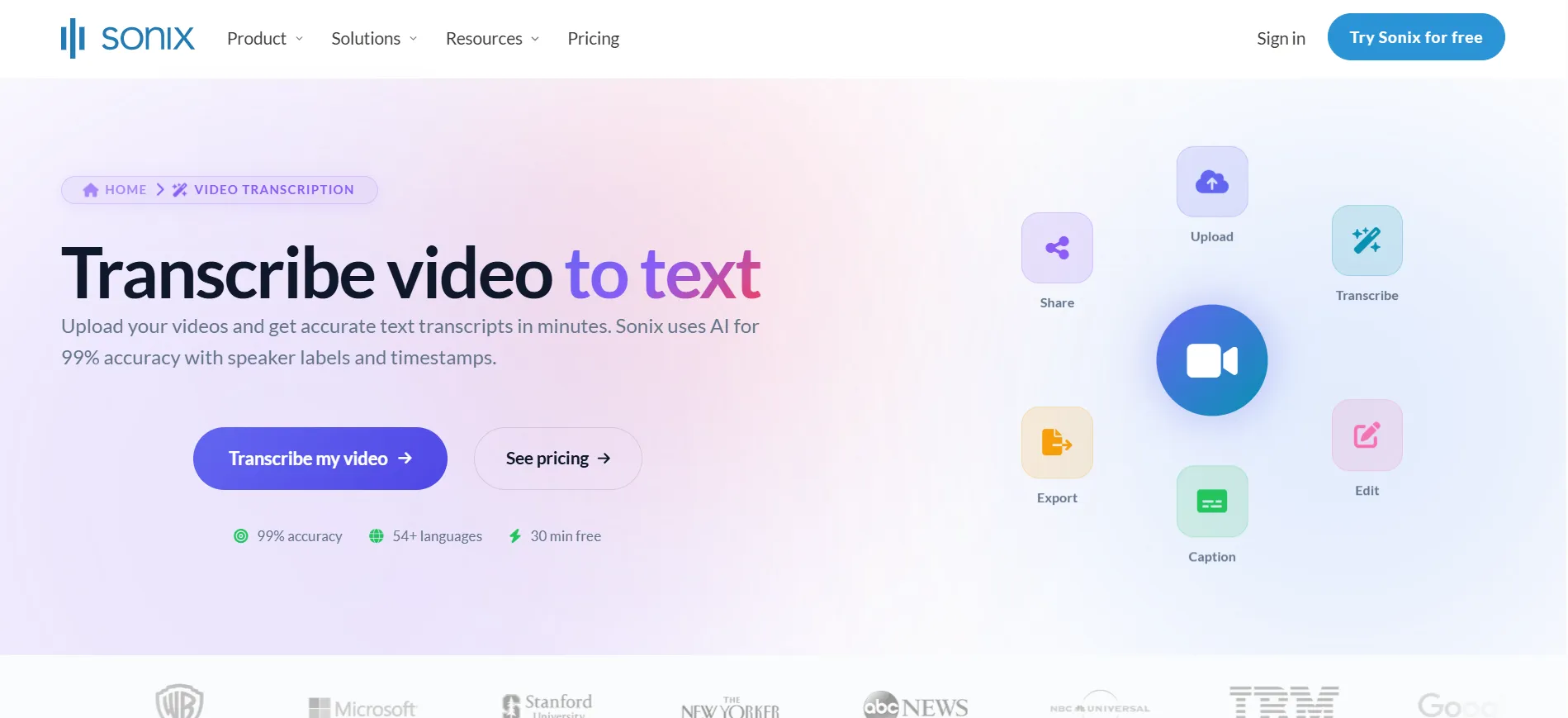
Sonix is a more professional transcription platform for users who care about accuracy, subtitles, translation, and transcript management. It feels more structured than lightweight video to text tools.
It is useful for teams that regularly handle interviews, recordings, multilingual content, subtitles, or large media libraries. The workflow is better suited for users who need to review, edit, translate, archive, and export transcripts carefully.
Key Features
- Audio and video transcription
- Transcript editor
- Subtitle creation and export
- Translation and multi-language workflows
Pros
- Strong for professional transcription workflows
- Good for subtitles and translation
- Useful for media, research, legal, and enterprise teams
Cons
- May feel too advanced for casual users
- Less lightweight than a quick online converter
- Not focused on creative video editing
Best For
Legal teams, researchers, media teams, education teams, and enterprise users who need professional video transcription, subtitles, translation, and structured transcript management.
Choosing the Right AI Transcription Tool for Your Workflow
The best way to choose is not by counting features. Start with the next step after transcription.
If You Need Fast Online Conversion
Choose a lightweight browser-based tool if you mainly want to upload a file or paste a URL, get a transcript, generate a summary, and export the result. VideoCompress is the most natural fit here because it focuses on video to text, AI summaries, timestamps, speaker labels, and flexible downloads.
If You Need to Edit the Video
Choose Descript if the transcript is part of your editing process. It is better for podcasts, interviews, YouTube videos, and talking-head content where you want to cut or reshape the media after transcription.
If You Need to Repurpose Content
Choose Kapwing if your goal is to turn one video into several assets. It is stronger when the transcript becomes captions, clips, social posts, or marketing material.
If You Need Learning Notes
Choose NoteGPT if you are working with YouTube tutorials, lectures, courses, or training videos. It is useful when the final output should be a summary, study note, or learning guide.
If You Need Meeting Records
Choose Otter.ai if your content comes from live or recorded meetings. It is built for meeting notes, summaries, speaker tracking, and action items.
If You Need Professional Transcription
Choose Sonix if you need professional video transcription, subtitle workflows, translation, and structured transcript management. It is a strong option for teams that work with large or sensitive media libraries.
Tips to Get Better Results with Video to Text AI
A good tool helps, but the source video still matters. These small habits can improve the final transcript.
Start With Clear Audio
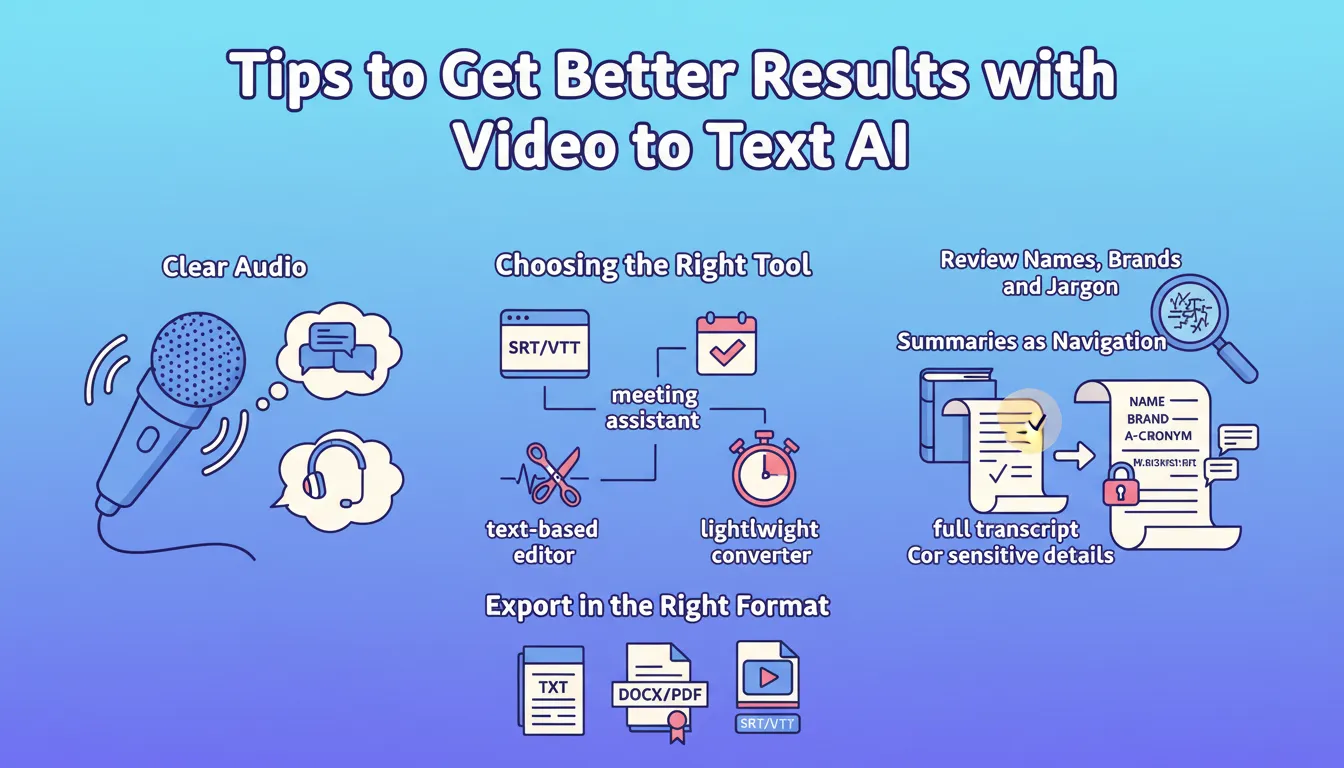
AI transcription works best when the audio is clean. Reduce background noise, avoid overlapping speakers, and use a decent microphone whenever possible.
Choose the Tool for the Next Step
If you need subtitles, choose a tool with SRT or VTT export. If you need meeting decisions, choose a meeting assistant. If you need edited media, choose a text-based editor. If you need fast video to text output, choose a lightweight converter.
Review Names, Brands, and Jargon
AI often struggles with names, company terms, acronyms, and technical vocabulary. Fix those before exporting the final transcript.
Use Summaries as Navigation
AI summaries are great for finding important sections quickly. But for sensitive details, quotes, legal points, or financial decisions, always check the full transcript.
Export in the Right Format
TXT is good for quick editing. DOCX and PDF are better for sharing and archiving. SRT and VTT are the right choice for subtitles.
Frequently Asked Questions
What Is the Best Video to Text AI Tool in 2026?
There is no single answer for everyone. VideoCompress is strong for fast online transcription, AI summaries, timestamps, and exports. Descript is better for editing. Kapwing is better for content repurposing. NoteGPT is better for learning. Otter.ai is better for meetings. Sonix is better for professional transcription and subtitles.
How accurate are AI video transcription tools?
AI video transcription tools work best with clear audio, minimal background noise, and speakers who do not talk over each other. Accuracy may drop with strong accents, poor microphones, technical terms, or multiple speakers, so it is still important to review names, numbers, and key quotes before exporting.
Can Video to Text Tools Create Subtitles?
Yes. Tools that export SRT or VTT files are especially useful for subtitle workflows. VideoCompress, Kapwing, and Sonix are good examples to compare for this use case.
What Should I Look for in the Best Video Transcriber?
Look for accuracy, readable formatting, speaker identification, timestamps, AI summaries, export formats, and workflow fit. The best video transcriber is the one that gives you an output you can use immediately.
Conclusion
AI transcription tools in 2026 are no longer just about turning speech into text. They help turn long videos into searchable transcripts, summaries, subtitles, meeting records, study notes, and content assets.
For a fast online video to text workflow with AI summaries, speaker identification, timestamps, and flexible exports, VideoCompress is a practical place to start. If you need editing, choose Descript. If you need content repurposing, choose Kapwing. If you need learning notes, choose NoteGPT. If you need meeting recaps, choose Otter.ai. If you need professional subtitles or translation, choose Sonix.
The best tool is the one that turns your video into something you can use right away.