


Online Video Cropper

Crop your video online in seconds. Choose preset sizes or drag to select a custom frame, then download instantly.

upload-video
Drag and drop a video file to start

Max file size: 5GB

Supported: mp4, webm, mov, mkv, avi, wmv, 30+ more

How to crop video with VideoCompress

Step 1

Click or drag your video to upload from your device. Files up to 5GB are supported, and all major formats, including MP4, MOV, AVI, and more, can be cropped online instantly.

Upload Your Video

Step 2

Use the video cropper to adjust the frame. Choose preset aspect ratios like 1:1, 16:9, or 9:16, or manually drag to crop video to any custom size. The video cropper online updates your preview in real time.

Crop Your Video

Step 3

Once you finish cropping, simply export your file instantly with one click. Your polished video cropper result is ready to download in stunning high quality, leaving no watermark behind.

Export & Download

Crop and Perfect Videos with Video Cropper

Free & Online

Crop video online directly in your browser. No downloads, no installation, and no waiting for heavy software to load, completely free.

Format Support

Supports importing and exporting videos in 40+ popular formats, including MP4, AVI, MOV, and WMV. No need to convert files separately—everything works in one place.

Aspect Ratios

Choose from common presets like 16:9, 9:16, 1:1, or enter exact custom dimensions to crop video precisely.

Easy-to-use

Upload, adjust, and export in just a few clicks. No editing experience is required to use this video cropper.

No Watermark

Download cropped videos without any branding or overlays. Your content stays clean and ready to share anywhere.

Secure Processing

All video files are protected with end-to-end encryption during upload and processing. Files are automatically deleted within 24 hours, ensuring your content stays private and secure.

Why Choose Our Video Cropper for Every Scenario

From social media clips to professional projects, our Video Cropper makes it easy to adjust video frames, remove distractions, and create perfectly framed content in seconds.

Social Media Resizing for Multiple Platforms

Posting the same video across platforms often requires different formats. A horizontal clip may not fit TikTok, and a vertical video may not look right on YouTube. With our tool, you can crop video for TikTok, Instagram, YouTube, and more, quickly reframing content into 9:16, 1:1, or 16:9. This ensures your videos look perfect on every platform without having to re-edit the entire clip.
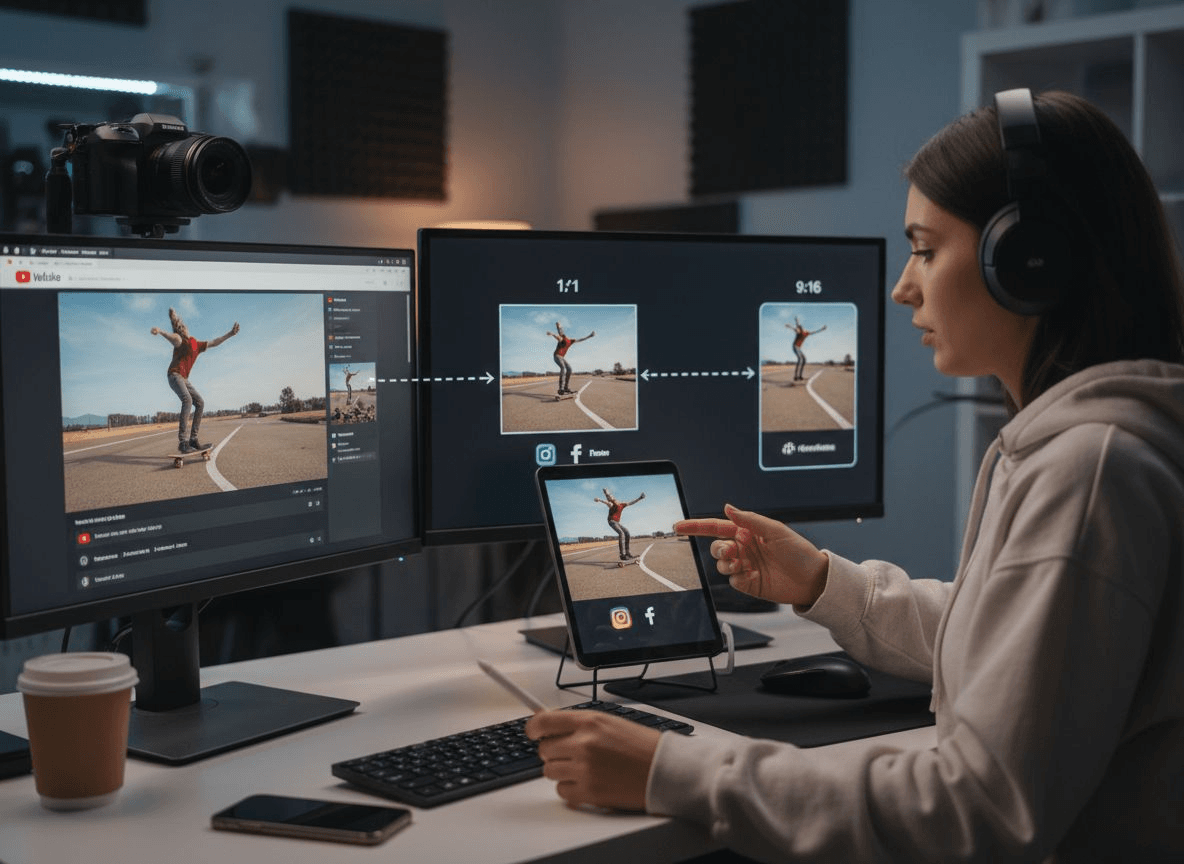
Social Media Resizing for Multiple Platforms

Removing Distractions from the Frame

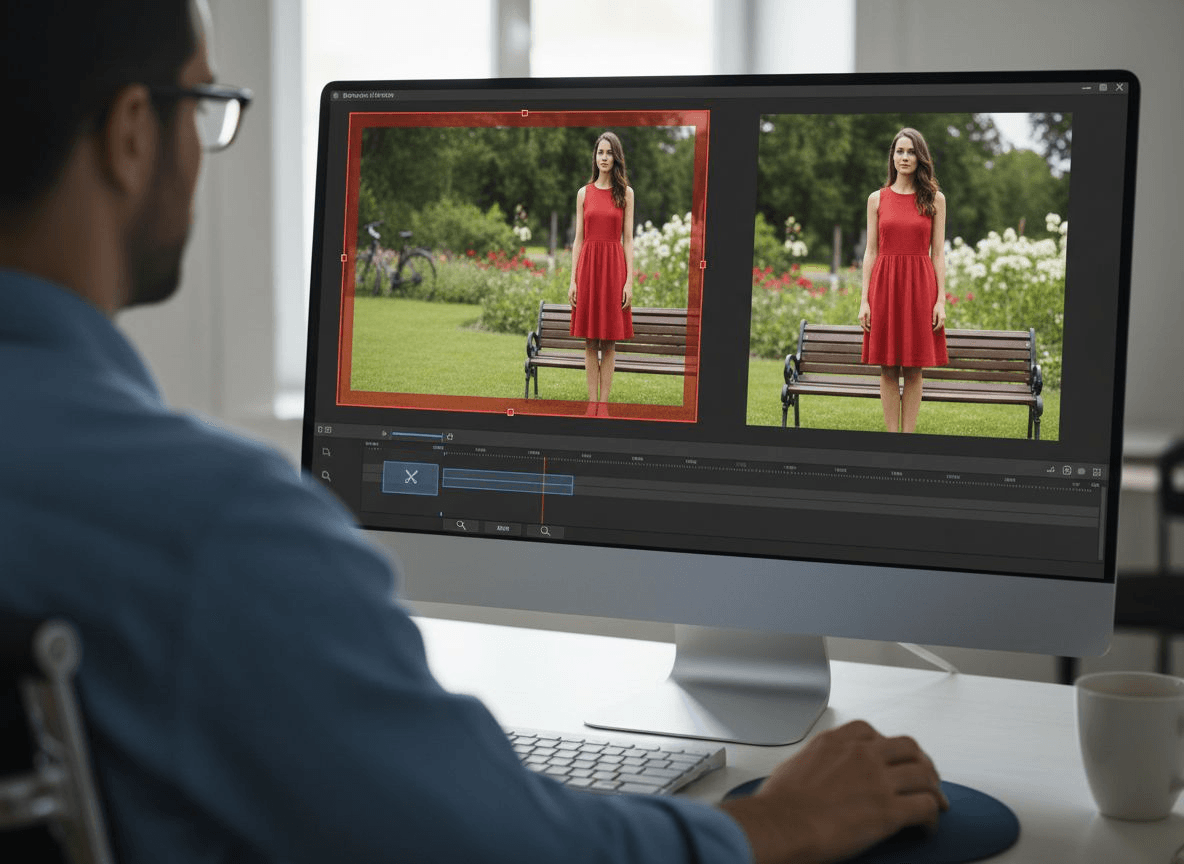
Footage often includes extra space, unwanted objects, or off-center subjects. Using our video cropper, you can crop video online to focus only on what matters. This results in cleaner visuals and more professional-looking content, saving time and avoiding additional editing steps.

Removing Distractions from the Frame

Adapting Videos for Ads and Campaigns

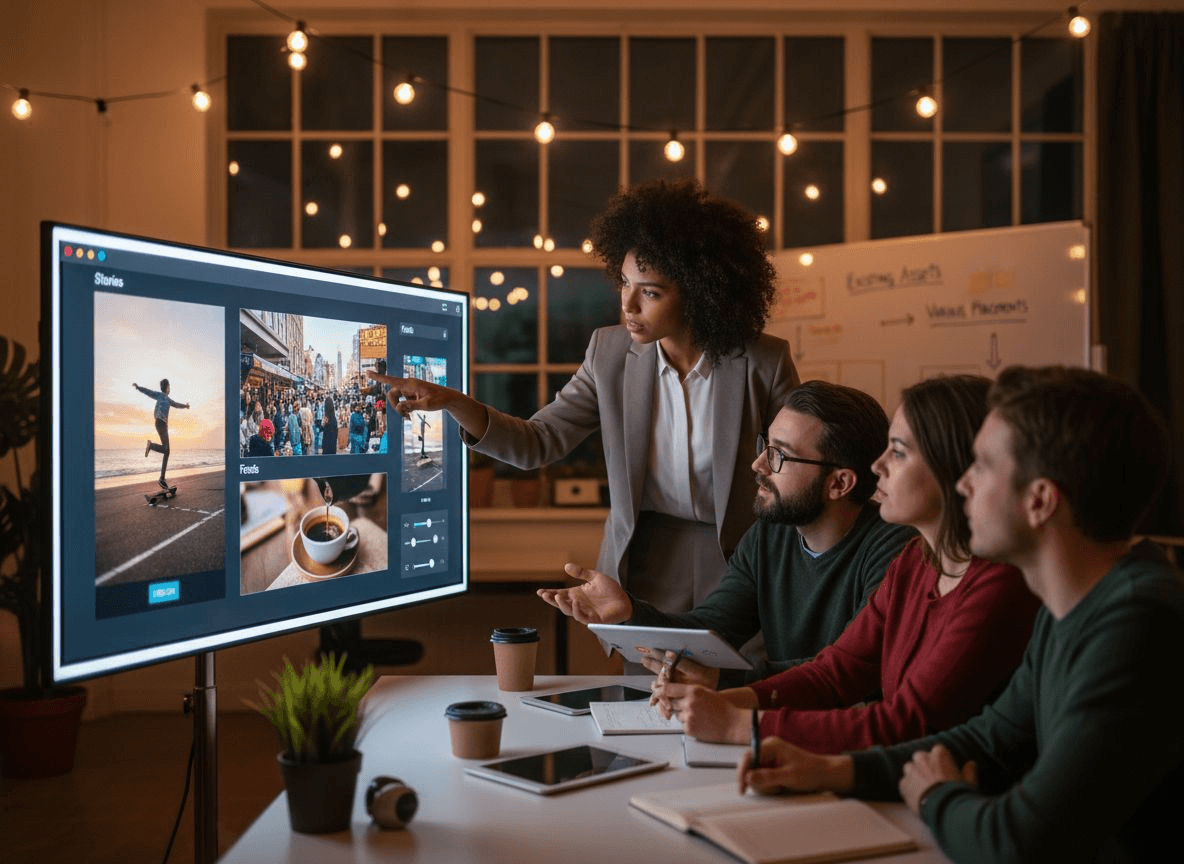
Marketing videos need precise framing for feeds, stories, or banner placements. Our video cropper lets you crop video for ad campaigns quickly and meet exact specifications. Existing videos can be adapted to different formats efficiently, eliminating the need to recreate content from scratch.

Adapting Videos for Ads and Campaigns

Highlighting a Subject or Action

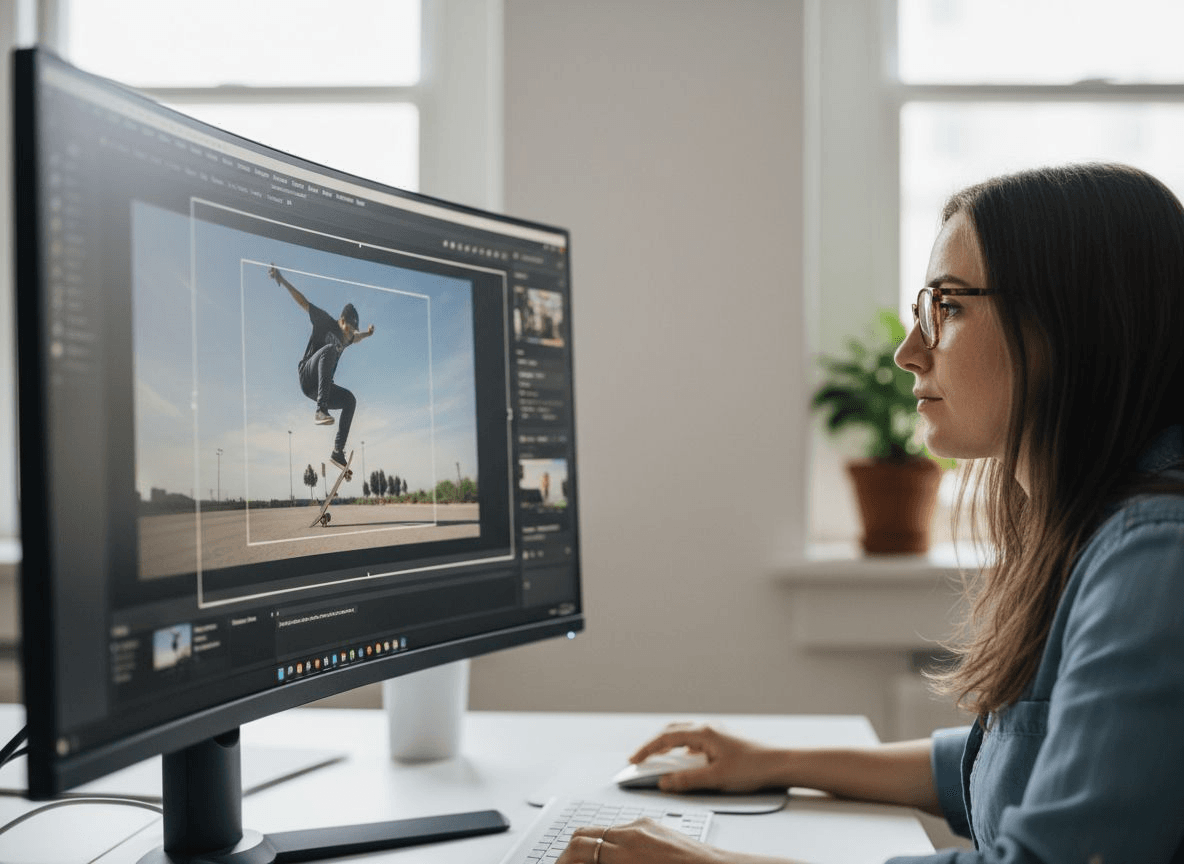
Sometimes the main subject is too small or not centered. With our video cropper, you can adjust the frame to highlight a person, product, or movement, making the content more engaging and directing viewers' attention exactly where it should be.

Highlighting a Subject or Action

How People Use Our Video Cropper to Perfect Their Videos

I use this video cropper almost every day for my short-form videos. It's incredibly easy to crop video online without opening heavy editing software. The presets save me a lot of time, and the video cropper keeps the quality sharp even after editing.
Emily Johnson

Emily Johnson

Content Creator

This video cropper online fits perfectly into my workflow. I often need to crop video for different ad formats, and this tool makes it quick and consistent. I like how the video cropper lets me preview everything before exporting.
Michael Chen

Michael Chen

Digital Marketer

I've tried many tools, but this video cropper stands out. It's simple, fast, and reliable. I can crop video online for multiple platforms in minutes, and the final result always looks clean and professional, with no watermarks.
Sophia Martinez

Sophia Martinez

Social Media Manager

What I like most about this video cropper is how intuitive it feels. I don't need tutorials to crop video online. Everything is clear, and the video cropper delivers exactly what I need without extra steps.
Daniel Kim

Daniel Kim

Freelancer

Common questions about our Video Cropper

Crop Your Video Exactly the Way You Want

Adjust every frame with precision using our powerful video cropper. Resize, refine, and crop video online —no watermark, no quality loss

Footer Logo - VideoCompress

Fast, free, and easy-to-use video compressor with no watermark and no usage limits.

Follow Us

© 2026 VideoCompress. All rights reserved.