
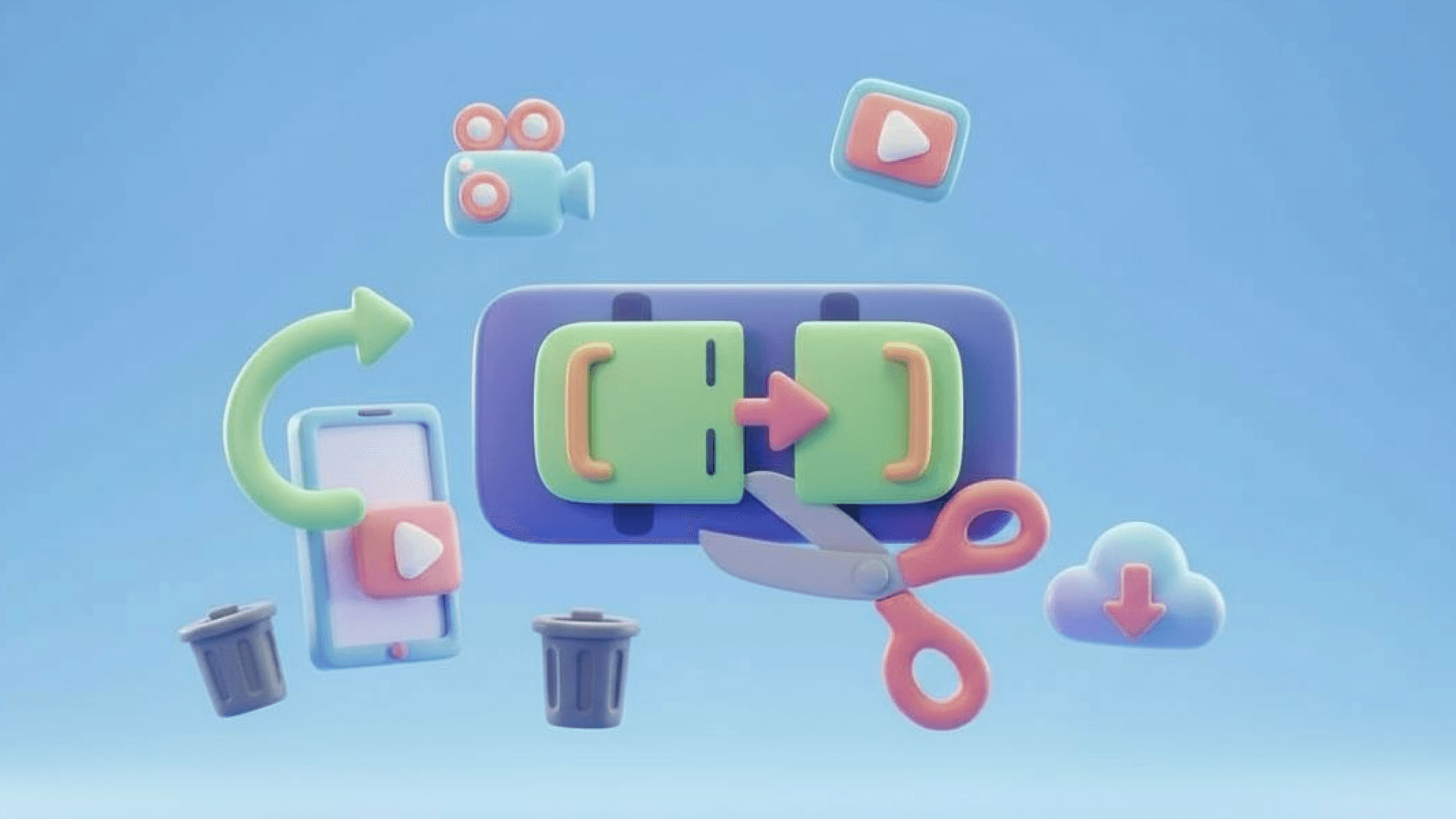

Fast and Simple Editing
The video cutter makes video cutting quick and intuitive so you can cut video online or trim video online in just a few clicks without learning complicated editing software.
Cut clips, trim the beginning or end, or remove unwanted sections from large video files—online, with no watermark or software to install.
Your video is securely processed and kept private.
Cut and trim videos online in just a few simple steps. Upload your video, select the section you want to keep or remove, and export the edited video directly from your browser.
Click or drag your video to upload from your device. Supports MP4, MOV, AVI, and other popular formats.
Use the timeline to trim the start/end or cut a specific section. Choose to keep or remove the selected.
Select “Export” to preview your video, then download it in MP4 or other formats.
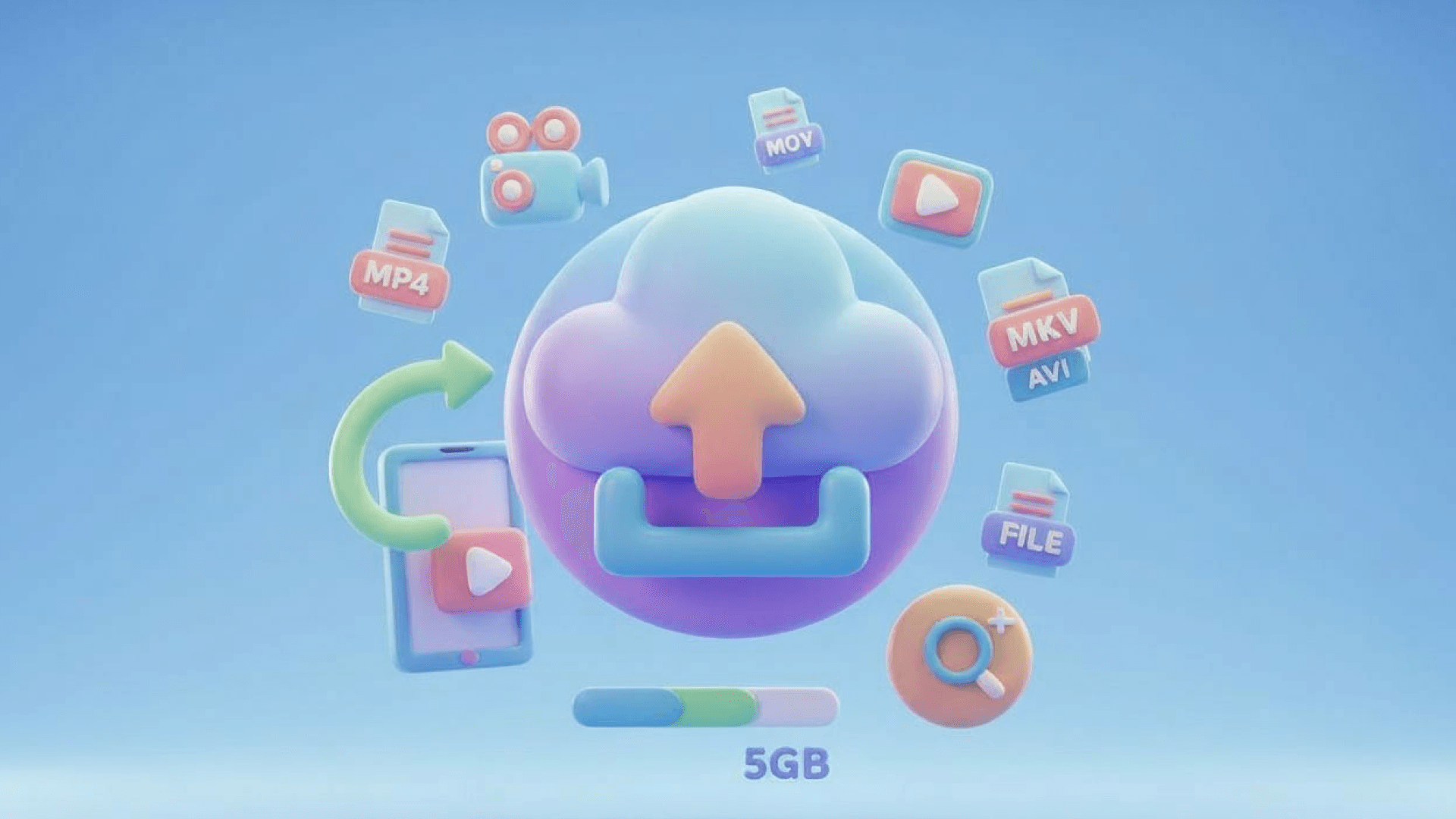
Cut and trim your footage instantly with a fast, precise, and hassle-free online experience.
The video cutter makes video cutting quick and intuitive so you can cut video online or trim video online in just a few clicks without learning complicated editing software.
Export clean clips with our free video cutter and download the finished file without a watermark, ready to share or publish.
Every file uploaded to the video cutter is processed securely and automatically deleted after 24 hours, helping keep your content private.
Our video cutter supports major formats including MP4, MOV, AVI, and WebM, allowing you to perform smooth video cutting without worrying about compatibility.
Edit videos directly in your browser without downloading or installing software.
The video cutter works as both a video trimmer and clip editor, letting you trim the beginning or end of a clip or remove specific sections from the middle.
Quickly trim and clean up your videos. Whether for social media, marketing, or personal use, our online tool removes unwanted parts instantly. Skip the complex software and deliver professional, high-quality clips in just a few clicks.
Cut video
Use our video cutter to cut video online and remove unnecessary seconds so your clips match the recommended lengths for TikTok, Instagram Reels, YouTube Shorts, and Facebook Stories. By trimming the start or end of your footage with this video trimmer, you can quickly highlight the most engaging moments and ensure viewers see the best part of your content right away.

After recording webinars, tutorials, or meetings, this online video cutter helps you trim video online to remove pauses, mistakes, or empty moments. With quick and precise video cutting, you can turn a long recording into a polished video that flows naturally and keeps your audience focused from start to finish.

Use the online video cutter to select and extract the most important moments from longer recordings. Whether you're editing a livestream, gameplay session, conference recording, or event footage, turn key highlights into short clips that are easier to share across platforms.

Creators and marketers rely on this video trimmer to cut video online before publishing product demos or marketing content. With fast and reliable video cutting, you can remove unnecessary sections and deliver clean, professional videos that are ready for distribution instantly.
Real users rely on the video cutter from VideoCompress for fast and easy editing.
I needed a quick video cutter to trim clips before posting to YouTube. Most editing apps felt heavy and slow, but this tool worked instantly in my browser. I was able to cut multiple clips in minutes without installing anything, and the exported videos looked exactly like the originals.

Michael
Content Creator
Our team often records product demos, and we use the video cutter to clean up the videos before publishing them. The timeline controls make video cutting really easy, even for someone who isn't experienced with editing software. It saves a lot of time during our content workflow.

Sarah
Marketing Manager
I record lessons for my students and sometimes need to trim long recordings. The video cutter makes it simple to remove the beginning or ending parts of my lectures. The fact that it works online means I can edit from any computer without installing extra tools.

Daniel
Online Teacher
I often turn longer videos into short clips for social media. This cutter helps me trim the highlights quickly, making it a handy tool for my day-to-day work.

Jessica
Social Media Manager
Everything you need to know about cutting and trimming videos online with VideoCompress.