
1
Upload your video file
Start by dragging and dropping your video file into the upload area, or click to browse your device and select the file you want to convert.
Convert video to MP3 and download your MP3 file instantly. Free online video to MP3 converter, no account required.
You can use VideoCompress to extract audio from any video with just 3 simple steps.
Start by dragging and dropping your video file into the upload area, or click to browse your device and select the file you want to convert.
Once your video is uploaded, choose to convert video to MP3 and start the conversion. The process begins immediately and takes only a few seconds for most files.
After the conversion is complete, a download link will appear right away. Click to save the MP3 file to your device. No software installation is required.
Convert video to MP3 instantly without signing up, installing software, or worrying about hidden fees. There are no limits on the number of files you can convert, and your MP3 downloads are available immediately after conversion, making the process fast and completely free.
All video files are protected with end-to-end encryption during upload and processing. Files are automatically deleted after conversion, and no data is shared with third parties, ensuring your content stays private.
You can convert video to MP3 directly in your browser without downloading or installing any software. The tool works seamlessly on desktops, laptops, tablets, and mobile devices, so you can access your audio files anytime, anywhere.
Save the audio from music videos, performances, or recorded clips by converting video to MP3. This allows you to keep the soundtrack as a standalone MP3 file that can be played on any device or added to your personal music library.
Start for free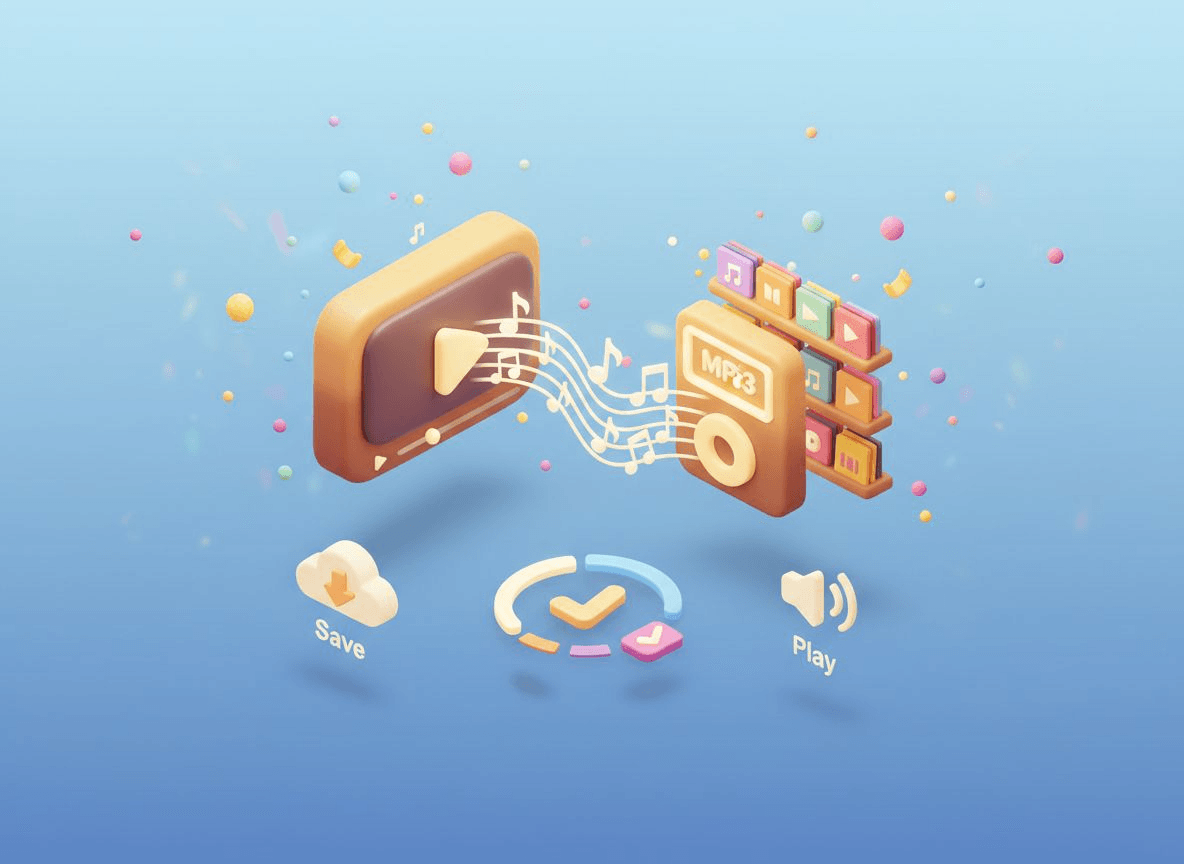
When podcasts, interviews, or discussions are published as video, you can convert video to MP3 to get the audio version. This makes it easier to listen while commuting, working, or studying without needing to watch the full video.
Try for free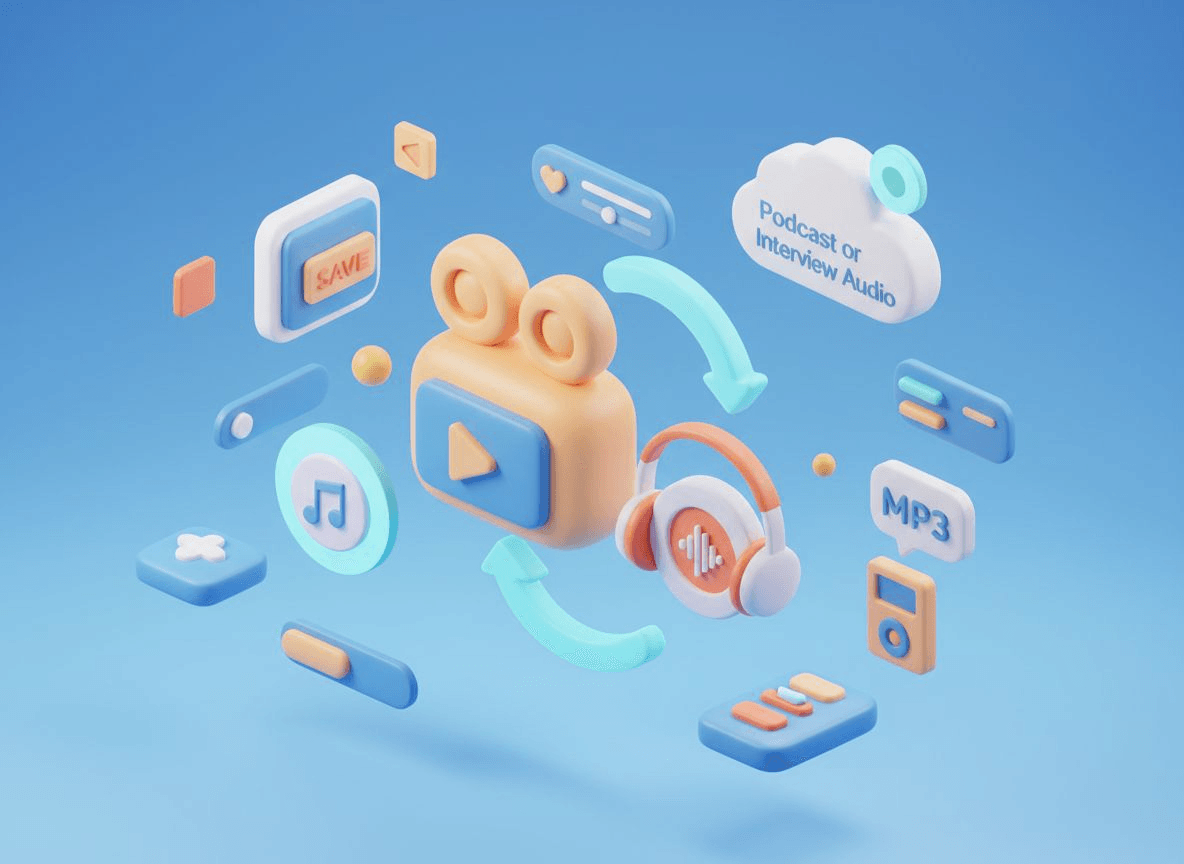
Educational videos, tutorials, and recorded lectures can be converted into MP3s, so the audio can be replayed anytime. This is useful for reviewing lessons, taking notes, or listening to educational content while on the go.
Start for free
Video editors and content creators often need a separate audio track from their footage. Using a video to MP3 converter, you can quickly extract the sound from a video and use the MP3 file for editing, mixing, or post-production.
Try for free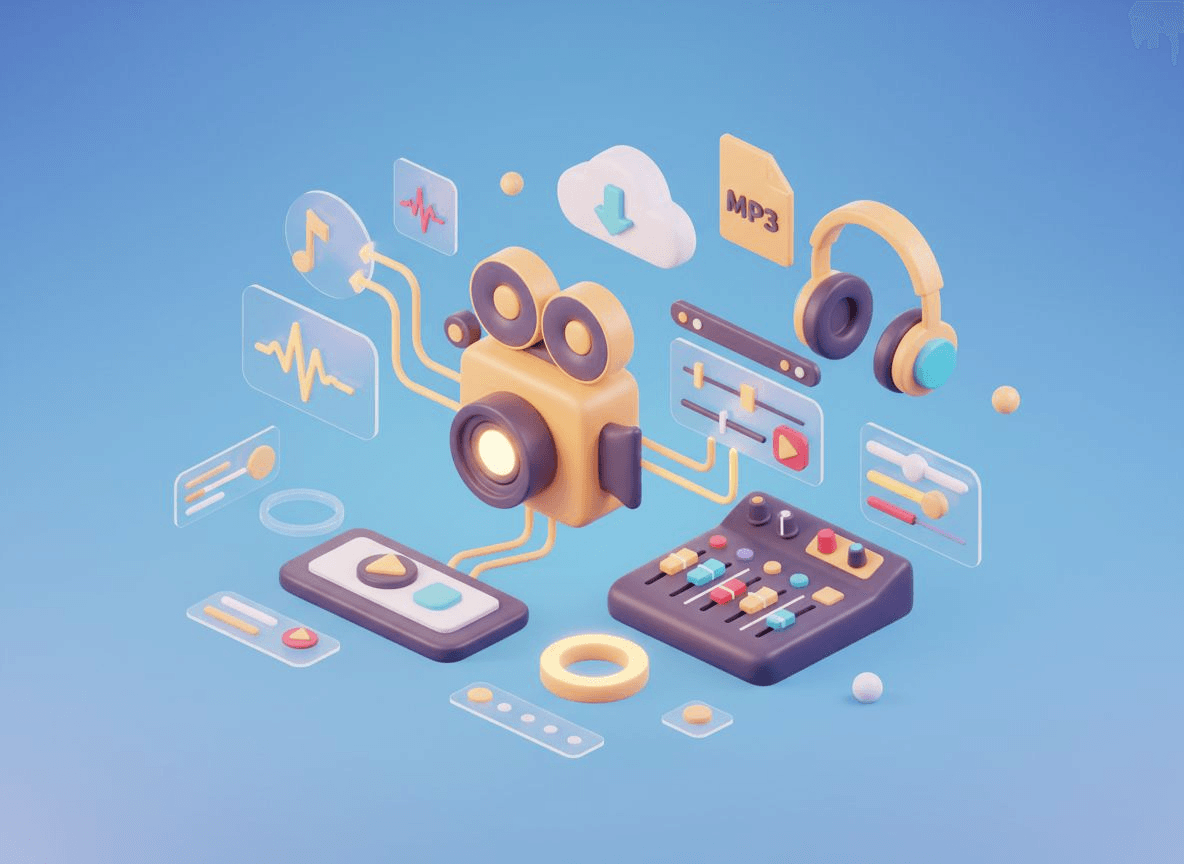
See how users from various creative fields extract high-quality audio and streamline their workflows with ease.
Emily Carter
Podcast Producer
"Fantastic tool! I use it almost daily to extract audio from my interview recordings. It gives me clean tracks ready for editing without any extra steps. The conversion is straightforward and the quality is consistent every time."
Michael Torres
Digital Marketer
"This saves me so much time. I can convert video to MP3 in seconds directly in the browser. It handles different formats effortlessly, which is a lifesaver when I need to pull audio for quick client mockups."
Rachel Kim
College Student
"I love using the video to MP3 for my lecture videos. Converting them lets me listen to the lessons while commuting or at the gym. It's so much more convenient than keeping a video file open on my phone."
David Walker
Video Editor
"A massive time-saver for my workflow. The video to MP3 conversion is smooth and, most importantly, reliable. I get clear audio tracks for my projects without fighting with complex export settings in other software."
Samantha Lee
Music Enthusiast
"Finally, an easy video to MP3 tool to grab tracks from music videos. I can quickly create offline playlists from my clips. The audio quality is spot on - no weird distortion, just clear sound."
James Patel
Language Learner
"Perfect for immersion. This video to MP3 converter is a lifesaver for my language practice videos - I can listen while I'm out for a walk. It's fast, convenient, and the speech is always crystal clear, which is crucial for my learning."
Everything you need to know about extracting audio from video files with VideoCompress.