

- Introduction
- Evaluation Standards for Online Video Compressors
- Detailed Reviews of the Best Online Video Compressors
- How to Choose the Best Online Video Compressor
- FAQ
9 Best Online Video Compressors in 2026
Introduction
If you’ve tried to upload a video in the past year, you’ve probably hit the same wall everyone else has:
“File too large.”
It’s happening more often in 2026 for a reason. Video content is exploding—from short-form platforms like TikTok to long-form YouTube, online courses, and marketing creatives. But as video quality improves (4K, HDR, high frame rates), file sizes grow just as fast, making the need to compress video files more critical than ever.
And here’s the problem:
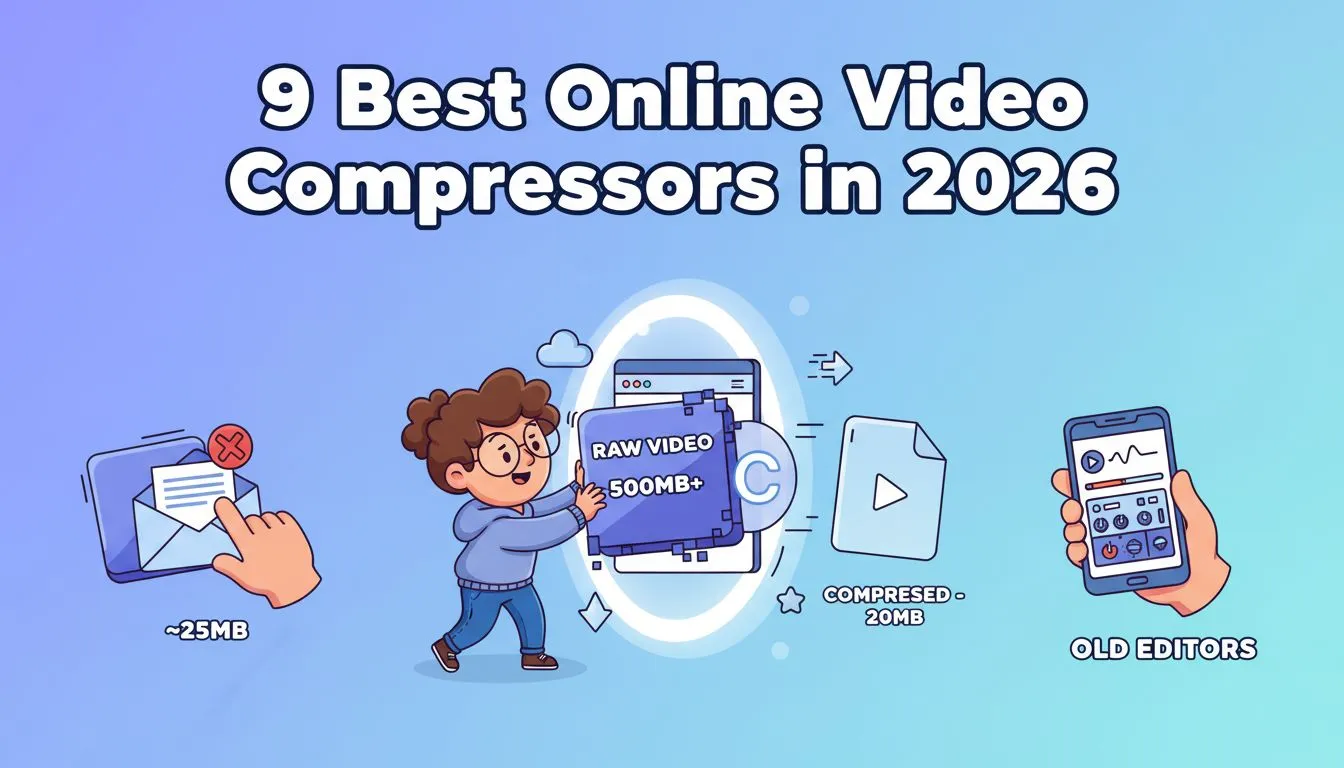
- A 1-minute 4K video can easily exceed hundreds of MB.
- Email platforms cap attachments at ~25MB.
- Social platforms will automatically compress video uploads anyway (often ruining the visual quality).
- Traditional desktop software like Premiere or HandBrake feels too complex when you just want to quickly reduce video size.
So people are searching for one simple workflow: how to compress video quickly without ruining the original quality.
That’s where an online video compressor comes in. Instead of installing heavy software, modern cloud-based tools let you compress video directly in your browser. These engines perfectly balance speed and quality to reduce video size on the fly. Many of these platforms function as a free video compressor, making them highly accessible to everyday creators, marketers, and casual users.
According to recent industry analysis, smart algorithms now allow you to compress video efficiently, removing redundant data while maintaining stunning visual clarity.
Evaluation Standards for Online Video Compressors
| Tool | Pricing | No Watermark | Free Plan Max File Size | Picture Quality | Compression Speed |
|---|---|---|---|---|---|
| VideoCompress | Free | Yes | 5GB | High | Fast |
| VEED.io | Free / Paid | No | 1GB | Medium | Normal |
| FreeConvert | Free / Paid | No | 1GB | High | Normal |
| Clideo | Free / Paid | No | 500MB | High | Fast |
| Kapwing | Free / Paid | No | 2GB | High | Normal |
| Media.io | Free / Paid | No | 1GB | High | Normal |
| Riverside | Free | No | 1GB | Medium | Normal |
| FlexClip | Free | Yes | 512MB | Medium | Fast |
| Vimeo | Free / Paid | No | 1GB | Medium | Normal |
To determine the best online video compressor tools in 2026, we didn’t just list features—we put them to the test. Our assessment focuses on three key dimensions critical to anyone looking to compress video: compression efficiency, workflow usability, and overall accessibility.
📉 Compression Performance
The most important factor is how effectively a tool can reduce video size without sacrificing clarity.
We tested each online video compressor using:
- Short clips (under 50MB)
- Medium files (100MB–500MB)
- Large files (1GB+)
We evaluated:
Compression Ratio – How much the file size was reduced
Visual Quality – Whether noticeable quality loss occurred
Output Consistency – Stability across formats (MP4, MOV, AVI)
A high-quality tool should significantly compress video while keeping visual degradation minimal.
⚙️ Features & Workflow
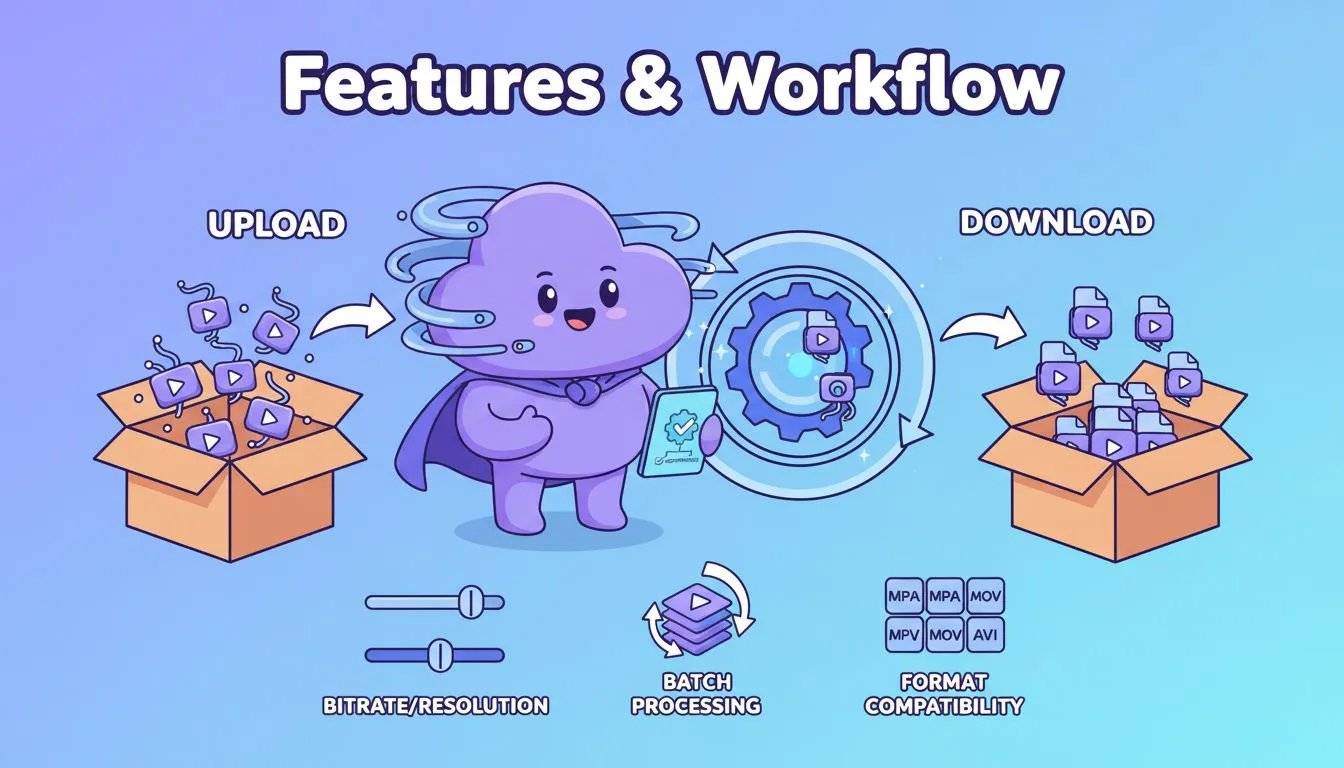
Beyond compression itself, usability matters.
We evaluated whether each tool provides:
Simple workflow (upload → compress → download)
Custom compression settings (bitrate, resolution)
Batch processing capability
Format compatibility
A good free video compressor should balance simplicity and flexibility.
🌍 Accessibility & Pricing
Even powerful tools are limited if they’re not accessible.
We considered:
Free vs paid availability
Watermark policies
File size restrictions
Cross-device compatibility
The best tools allow users to compress video online easily, without unnecessary barriers.
Detailed Reviews of the Best Online Video Compressors
1. VideoCompress
Overview
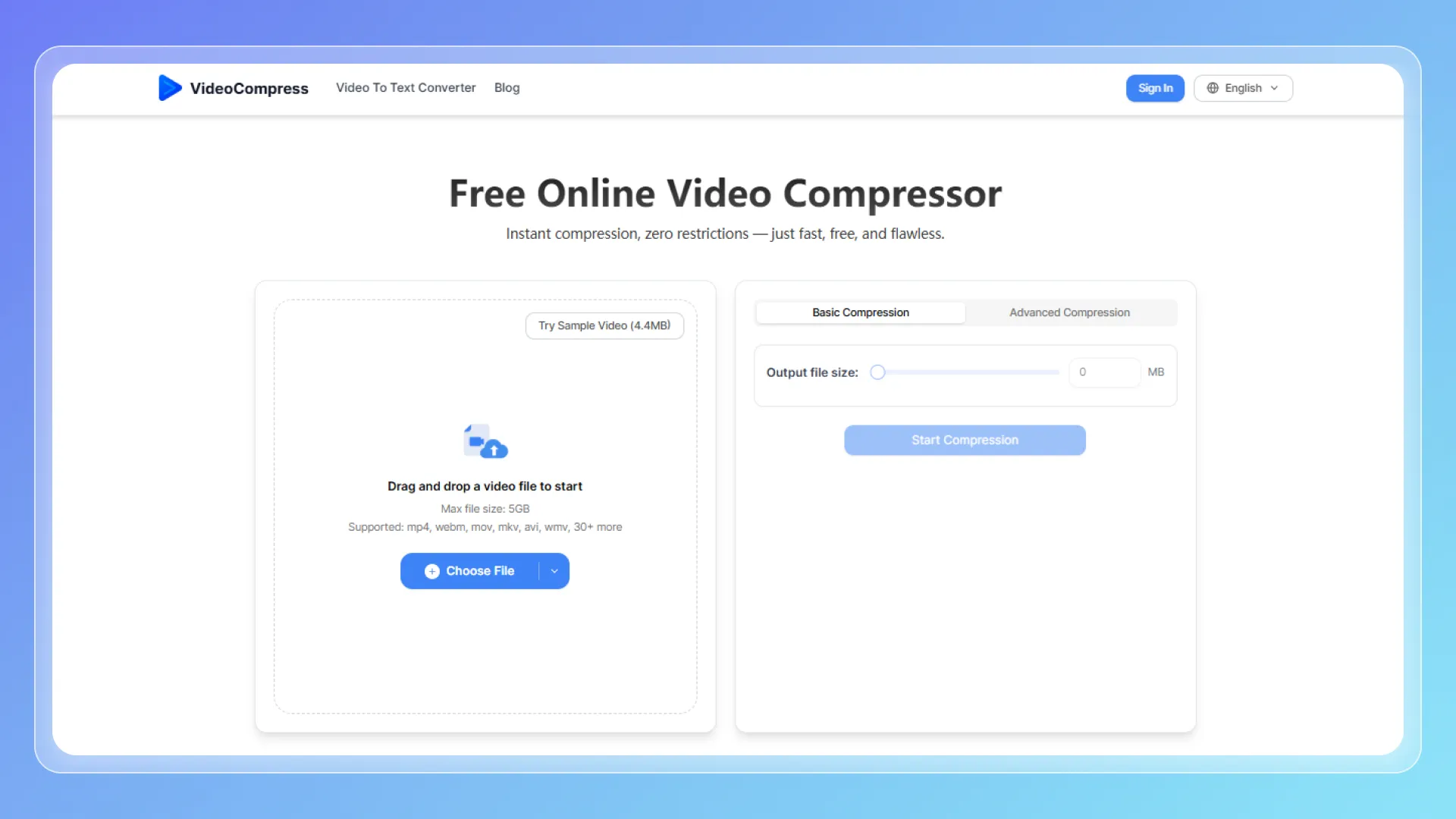
VideoCompress is a dedicated online platform designed to compress video files quickly and efficiently without requiring installation. It serves as a lightweight solution tailored for users who need fast processing while maintaining high visual fidelity.
Key Features
- No watermark on exported files
- File upload limit 5 GB
- Browser-based workflow
- Supports 40+ common formats
Compression Quality
The output remains consistently strong. Files retain excellent clarity even after significant size reduction, with only minor softness visible upon rigorous close inspection.
Pricing
Completely free.
Pros & Cons
- Pros: Unlimited usage, no watermarks, fast processing, highly intuitive.
- Cons: Limited manual control over granular encoding settings.
Best For
- Reducing video size before uploading to web platforms
- Sharing large files via email or messaging apps
- Everyday compression tasks without technical setup
2. VEED.io
Overview
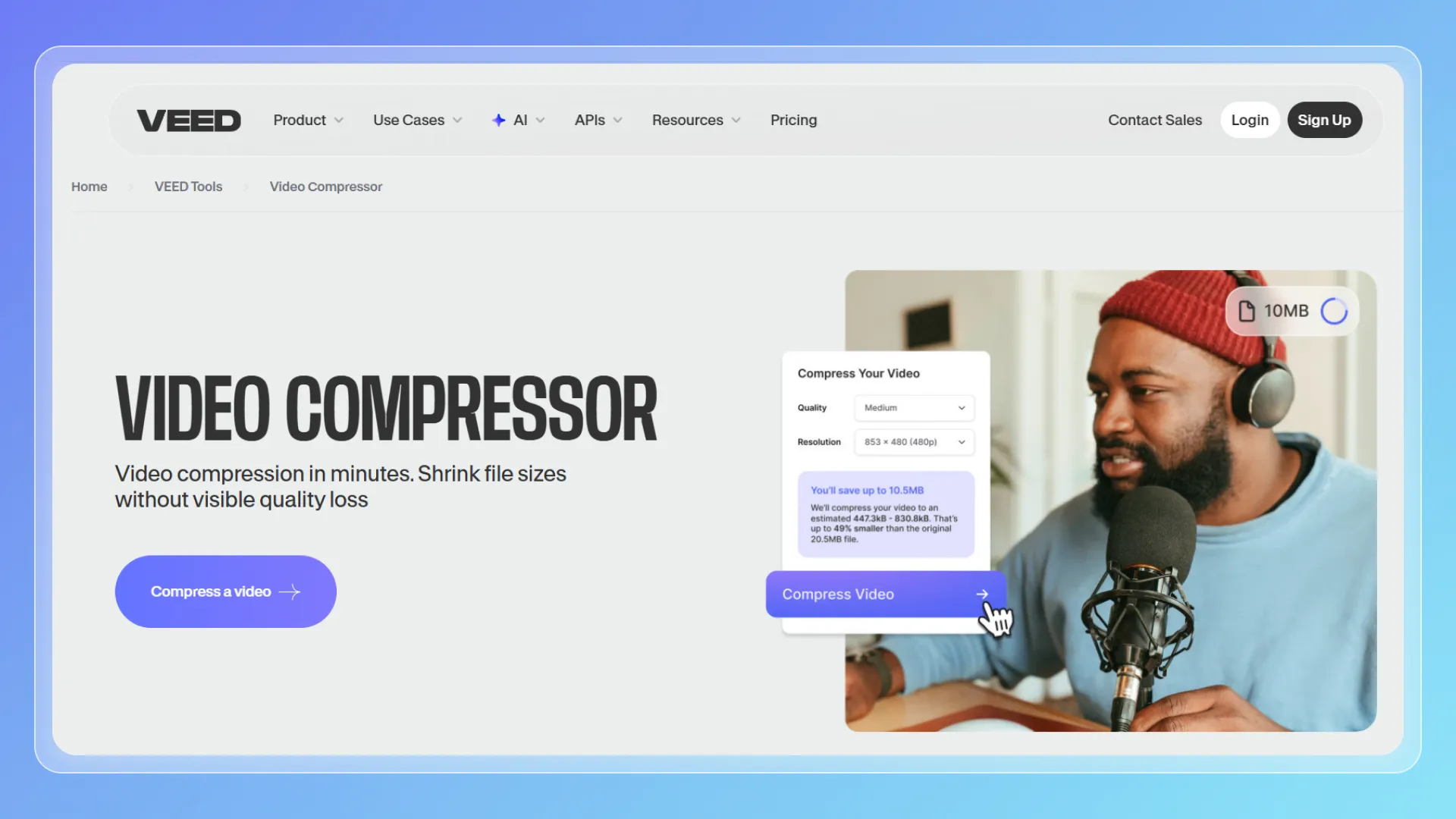
VEED.io is a comprehensive browser-based platform that combines editing tools with the ability to compress video within a single workflow. It appeals to creators managing end-to-end video production and optimization in one environment.
Key Features
- Integrated timeline video editor
- Adjustable resolution and export quality
- Cloud-based rendering
- Built-in presets for social media formats
Compression Quality
The visual quality is generally stable for standard use. While balanced settings provide great results for online sharing, highly aggressive compression settings may lead to a slight loss of detail.
Pricing
Free for limited use; paid plans start at $19 per month.
Pros & Cons
- Pros: Flexible editing and compression workflow in one hub.
- Cons: Watermarked free version, slightly slower export times.
Best For
- Content creators producing social media reels
- Users needing both editing and optimization tools simultaneously
3. FreeConvert
Overview
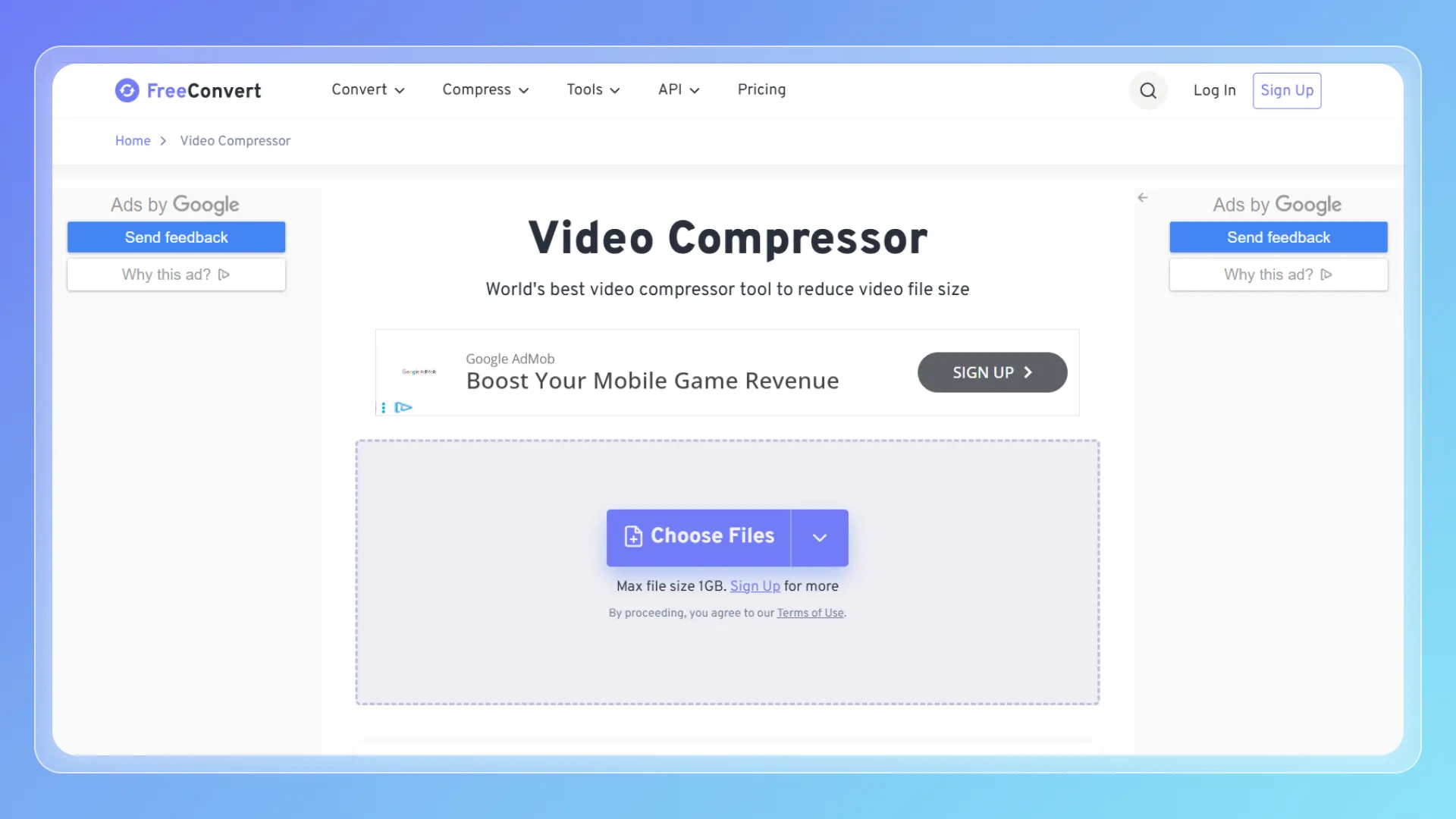
FreeConvert is a versatile file conversion platform offering advanced configuration options for users looking to compress video files with precision. It serves as a flexible solution for those who require granular control over their encoding parameters.
Key Features
- Support for over 300 file formats
- Advanced manual compression settings
- Batch processing capabilities
- Large maximum file support
Compression Quality
The output quality can be excellent when the tool is properly configured. However, since it relies heavily on user input, selecting incorrect settings might introduce visible artifacts or degradation.
Pricing
Free for limited use; paid plans start at $12.99 per month.
Pros & Cons
- Pros: Highly customizable parameters, powerful reduction ratios.
- Cons: Interface can be intimidating for complete beginners.
Best For
- Advanced users optimizing specific video outputs
- Handling extra-large or high-resolution source files
4. Clideo
Overview
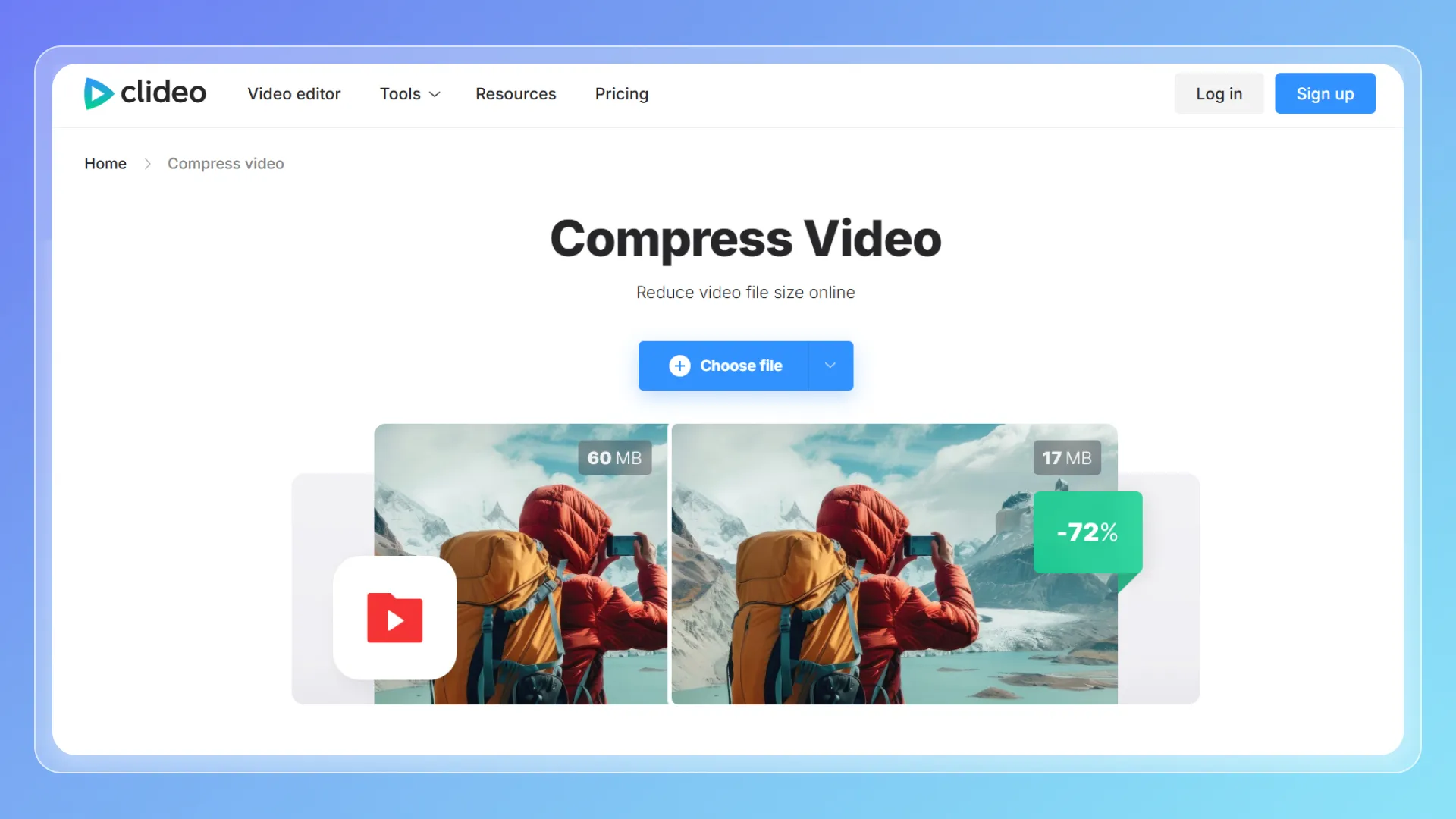
Clideo is a streamlined online tool focused strictly on accessibility and ease of use. It is engineered for users who simply want to compress video files quickly without navigating complex technical configurations.
Key Features
- Intuitive drag-and-drop interface
- Fully automated compression engine
- Cross-device and mobile compatibility
- Secure cloud processing
Compression Quality
The quality is perfectly acceptable for casual, everyday use. However, noticeable softness or pixelation may appear if the original file is already heavily compressed.
Pricing
Free for limited use; paid plans start at $9 per month.
Pros & Cons
- Pros: Incredibly easy to use, fast turnaround time.
- Cons: Zero control over parameters, watermarked free exports.
Best For
- First-time users needing a quick fix
- Simple optimization tasks for mobile sharing
5. Kapwing
Overview
Kapwing is a collaborative workspace that includes the ability to compress video as a natural step within its broader editing and publishing pipeline. It is primarily built around the needs of modern remote teams and shared projects.
Key Features
- Real-time collaborative editing suite
- Cloud-based project management
- Multi-format export options
- Social media safe zones
Compression Quality
The visual output is consistent and reliable for web distribution, though the native engine is not strictly optimized for achieving the absolute maximum file size reduction.
Pricing
Free for limited use; paid plans start at $16 per month.
Pros & Cons
- Pros: Excellent collaboration tools, smooth workflow integration.
- Cons: The free version only allows users to export videos that are no longer than 1 minute.
Best For
- Marketing agencies and remote teams
- Multi-step content creation workflows requiring approval
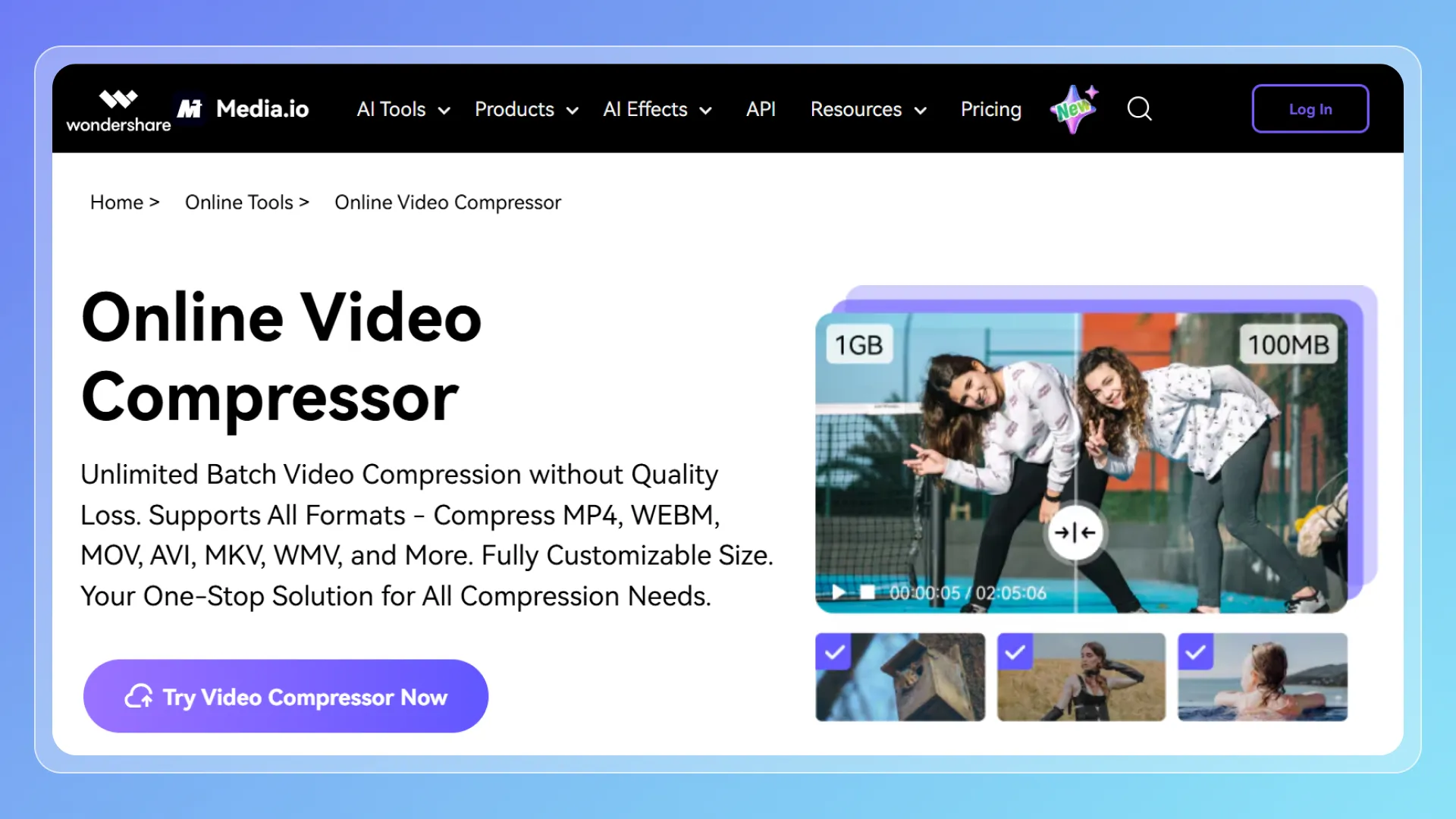
6. Media.io
Overview
Media.io is a browser-based media processor that strikes a solid balance between user-friendly automation and adjustable settings. It is ideal for users who need a straightforward way to compress video while retaining moderate control over the output.
Key Features
- Adjustable bitrate and resolution sliders
- Wide format compatibility
- Clean, modern interface
- Batch compression support
Compression Quality
The retention of detail is generally very strong. Even under moderate size reduction settings, the visual fidelity holds up well without heavy artifacting.
Pricing
Free for limited use; paid plans start at $7.99 per month.
Pros & Cons
- Pros: Great balance of usability and manual control.
- Cons: File size caps on the free plan, outputs may be watermarked depending on the tier.
Best For
- Regular content creators streamlining their workflow
- Users wanting a middle-ground between automatic and manual tools
7. Riverside
Overview
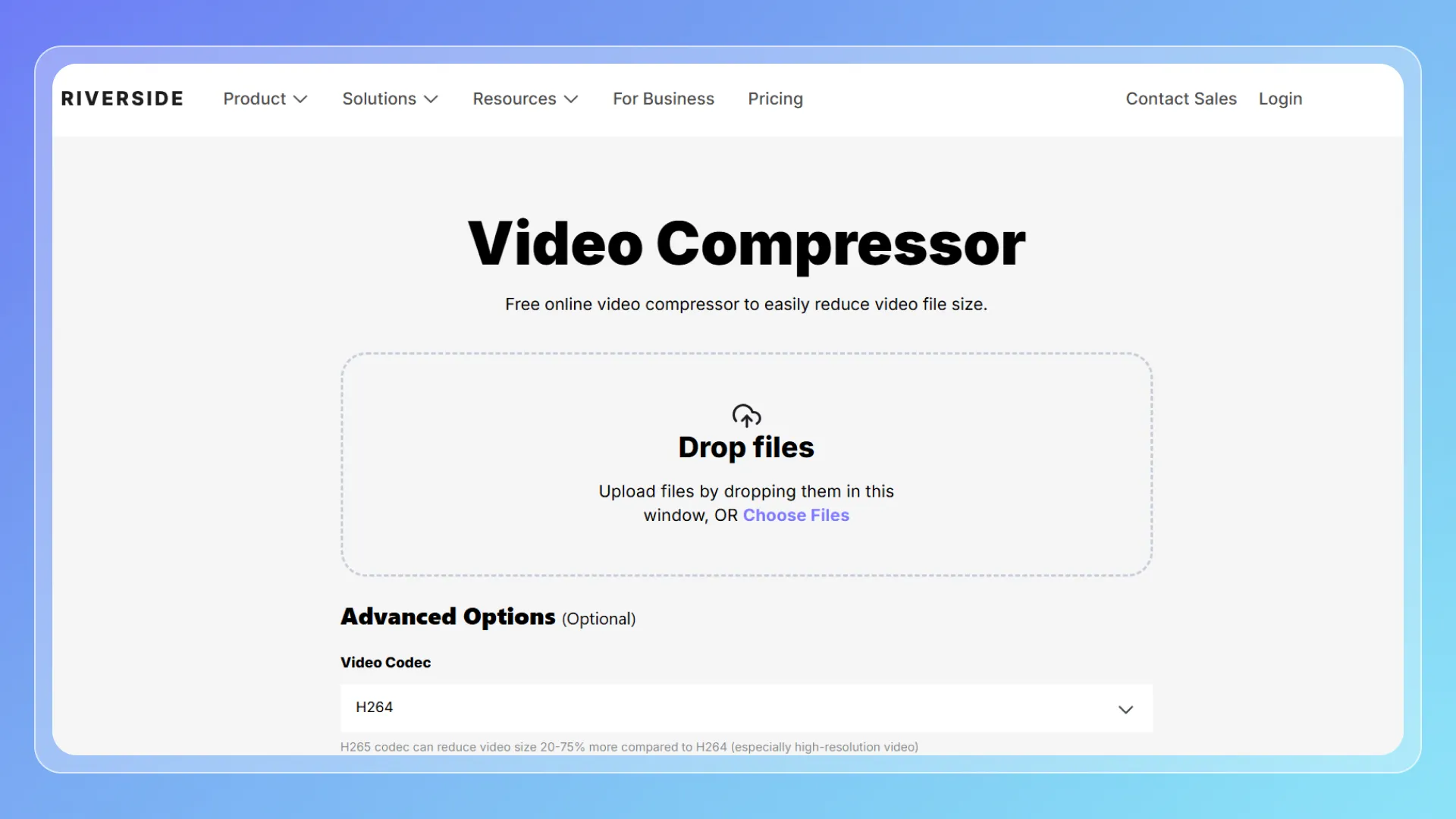
Riverside is a professional video platform primarily known for recording and editing, with an integrated online video compressor designed to reduce video file size while maintaining high visual and audio quality. It is positioned for creators and teams who prioritize quality retention over compression.
Key Features
- Choice of H.264 and H.265 codecs when you compress video
- Adjustable methods to reduce video size (target file size, quality level, or percentage)
- Browser-based workflow
- Fast cloud processing
Compression Quality
Compression quality is one of Riverside’s strongest aspects.
Compared with simpler tools, it preserves more detail, especially in: high-resolution footage, talking-head videos, screen recordings.
However, achieving the best results depends on selecting appropriate settings.
Pricing
Free online compressor available, advanced features tied to broader Riverside paid plans.
Pros & Cons
- Pros: High-quality output, codec control, flexible compression options
- Cons: Slightly more complex than one-click tools. The maximum file size for each video upload is 1 GB.
Best For
- Creators working with high-quality footage
- Compressing videos for YouTube or professional delivery
- Users who want to balance file size and visual quality precisely
8. FlexClip
Overview
FlexClip is a dynamic web-based video creator aimed heavily at marketers and social media managers, offering the ability to compress video seamlessly during its publishing phase.
Key Features
- Extensive template library
- Fast cloud-based rendering
- Automated export optimization
- Direct social media sharing capabilities
Compression Quality
The visual quality is perfectly tuned for social media feeds and mobile viewing, though it is not optimized for retaining the crispness required for high-detail, large-screen broadcasts.
Pricing
Free, limits export resolution and project length.
Pros & Cons
- Pros: Extremely fast creation-to-export pipeline, user-friendly.
- Cons: Very limited control over specific compression ratios. The maximum file size for each video upload is 512 MB
Best For
- Producing quick marketing promos
- Optimizing daily content for Instagram, TikTok, or YouTube Shorts
9. Vimeo
Overview
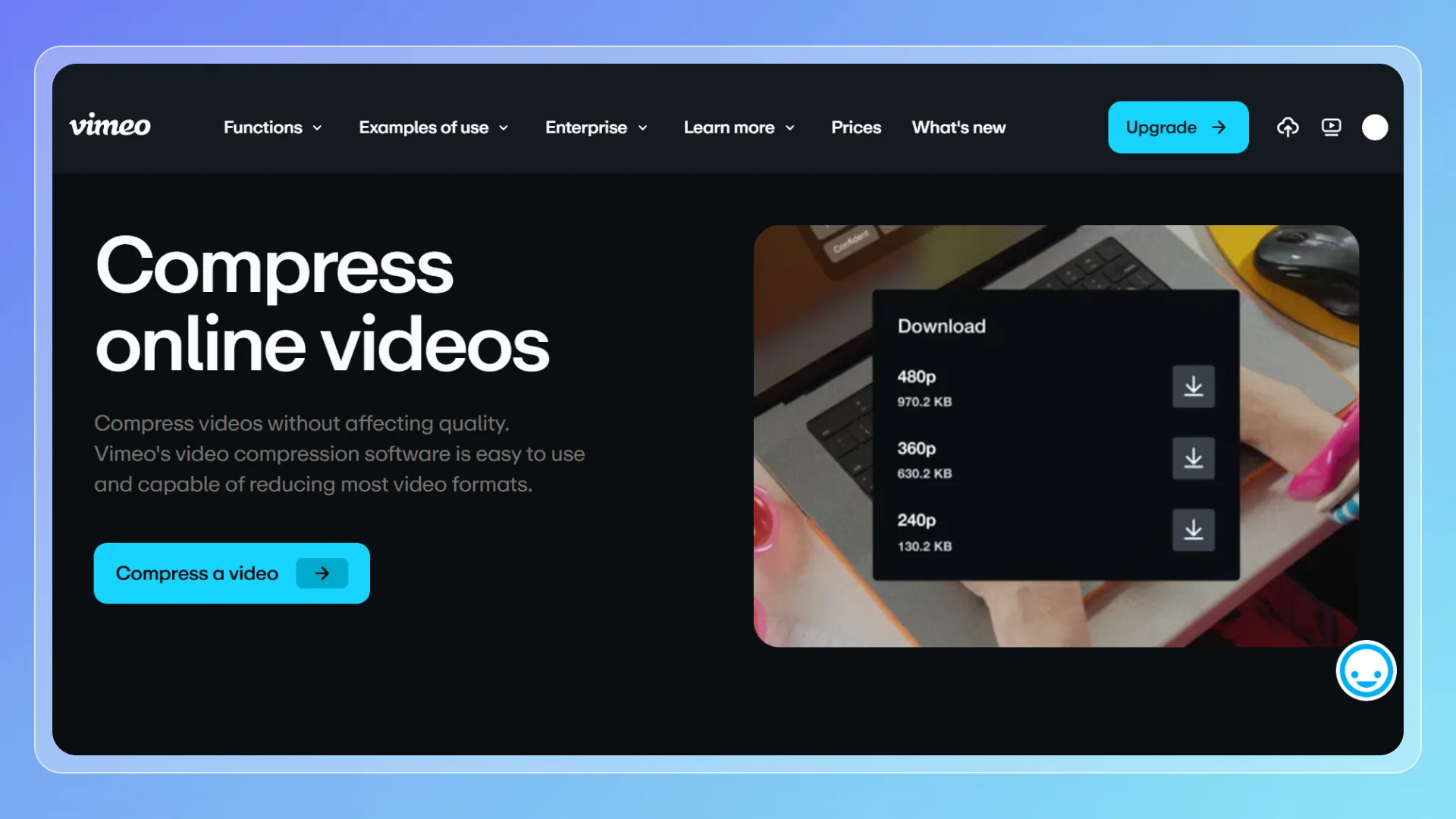
Vimeo is a professional video platform primarily focused on hosting, editing, and publishing, with built-in video compression capabilities integrated into its export and upload workflow. It is positioned for creators and businesses who need to compress video while maintaining high-quality standards for distribution.
Key Features
- High-quality encoding for professional video
- Integrated hosting and sharing tools
- Support for large video files
Compression Quality
Compression quality is consistently high, particularly for online playback.
Pricing
Free for limited use; paid plans start at $12 per month.
Pros & Cons
- Pros: High-quality output, reliable encoding, integrated workflow
- Cons: Not a dedicated video compressor, less control over exact file size
Best For
- Publishing videos for websites or portfolios
- Compressing videos for streaming delivery
How to Choose the Best Online Video Compressor
Choosing the right online video compressor isn’t just about picking the most popular tool. It depends on how you plan to compress video and what kind of results you expect.
Different tools are optimized for different scenarios — from quick uploads to high-quality professional workflows.
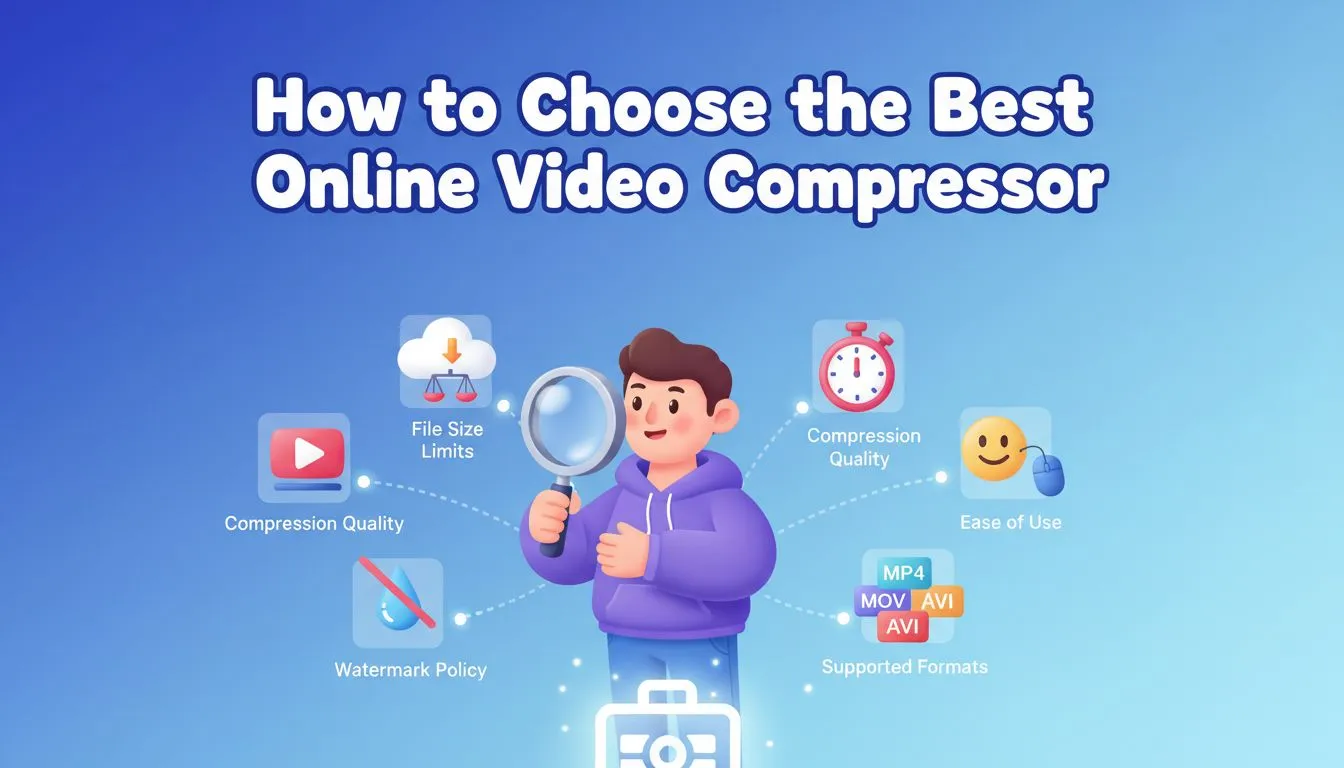
Here’s how to choose the best tool based on your needs:
📦 1. File Size Limits
One of the first things to check is the maximum upload limit. Some platforms strictly cap uploads at 500MB, while others handle massive files with ease. If you're working with 4K footage, severe caps will directly bottleneck your ability to compress video efficiently online.
Tip: If you frequently handle large files, rely on an online video compressor with generous or non-existent limits to avoid workflow interruptions.
🎯 2. Compression Quality
Not all engines handle data the same way.
A premium tool should reduce video size by removing redundant background data without noticeable quality loss, using optimized encoding instead of simply slashing your resolution.
Look for:
- Smart bitrate adjustment
- Resolution options (1080p / 720p)
- Balanced compression presets
⚡ 3. Speed & Processing Method
Processing speed is critical, especially when optimizing heavy files. Dedicated cloud-based tools typically compress video much faster because they utilize remote server farms instead of relying on your local hardware. This allows you to reduce video size rapidly without slowing down your own computer's performance.
Best choice:
Use cloud-based tools if speed and convenience matter most.
🧩 4. Ease of Use
If you’re not familiar with video encoding, a complicated interface can slow you down.
Many users prefer a free video compressor that offers a simple workflow: upload → compress → download.
Tip:
Choose tools that don’t require manual codec settings unless you need advanced control.
🚫 5. Watermark Policy
Some free tools add watermarks to compressed videos, which can be a problem for professional use.
What to check:
- Does the tool add branding?
- Is watermark removal behind a paywall?
If you want clean output, prioritize a free video compressor with no watermark.
🎬 6. Supported Formats
A reliable tool should support common formats like:
- MP4
- MOV
- AVI
This ensures you can compress video from different sources without conversion issues.
✅ Final Tip
There’s no single “best” tool for everyone.
- Quick tasks → use a simple online video compressor
- High-quality output → use tools with smart compression
- Large files → choose platforms with fewer limits
- Daily workflows → prioritize speed and usability
A practical approach is to start with a simple tool, then switch to more advanced options as your needs grow.
FAQ
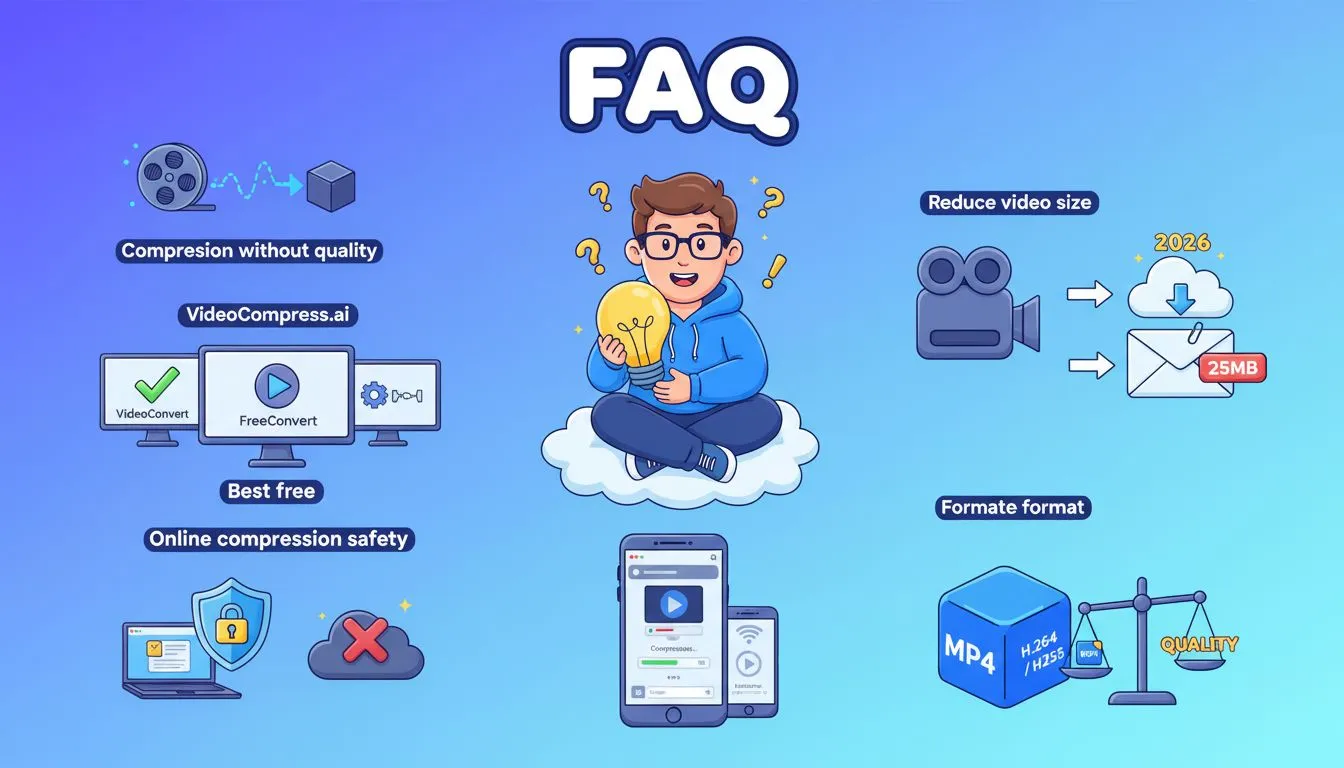
1. How can I compress video without losing quality?
To compress video without losing quality, use tools that optimize bitrate instead of drastically lowering resolution. Modern online video compressor tools use smart encoding to reduce video size while preserving clarity.
2. What is the best free video compressor in 2026?
The best free video compressor depends on your needs.
If you want simplicity and no watermark, tools like VideoCompress are strong options.
If you need advanced settings, FreeConvert is a good alternative.
3. How do I reduce video size for email?
Most email platforms limit attachments to around 25MB.
To meet this requirement, use an online video compressor to reduce video size by adjusting resolution and bitrate before sending.
4. Is it safe to compress video online?
Most modern tools delete uploaded files after processing, but safety depends on the platform.
Always choose a trusted online video compressor and avoid uploading sensitive content.
5. What format is best for video compression?
MP4 (H.264 or H.265) is generally the most efficient format.
It provides a good balance between file size and quality when you compress video.
6. Can I compress video on mobile?
Yes. Most tools today are browser-based, meaning you can compress video online directly from your phone without installing apps.