

- The Growing Crisis of Gigantic Video Files
- What Exactly is Video Compression?
- How We Shrink Your Footage?
- Top Recommended Video Compressor Tools
- Step-by-Step: How to Make Video Smaller with VideoCompress
- Why VideoCompress is the Best Choice?
- Who Benefits from Smaller Videos?
- How to Make Video Smaller with Professional Results
- Breaking Down the Myths of Video Compression
- Conclusion: Your Journey to Smaller, Smarter Video
How to Make Video Smaller?
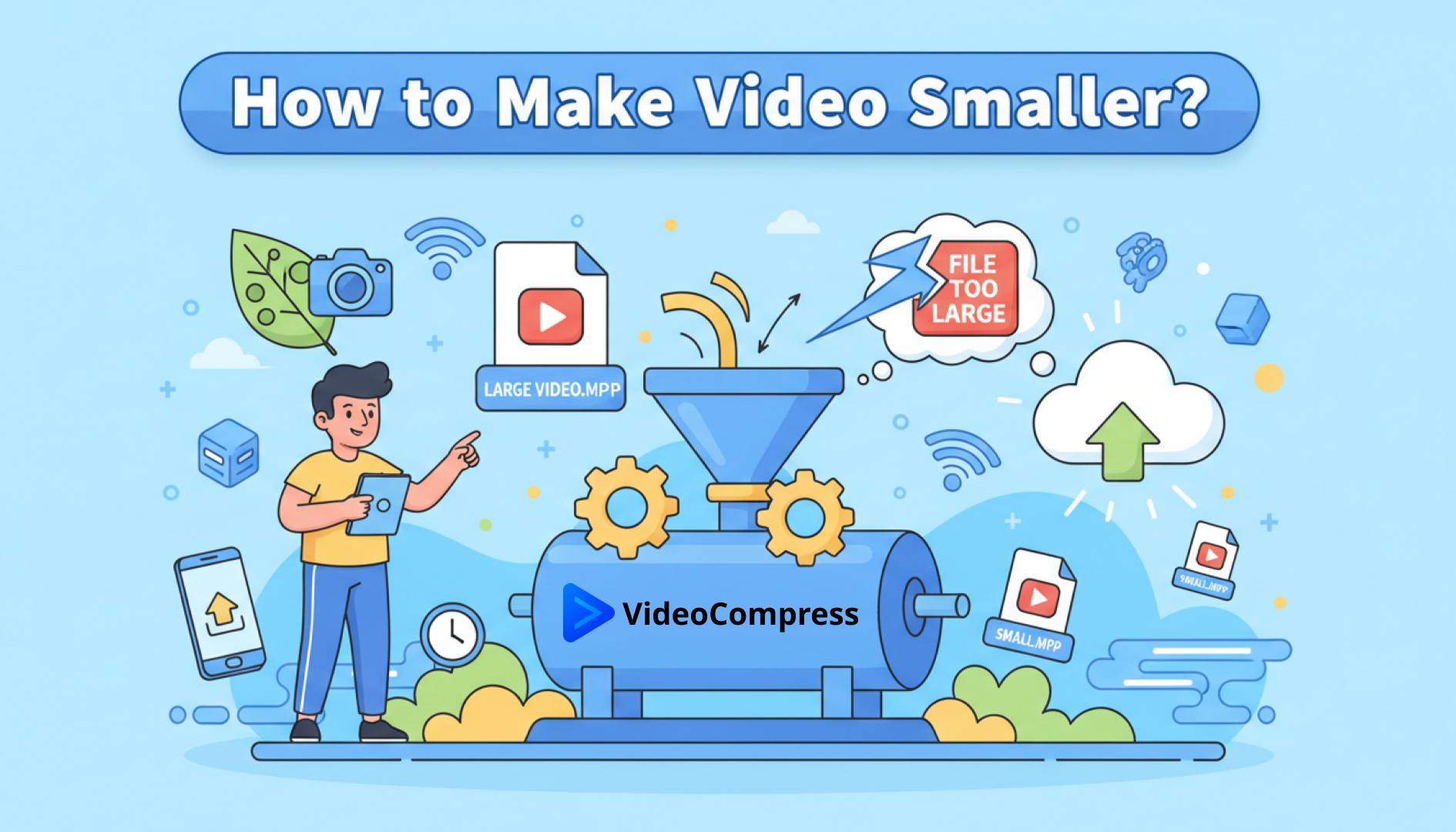
In the digital landscape of 2026, video isn’t just content—it’s the primary language of the internet. From high-definition TikToks to 8K cinematic reels, we are consuming and creating more visual content than ever before. However, there’s a massive bottleneck that every creator, student, and marketer eventually hits: the dreaded “File Too Large” error message—a problem that almost always calls for a reliable video compressor.
If you’ve ever sat staring at a frozen upload bar or received a bounce-back email because your attachment was too heavy, you’ve likely typed a frantic query into Google: “how to make video smaller?” You aren’t alone. As smartphone camera technology advances to capture every pore on a leaf at 4K resolution, our storage limits and bandwidth simply can’t keep up.
This guide will walk you through everything you need to know about choosing the right video compressor. You’ll learn why VideoCompress stands out as a fast, free option and how to compress video online without losing that crisp, professional look.
The Growing Crisis of Gigantic Video Files
Why is the search for how to make video smaller at an all-time high? The answer lies in our hardware. The average smartphone today records in 4K at 60 frames per second. While that looks beautiful on a screen, it creates a massive data footprint. A mere three-minute clip can easily exceed 1GB.
The Friction Points of Large Files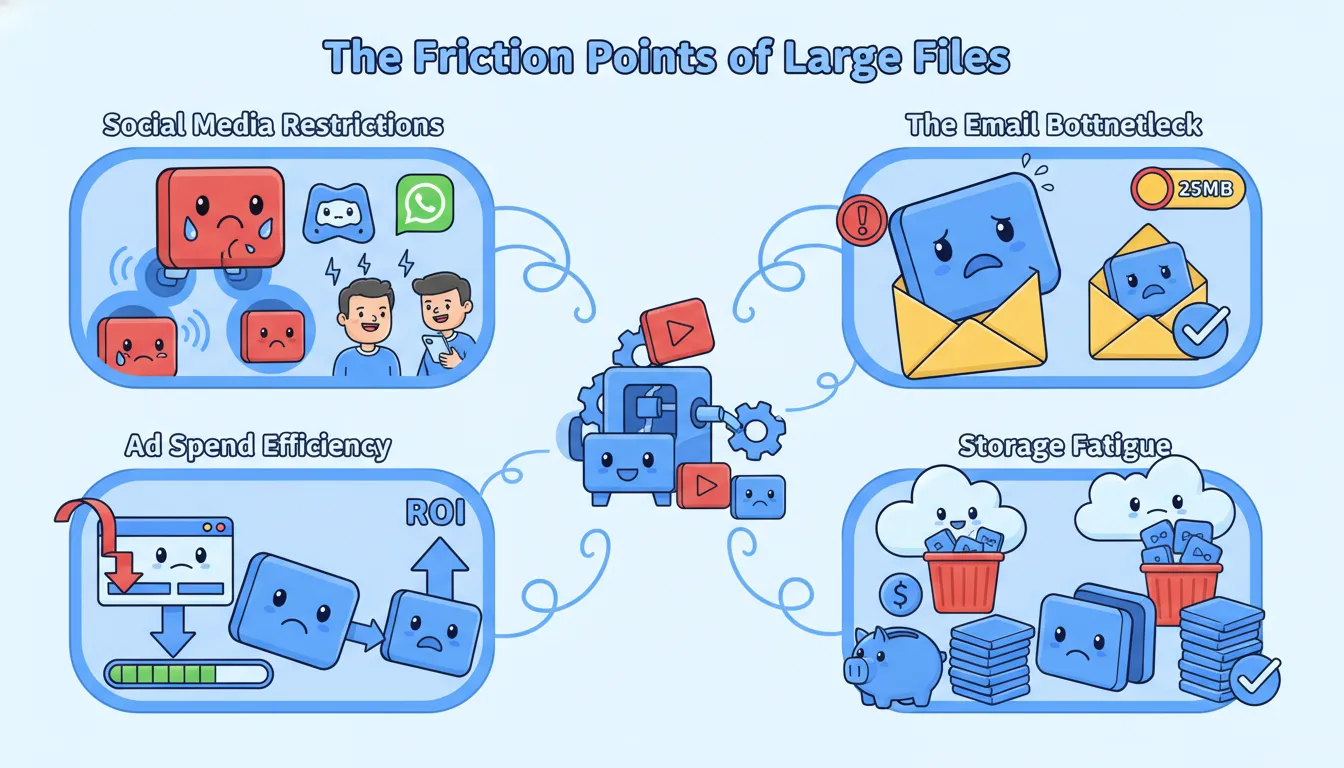
- Social Media Restrictions: Discord has a strict limit for free users; WhatsApp often compresses videos so poorly that they become unwatchable. Knowing how to make a video file smaller is essential for maintaining social connectivity.
- The Email Bottleneck: Even in 2026, most email providers still cap attachments at 25MB. If you don't use a video compressor, your professional presentation or family greeting simply won't send.
- Ad Spend Efficiency: For digital marketers, large video files slow down page load speeds. Google’s Core Web Vitals prioritize fast-loading content. If your landing page video is too heavy, your bounce rate will skyrocket, and your ROI will plummet.
- Storage Fatigue: Cloud storage isn't infinite—and it isn't free. Learning how to make video smaller can save you hundreds of dollars in Google Drive or iCloud subscription fees over the year.
What Exactly is Video Compression?
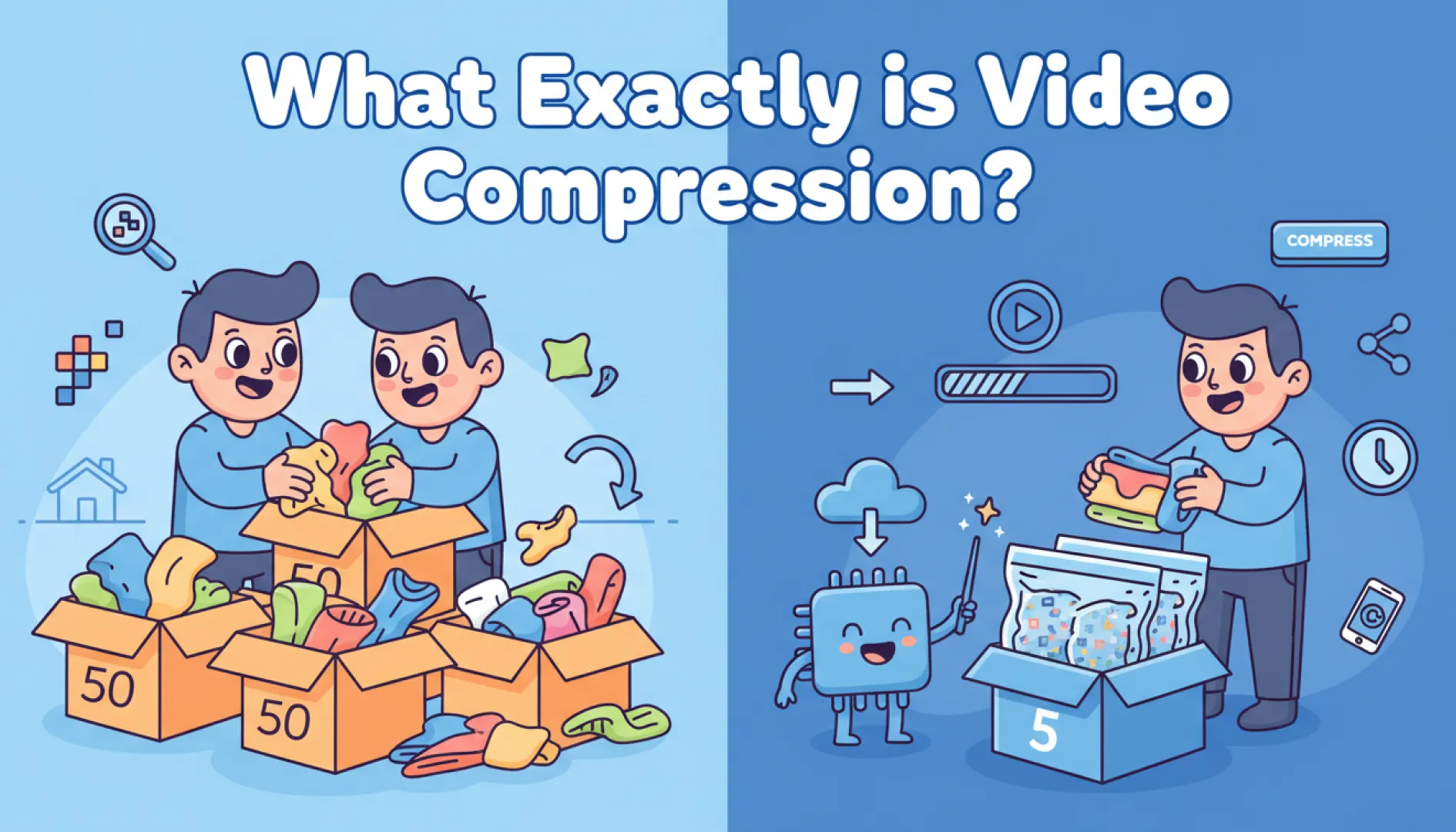
At its heart, video compression is the art of "smart packing." Imagine you are moving houses. You could throw all your clothes into boxes randomly, which would take up 50 boxes. Or, you could fold them perfectly and use vacuum-seal bags to fit everything into 5 boxes.
A video compressor does the same with your pixels. It looks for "redundant" data—parts of the video that don't change much from one frame to the next—and finds a more efficient way to store that information. When you compress video online, the goal is to reduce the file size (the "box") while keeping the visual quality (the "clothes") intact.
The beauty of modern technology is that you no longer need a degree in video engineering to do this. Tools like VideoCompress have democratized the process, allowing anyone to click a button and get a smaller, shareable file in seconds.
How We Shrink Your Footage?
When you start looking at how to make video smaller, you might hear technical terms like "codecs," "bitrate," and "resolution." Here is the simplified breakdown of what happens behind the scenes:
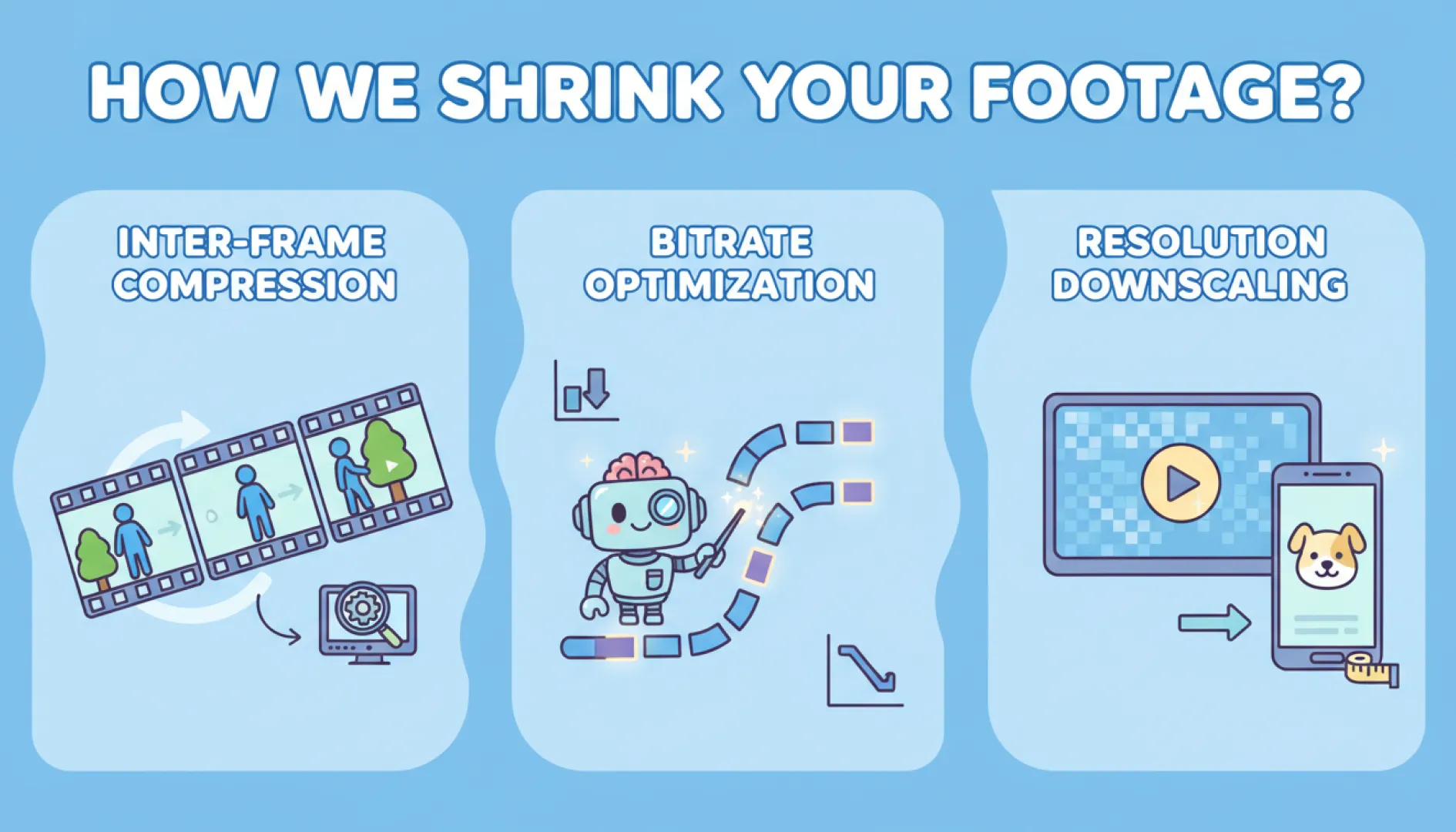
Inter-frame Compression
Most videos consist of 24 to 60 frames per second. Often, the background of a shot doesn't change for several seconds. A smart video compressor only records the changes between frames rather than saving a full image for every single millisecond.
Bitrate Optimization
Bitrate refers to how much data is processed per second. By using AI-driven algorithms, VideoCompress can identify where the bitrate can be lowered without the human eye noticing a drop in quality. This is the secret sauce of high-end video compression, and why a good video compressor matters.
Resolution Downscaling
If you are sending a video to be watched on a mobile phone, it doesn't always need to be in 4K. Shrinking the resolution to 1080p is a highly effective way to make video smaller instantly while maintaining a "Retina-level" clarity on smaller screens.
Top Recommended Video Compressor Tools
When you search for how to make video smaller, you’ll find hundreds of options. To save you time, I’ve tested the most popular ones.
VideoCompress
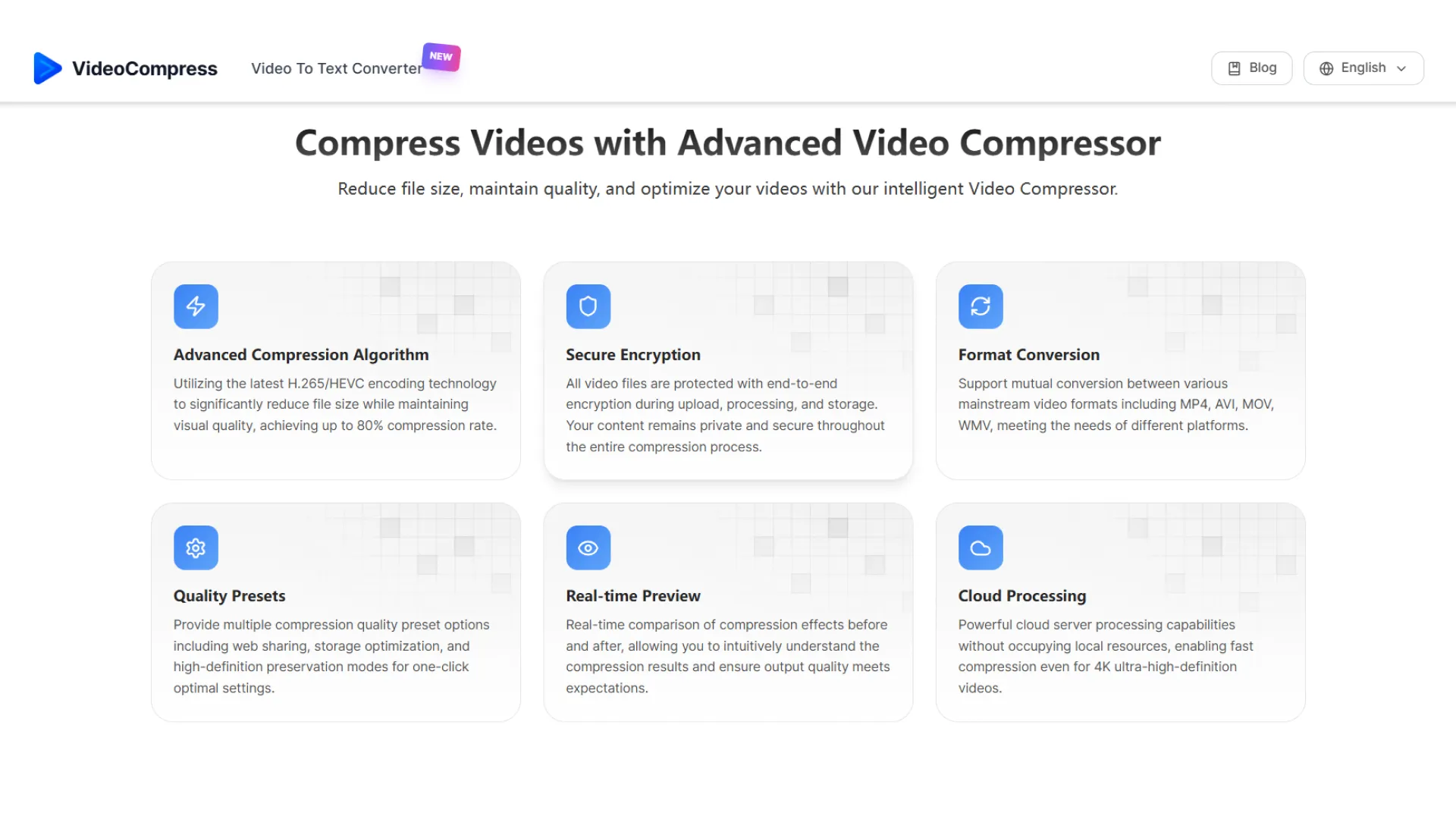
If you want to know how to make video smaller without the headache, VideoCompress is the clear winner.
- Pros: 100% Free, No hidden fees.
- No Watermarks: Your video stays yours, clean and professional.
- No Limits: Compress as many videos as you want.
- Privacy First: Files are processed securely and deleted from servers after a short period.
- Cons: It’s a dedicated compressor, so it doesn't have "fancy" editing features like adding text or filters (but that’s why it’s so fast!).
- Best for: Everyone! From students to marketers who need a fast, reliable video compressor.
Clideo
Clideo is a well-known name in the world of online video editing.
- Pros: Clean interface, supports various formats.
- Cons: The free version adds a watermark to your video. To remove it, you have to pay a monthly subscription.
- Best for: People who don't mind paying for a full suite of editing tools.
VEED
VEED is more of a full-scale video editor that happens to have a compression feature.
- Pros: Very powerful, lots of settings for bitrate and CRF (Constant Rate Factor).
- Cons: It can be overwhelming for beginners. Like Clideo, the free version is quite limited and often leaves a watermark.
- Best for: Professional creators who need to edit and compress in one go.
FreeConvert
This is a "utility" style site that handles almost any file conversion.
- Pros: Highly customizable. You can pick the exact target size you want.
- Cons: The website is cluttered with aggressive ads, and the processing speed can be slow during peak hours.
- Best for: Technical users who want to tweak every single setting.
| Tool | Free to Use | Ease of Use | Best For |
|---|---|---|---|
| VideoCompress ⭐ | ✅ Yes | ✅ Very easy | Fast, everyday video compression for all users |
| Clideo | ⚠️ Limited | ✅ Easy | Casual users looking for a quick, one-off video shrink |
| Veed.io | ❌ Mostly paid | ⚠️ Medium | Content creators, social media managers, and influencers |
| FreeConvert | ⚠️ Limited | ✅ Easy | Power users and technical file conversions |
Step-by-Step: How to Make Video Smaller with VideoCompress
Ready to shrink that file? Follow these simple steps to compress video online in seconds.
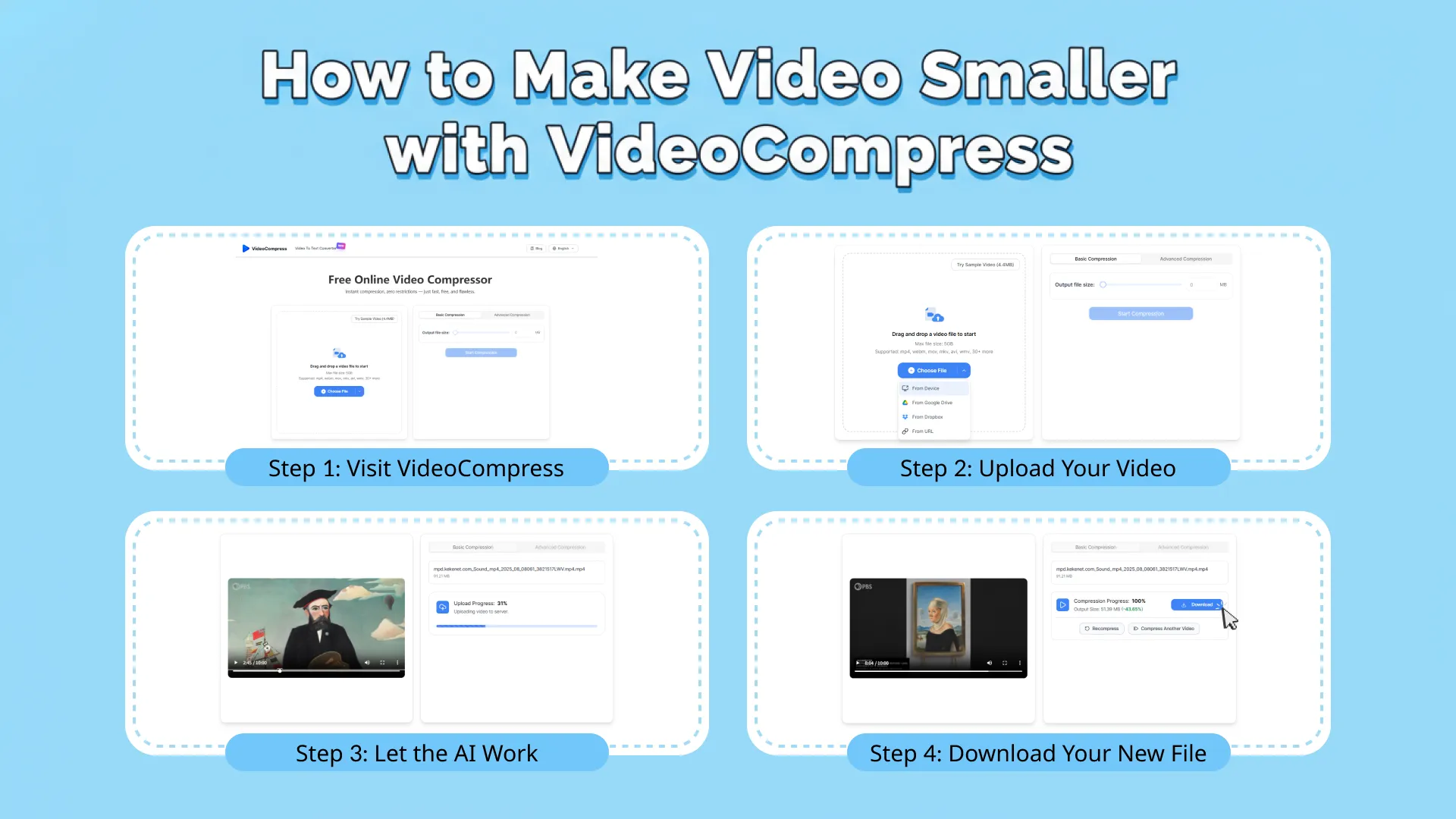
Step 1: Visit VideoCompress
Open your browser and head to the VideoCompress website. The interface is clean and works perfectly on both desktop and mobile.
Step 2: Upload Your Video
Click the "Upload" button or simply drag and drop your MP4, MOV, or AVI file into the box. Whether it’s a heavy 4K drone shot or a long Zoom recording, the video compressor can handle it.
Step 3: Let the AI Work
The best part? You don’t have to be a tech genius. The tool automatically analyzes your video and chooses the best settings to make video smaller while keeping the visual quality sharp.
Step 4: Download Your New File
Once the progress bar finishes, you’ll see exactly how much space you saved. Click "Download," and you’re ready to share your video via email, WhatsApp, or social media!
Why VideoCompress is the Best Choice?
The internet is full of “free” tools that aren’t actually free. Many so-called video compressor tools lure you in with a free upload, only to block the download or ask for your credit card or email address later. VideoCompress was built on a different philosophy: a truly free video compressor that respects both your time and your content.
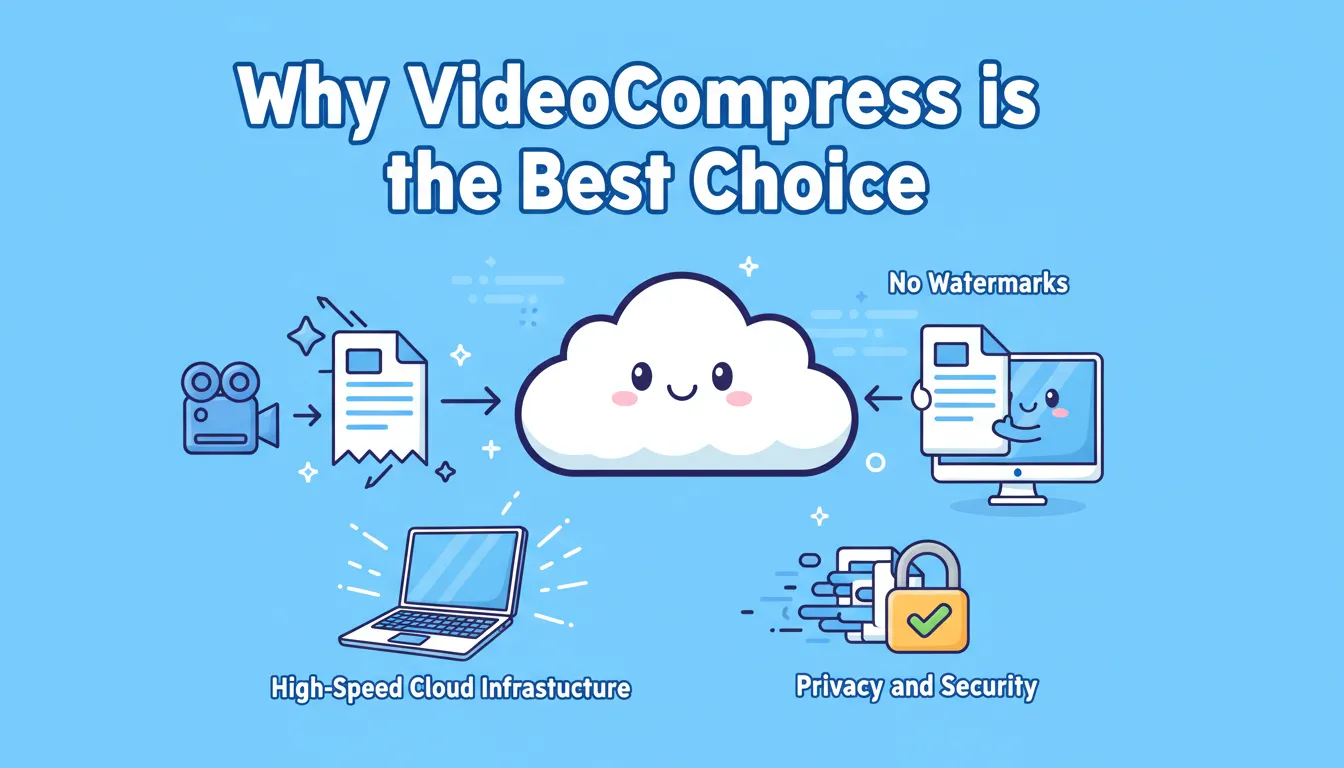
1. No Watermarks
There is nothing worse than finishing a project and seeing a giant "MADE BY [BRAND]" logo across your video. We believe your content should stay yours. When you compress video online with us, the output is clean.
2. High-Speed Cloud Infrastructure
We don’t use your computer’s CPU to do the work. All the heavy lifting is handled by our cloud-based video compressor, powered by high-performance servers. This means you can make video smaller on a $200 Chromebook just as fast as you could on a $3,000 MacBook Pro.
3. Privacy and Security
In an age of data leaks, security matters. Unlike many online video compressor platforms, we don’t store your videos. Once your video compression is complete and you download your file, our system automatically removes the data from our cache to protect your privacy.
Who Benefits from Smaller Videos?

The "Remote Work" Hero
With Zoom and Microsoft Teams dominating the office, many workers need to share screen recordings. A 10-minute "how-to" video can be massive. Using a video compressor ensures you can post that video to the company Slack channel without lagging the entire system.
The Aspiring YouTuber
YouTube's upload algorithms favor files that are optimized. If you upload a raw, uncompressed file, YouTube’s own servers will compress it anyway—often with poor results. By learning how to make video smaller yourself, you take control of the quality.
The Dedicated Student
Submitting assignments to portals like Canvas or Blackboard is a nightmare with large files. Students use VideoCompress as a reliable video compressor to ensure their video essays are under the 50MB limit, ensuring they never miss a deadline due to "Upload Error."
How to Make Video Smaller with Professional Results
If you want to go beyond just using a tool and truly master the art of video compression, follow these expert strategies. These tips will help you get the smallest possible file size while maintaining "Hollywood-level" quality.
Tip 1: Trim Your Footage First
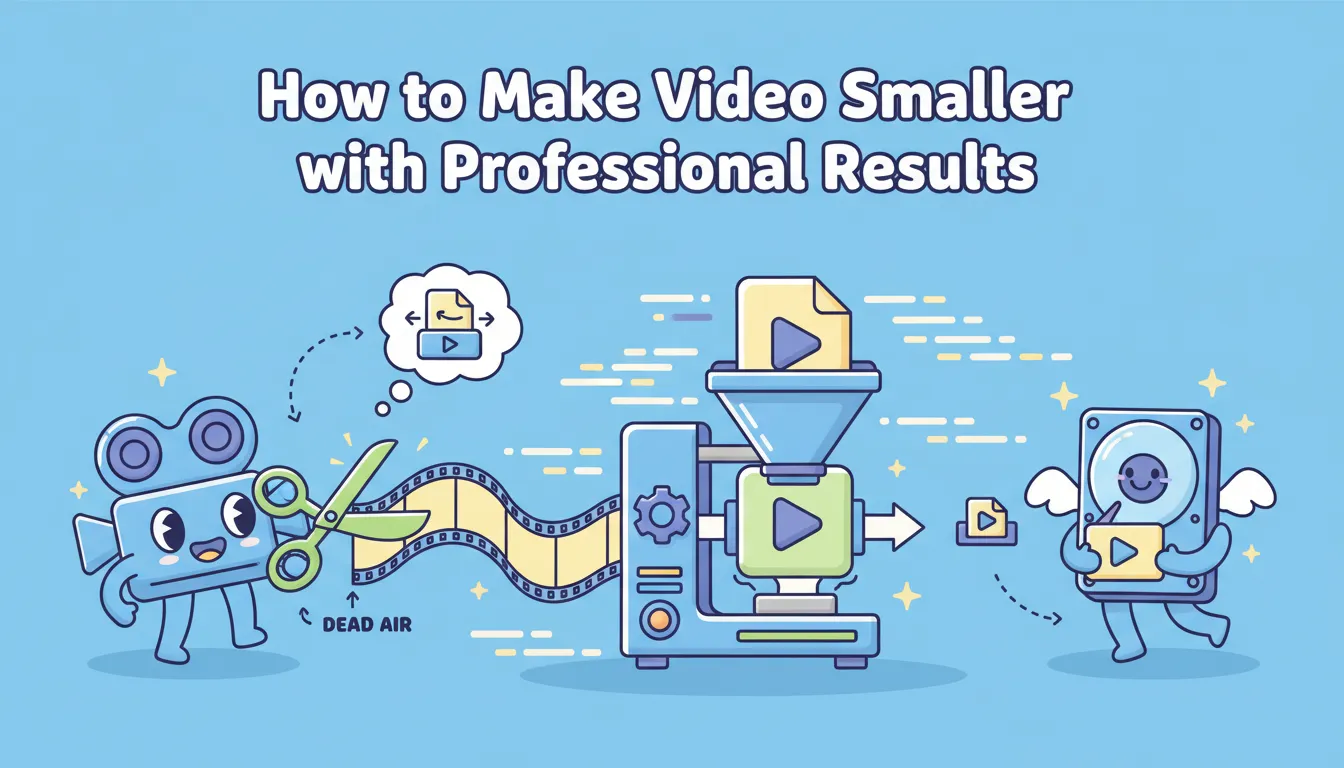
One of the most overlooked ways to make video smaller is simply to remove what you don't need. Most videos have 2-3 seconds of "dead air" at the beginning and end where the creator is reaching for the camera. Cutting just 5 seconds off a high-bitrate video can save 20MB or more before you even use a video compressor.
Tip 2: Understand the Power of Lighting
This sounds like a filming tip, but it’s actually a video compression tip. Digital noise (that "grainy" look in dark videos) is incredibly difficult for a video compressor to handle. The AI sees every grain of noise as a moving object that needs to be tracked. If you film in well-lit environments, your file sizes will naturally be smaller and cleaner after compression.
Tip 3: Choose the Right Export Format
If you have the option, always export your original file as an MP4 using the H.264 or H.265 (HEVC) codec. These are the gold standards for video compression. When you then use an online video compressor tool to make video smaller, the starting point is already optimized, leading to a much better final result.
Tip 4: Consistency is Key
If you are a marketer, try to keep your video settings consistent. If you know you always need to use a video compressor to compress video online for Instagram, set your project to 1080x1350 from the start. This prevents the "stretching" or "letterboxing" that can happen when you change sizes during the compression phase.
Tip 5: Don't "Over-Shrink"
There is a point of diminishing returns even for a high-quality video compressor. If you try to turn a 2GB file into a 2MB file, the laws of physics and math will eventually cause "artifacts" (blocky squares) to appear. For a perfect balance, aim to make video smaller by about 70-80% of its original size.
Breaking Down the Myths of Video Compression
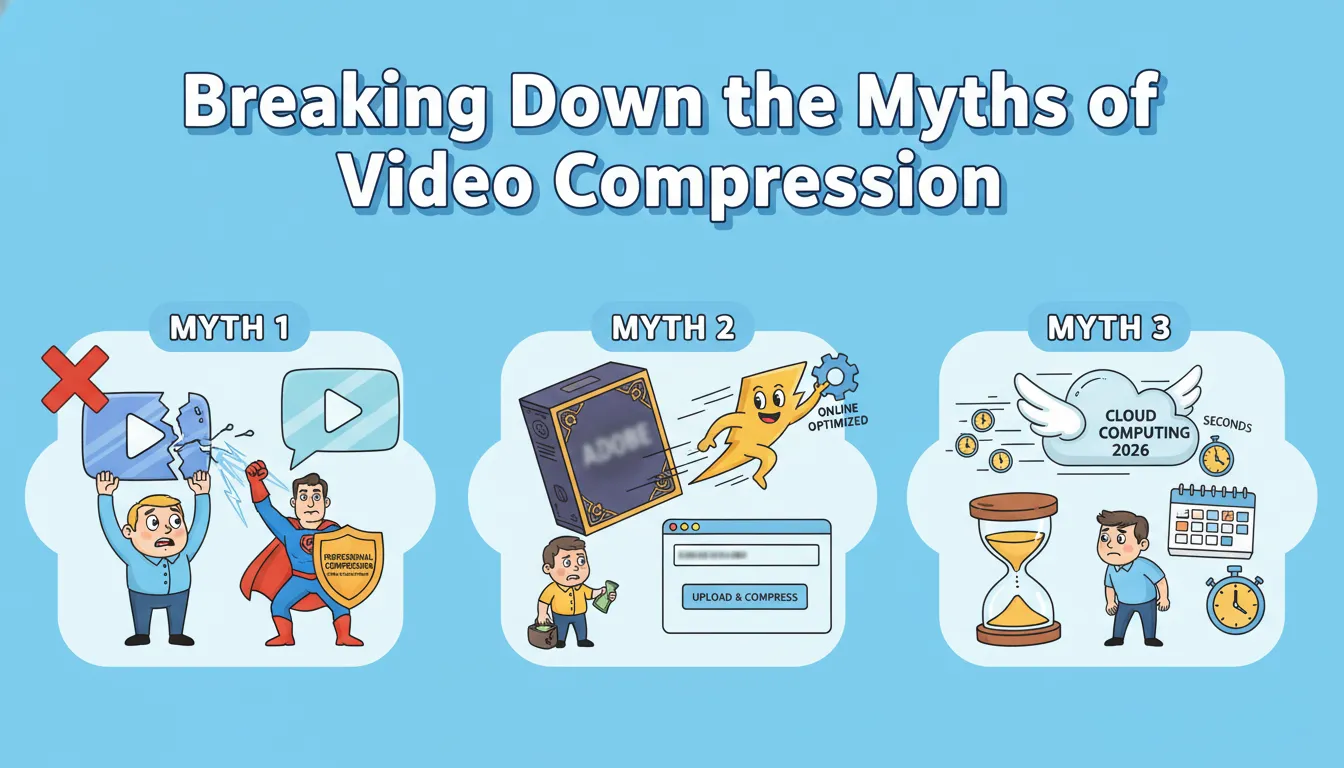
There is a lot of misinformation out there about how to make video smaller. Let's debunk a few:
Myth: Compression always ruins quality.
Professional compression (like what we do at VideoCompress) is "visually lossless." This means that while data is removed, the human eye cannot perceive the difference at normal viewing distances.
Myth: You need expensive software like Adobe.
While Pro software is great for editing, an online video compressor is actually often faster at the specific task of shrinking a file because it is optimized for that one purpose.
Myth: Compressing a video takes hours.
In 2026, thanks to cloud computing, you can compress video online in a fraction of the time it takes to watch the video itself.
Conclusion: Your Journey to Smaller, Smarter Video
The world isn't going to stop making videos, and files aren't going to get any smaller on their own. As we move deeper into this decade, the ability to manage your digital assets is a vital skill. Whether you’re asking how to make video smaller for a school project, a business ad, or just to save some space on your phone, the solution is at your fingertips.
Don't let a "File Too Large" notification stop your creativity. Use a reliable video compressor, follow our pro tips for lighting and trimming, and always choose a tool that respects your privacy and your pocketbook.
VideoCompress makes your digital life easier. No complexity, no cost, no watermarks—just the best video compression experience today.