
Send by Email
Compress Video for Email
Large video files can be difficult to send as attachments. Use our online video compressor to reduce video size and make files easier to send, receive, and manage in email.

Fast online compression with no watermark, flexible settings, and high-quality results.

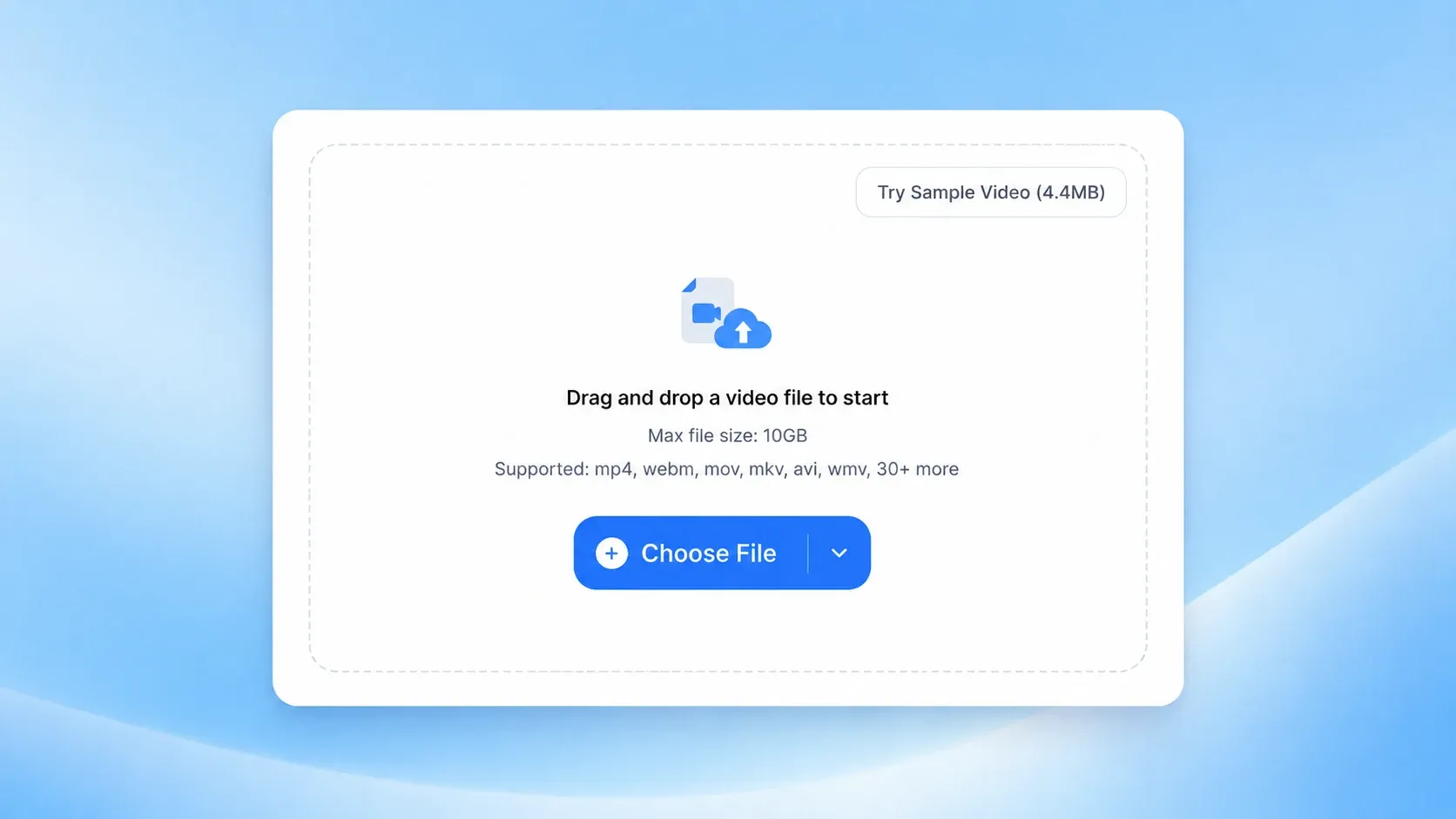
Drag and drop a video file to start
Max file size: 1GB free, up to 10GB with a paid plan
Supported: mp4, webm, mov, mkv, avi, wmv, 30+ more
People use VideoCompress to make videos smaller, simplify sharing, and make everyday video workflows easier.








Compress videos efficiently, maintain quality, and optimize your videos with our intelligent Video Compressor.
Whether you want a quick and simple workflow or more control over output quality, bitrate, and resolution, our video compressor makes the process flexible and easy to use.
Our online video compressor protects your files during upload and processing, helping you compress video more securely. To protect your privacy, uploaded video data is automatically deleted from our servers within 24 hours after compression is complete.
Compress video files in more than 40 formats, including MP4, AVI, MKV, and many more. Our video compressor makes it easy to compress almost any video file for sharing, storage, and faster uploads.
Compress videos quickly online without complicated steps. From large uploads to smaller, share-ready files, VideoCompress helps you save time while keeping the process simple and efficient.
Make video compression simple with an intuitive workflow that helps you compress video in just a few clicks. The tool is built for speed, ease of use, and a smooth experience from upload to download.
Compress video online with secure cloud processing, no downloads, and no heavy load on your device. Our online video compressor makes it easy to make videos smaller quickly in your browser.
Make large videos smaller in three simple steps with an easy online workflow.
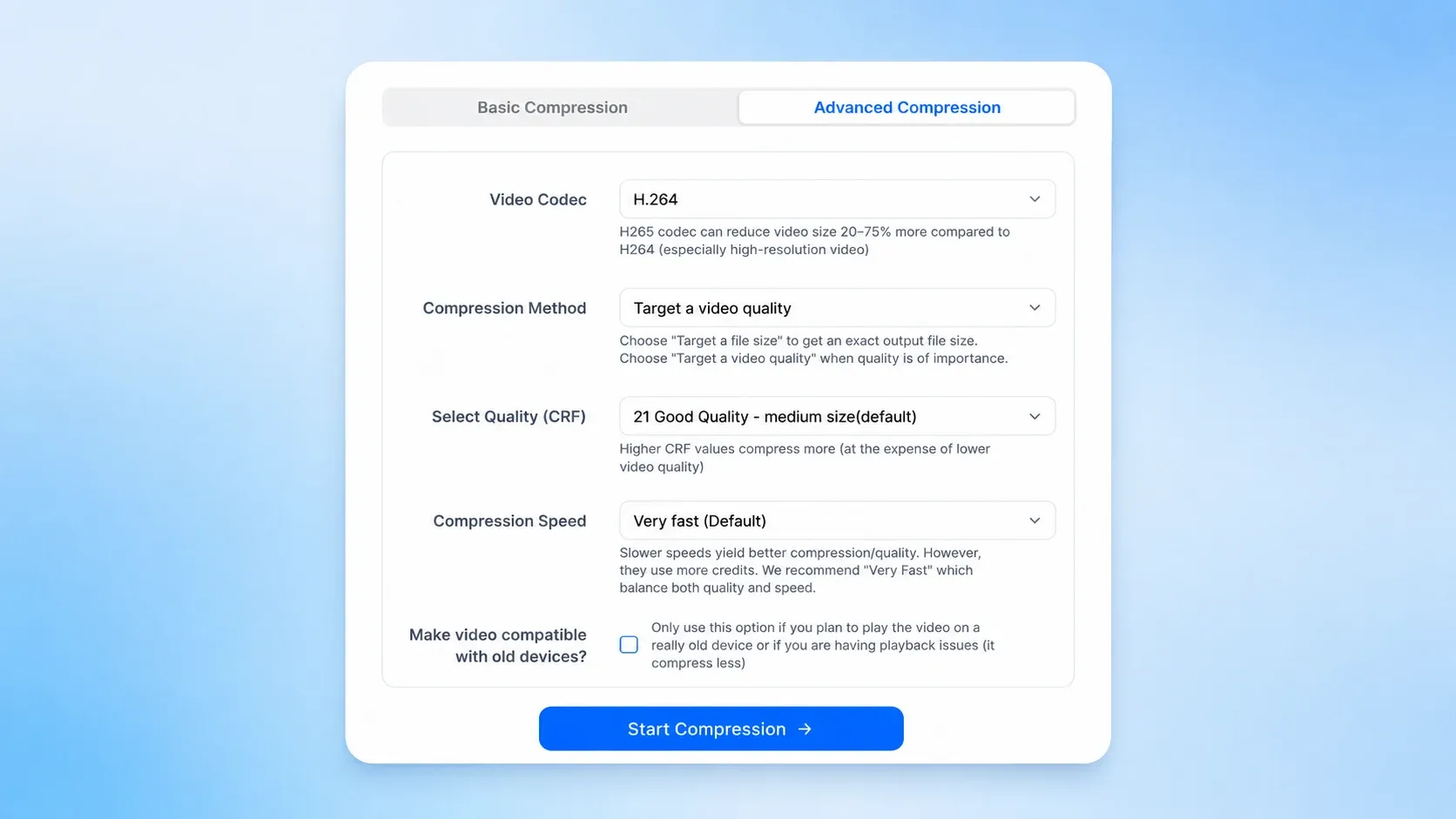
Set a target size or use advanced settings for the right balance between quality and compression.
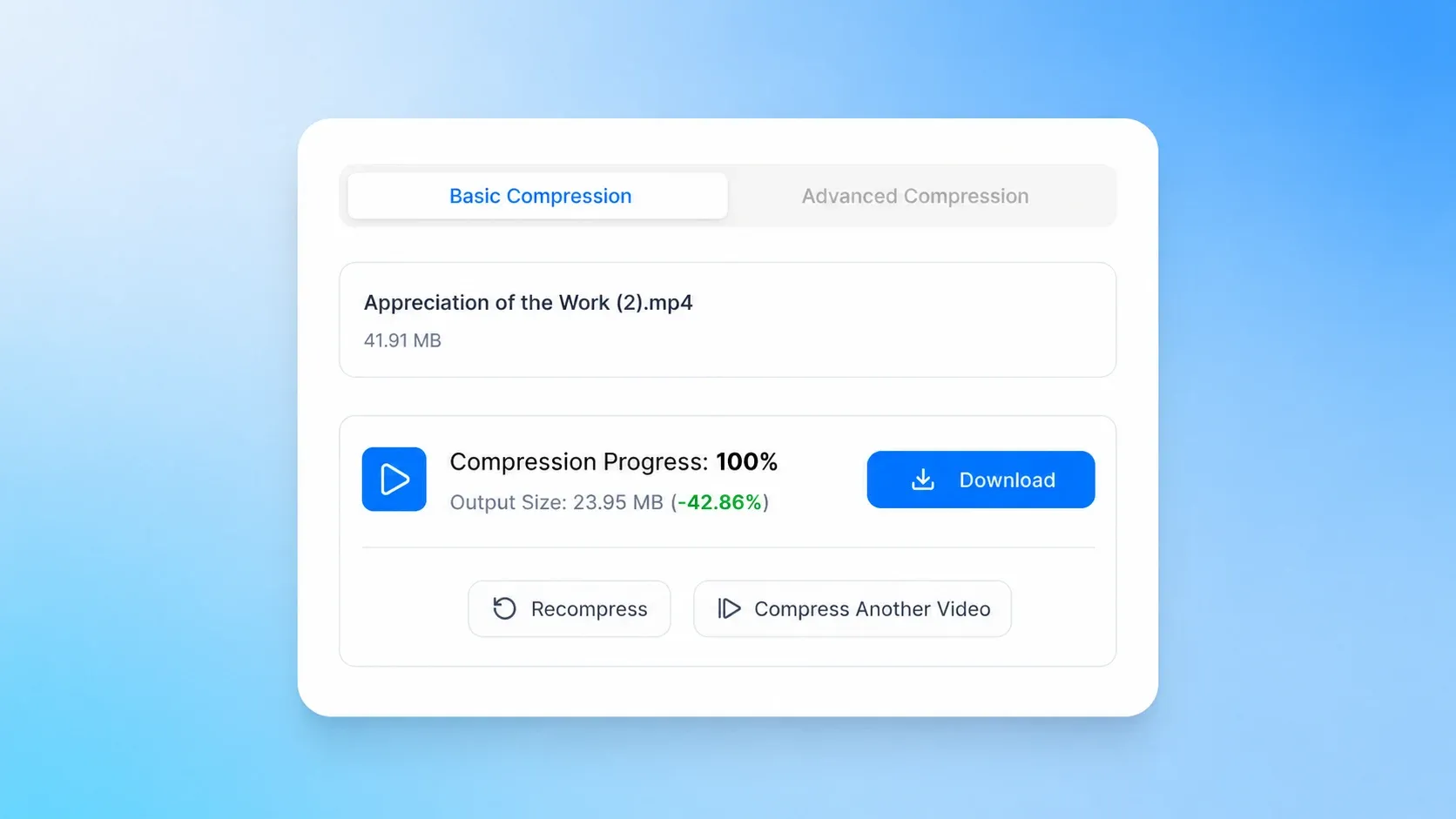
After compression is finished, download the file instantly and use it right away. The final file is easier to handle, simpler to share, and more practical for everyday workflows.
Make videos easier to share, store, and manage in everyday workflows.
Send by Email
Large video files can be difficult to send as attachments. Use our online video compressor to reduce video size and make files easier to send, receive, and manage in email.
Upload to Discord
Discord has strict upload limits, especially for non-Nitro users, who can only upload files up to 10MB. Use video compressor to compress video to 10MB for Discord and make uploads easier in chats, communities, and team spaces.

Free Up Storage
Large video files can quickly take up room on your device or in cloud storage. Compressing videos helps free up space, keep your library organized, and make everyday storage easier across desktop and mobile devices.

From large 4K files to daily social media content, users trust VideoCompress to compress video quickly and easily.

Alex Rivera
CTO at InnovateTech

Samantha Lee
Marketing Director at NextGen Solutions

Raj Patel
Founder & CEO at StartUp Grid

Emily Chen
Product Manager at Digital Wave

Michael Brown
Data Scientist at FinTech Innovations

Linda Wu
VP of Operations at LogiChain Solutions

Carlos Gomez
Head of R&D at EcoInnovate

Aisha Khan
Chief Marketing Officer at Fashion Forward
Turn large video files into smaller, more practical files in just a few steps.
Trusted by over 200,000 users, our online video compressor helps you make large videos more manageable for everyday use. No watermark, no complicated steps, just fast and simple video compression.
Compress Video NowEverything you need to know about compressing videos online with VideoCompress — fast, simple, and high-quality.