Download for macOS
Choose the installer that matches your Mac chip.
An all-in-one solution for audio and video processing that runs entirely on your device—no need to wait for cloud uploads. Compress multiple files in one click and automatically queue tasks for faster, easier processing.
Choose the installer that matches your Mac chip.
Most Windows PCs should use the x64 installer.
Compress, convert, edit, and manage video and audio tasks from one clear workspace.
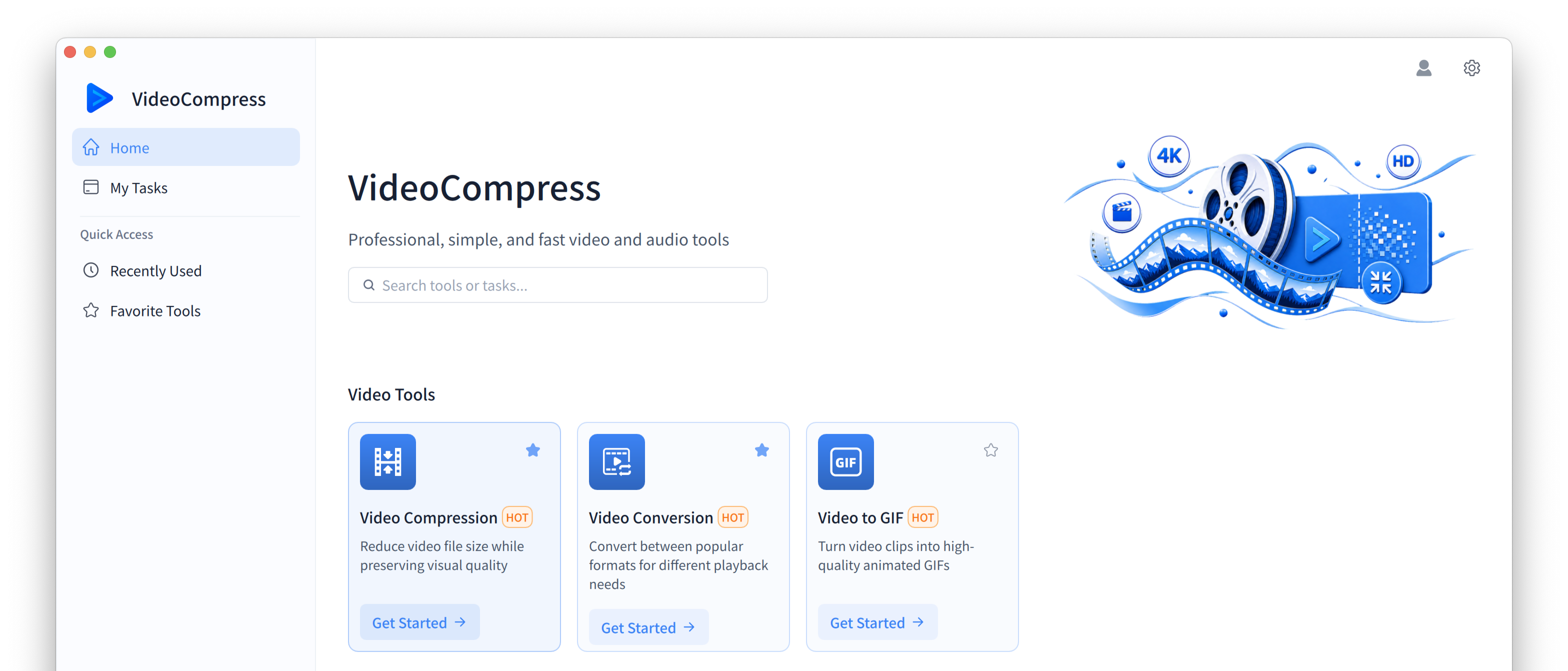
Powerful local processing with no cloud uploads.
Read files directly from your device, skip upload and download waits, and use CPU and GPU acceleration for demanding tasks.
Keep processing without an internet connection, so slow networks, outages, and server congestion never interrupt active work.
Process large files and long recordings without file-size restrictions on paid plans.
Your files never upload to a server. Sensitive content and personal data stay on your device.
Add multiple files at once, apply shared settings, and let the app queue each task automatically.
Fine-tune format, bitrate, resolution, frame rate, and other parameters to balance size and quality.
An illustrative comparison based on processing a 100 MB media file.
| Comparison | Web | Desktop App |
|---|---|---|
| Time & Workflow | ||
| Upload Time | About 1 minute | 0 seconds |
| Multiple Files | One file at a time | Batch compression |
| Compression Time | About 30 seconds | About 5–10 seconds |
| File Download | About 30 seconds | About 0–5 seconds |
| Limits, Privacy & Access | ||
| File Size Limit | Up to 10GB | No limit |
| File History | Deleted within 24 hours | Stored on your device and accessible anytime |
| Network Requirement | Stable internet connection | Works offline |
Actual times vary by device, file, network connection, and selected settings.
Install once and handle common video and audio tasks in the same desktop app.
Reduce file size while preserving visual quality.
Convert between popular playback formats.
Turn video clips into animated GIFs.
Record audio directly from your microphone.
Trim audio clips and keep the best parts.
Extract an audio track from any video.
Add smooth transitions to audio.
Adjust playback speed while preserving clarity.
Reduce audio file size without losing clarity.
Reverse a track for creative effects.
A snapshot of real processing data from VideoCompress.
Everything you need to know before installing VideoCompress.
Download VideoCompress to compress files directly on your device—no upload wait.